
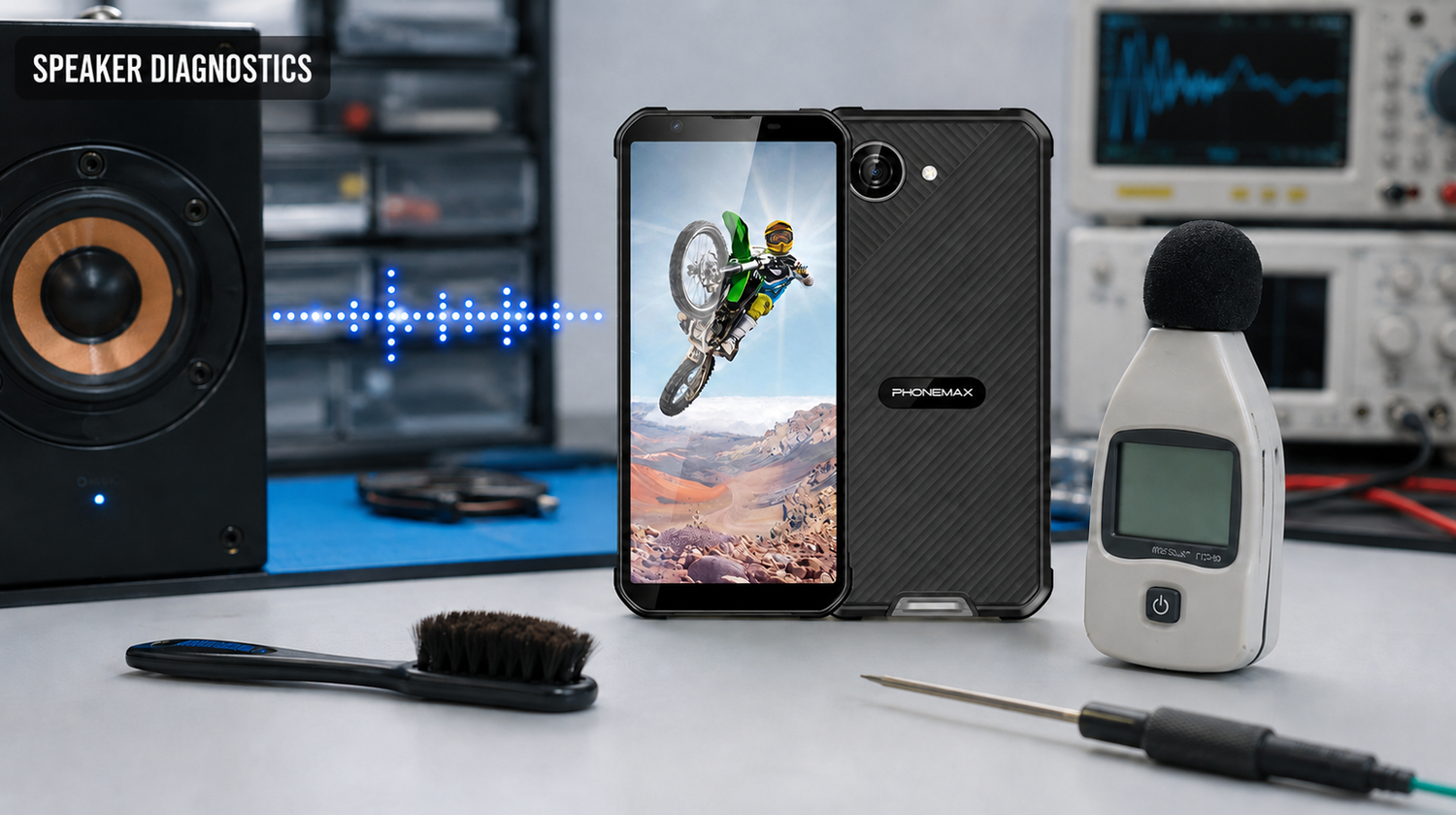
A rugged-phone speaker likely needs repair when distortion, crackling or severe volume loss persists with Bluetooth disconnected, volume and sound modes checked, the device fully dry, the same test file tried across apps, and downloaded apps isolated. Damage after impact, liquid intrusion or enclosure separation should be inspected rather than repeatedly tested.
Identify which audio path failed
| Test | Interpretation | Next step |
|---|---|---|
| Ringtone and alarm | Tests system alert path | Check mode and alert volume |
| Call earpiece | Separates earpiece from loudspeaker | Compare speakerphone |
| Local audio file | Removes streaming and network variables | Compare two media apps |
| Bluetooth off | Eliminates external routing | Reconnect only after phone test |
| Voice recording playback | Checks microphone plus playback path | Use known-good recording too |
| Safe mode | Temporarily disables downloaded apps | Remove suspect app if resolved |
A controlled speaker diagnosis
- Move to a quiet room and note the symptom: quiet, distorted, intermittent or silent.
- Disconnect wired and Bluetooth audio. Disable silent and Do Not Disturb modes.
- Play the same local test file at 25%, 50% and 75% volume. Do not use maximum volume for long periods.
- Compare ringtone, media, speakerphone and earpiece paths.
- If the phone has been wet, stop charging and allow it to dry. Never heat it aggressively or insert a tool into the grille.
- Restart and, where supported, compare safe mode. Google explains that safe mode helps identify downloaded-app causes.
X5 version differences matter
The current Phonemax X5 page states that the T615 Full-Band variants include a “large speaker,” while the G81 Europe/Asia version uses a standard speaker. That is a hardware distinction, not a published loudness measurement. The page does not state decibel output, distortion, water-ejection behavior or a speaker warranty threshold.
Record the exact variant, audio file, volume step and environment before service. Repair is appropriate when the failure repeats across audio paths and software states, or when physical damage, overheating or enclosure separation is present. For moisture near ports, follow the separate USB-C dirt and water guide.
Frequently asked questions
Can dust or water temporarily reduce speaker volume?
Yes. A blocked or wet acoustic path can sound quiet or distorted. Stop charging a wet device and let it dry according to manufacturer guidance.
Should I insert a pin into the speaker grille?
No. Sharp tools can damage the mesh, coating or speaker. Use only manufacturer-approved cleaning methods.
Why does sound work through Bluetooth but not the phone?
Audio may be routed to the Bluetooth device, or the built-in speaker path may have a fault. Disconnect Bluetooth and repeat the same test file.
Is a factory reset the first step?
No. Test volume, modes, routing, apps, restart and safe mode first. Back up data before any reset.
Sources and verification links
Editorial method
Prepared by the Phonemax Editorial Team on 22 August 2026. We checked the current product listing, separated published specifications from field-test requirements, and linked primary sources beside the claims they support. To request a correction, contact Phonemax through the official website.

Jätä kommentti
Kaikki kommentit moderoidaan ennen julkaisemista.
Tämä sivu on suojattu hCaptcha-tunnistuksella, ja hCaptchan tietosuojakäytäntöjä ja käyttöehtoja sovelletaan.