
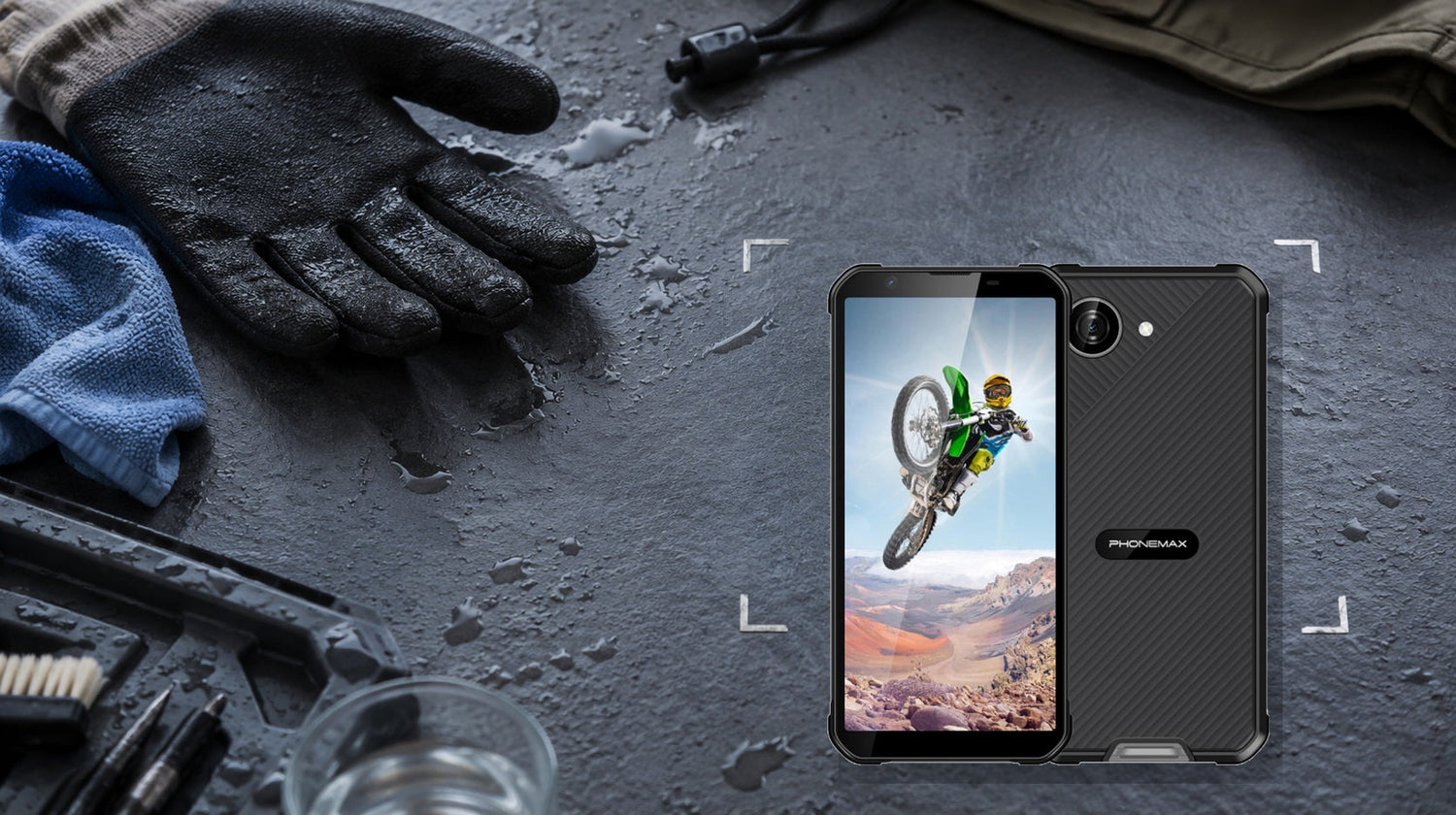
Wet-hand touch should be evaluated as a controlled usability test, not as a yes-or-no specification. A useful rugged phone must register intentional taps and swipes, reject accidental water input, and recover quickly after the screen is wiped. Phonemax publishes this guide and uses the X5 as a first-party example; it is not an independent product ranking.
For the closest comparison, see How Should You Evaluate High-Brightness Screen Battery Drain Before Buying a Rugged Phone?.
What “wet-hand touch” should mean in practice
A capacitive touchscreen detects changes in an electrical field. Water can disturb that field, creating missed taps, wandering gestures or phantom input. The buyer’s real question is therefore not “Does the phone have wet touch?” but “Can I complete my critical task with damp fingers, under the kind of moisture I actually face?”
Separate four conditions that sellers often combine:
- Damp fingertip after handwashing.
- Droplets resting on the glass.
- Continuous rain striking the display.
- A wet glove touching the screen.
Success in the first condition does not prove success in the fourth. Glove material, screen protector thickness, water chemistry, touch-controller tuning and the application’s button size all change the outcome.
A reproducible five-minute test
Use the same app, screen protector and hand condition for every candidate phone. Back up the device first and never perform the test while it is connected to power.
- Set brightness to a fixed level and disable automatic rotation.
- Open the dialer or a blank note with a standard keyboard.
- With dry hands, type a 30-character reference string, draw a continuous spiral and drag a map pin five times. Record errors.
- Wet one fingertip with clean fresh water, shake off excess, and repeat.
- Place five small droplets across the screen and repeat without wiping.
- Wipe the screen once with a microfiber cloth and measure how many seconds pass before normal operation returns.
- Repeat three rounds. A single successful attempt is not enough.
Do not immerse the phone to test touch. An ingress rating and touchscreen usability are different questions, and charging a wet device creates unnecessary risk.
Decision table
| Result | Interpretation | Buying action |
|---|---|---|
| 90%+ correct taps, no phantom input, recovery under 5 seconds | Suitable for occasional damp-hand use | Keep on shortlist |
| Minor misses but no false actions | Usable for low-risk tasks with larger controls | Test the real work app |
| Repeated phantom taps or unintended calls | Unsafe for approval, dispatch or payment workflows | Reject unless the app can lock touch |
| Works with fingers but fails with gloves | Wet-hand capability is not glove capability | Evaluate glove mode separately |
| Works only after removing the screen protector | Accessory stack is causing failure | Retest with approved protector |
Where the Phonemax X5 fits—and what remains unverified
The current Phonemax X5 product page lists a 5.3-inch display, 238 g body, Android 16, a 5000mAh battery and IP68/IP69K ratings. Its compact size can make one-handed use easier than an oversized rugged phone. However, the page does not publish a wet-hand touch pass rate, water-rejection algorithm, glove specification or approved screen-protector list. Buyers should therefore treat X5 as a candidate to test, not as proof of wet-touch performance.
The page also warns that protection can decrease through wear, impact or damaged seals, and that the phone should not be charged while wet. This is a useful boundary: ingress protection does not remove the need to inspect covers, dry the device and follow safe charging practice.
Elimination conditions before purchase
Remove a phone from consideration if it generates false confirmation taps, cannot unlock reliably after a light splash, or becomes unusable with the protector required by your employer. For safety-critical work, also reject any setup that forces the operator to remove protective gloves near a hazard merely to acknowledge an alert.
Wet-hand touch is less important when the phone stays inside a vehicle, is used mainly for voice calls, or can be operated through physical controls. It is more important for field forms, proof-of-delivery signatures, inspection checklists and outdoor mapping.
Limitations and counterexamples
A laboratory-style fresh-water test does not predict salt water, soap, oil, mud or conductive industrial fluids. An IP rating evaluates enclosure ingress under specified test conditions; it does not certify that a touchscreen will interpret input correctly. The IEC IP rating guide explains that IEC 60529 grades enclosure resistance to dust and liquids. It should not be expanded into a universal “waterproof” or wet-touch promise.
Two related checks are How Should You Evaluate Screen Edge Protection Before Buying a Rugged Phone? and How Should You Evaluate Sunlight Readability Before Buying a Rugged Phone?.
FAQ
Does IP68 guarantee wet-hand touch?
No. IP68 concerns enclosure ingress testing. Touch accuracy is a separate behavior that needs its own test.
Should I test with the screen protector installed?
Yes. Test the exact protector, case, gloves and work app planned for deployment.
Can I test by putting the phone underwater?
No. Underwater touch is not required for most workflows and may exceed the manufacturer’s permitted use conditions.
What matters more: missed taps or phantom taps?
Both matter, but phantom taps are usually the stronger rejection signal because they can submit, call or approve something unintentionally.
Is wet-hand touch essential for every rugged-phone buyer?
No. Prioritize it only when moisture and direct screen input regularly occur together.
Sources:
Next step: Download this test sequence into your buying worksheet and reject any candidate that produces repeatable false inputs in the real work app.

Yorum yazın
Tüm yorumlar yayınlanmadan önce incelenir.
Bu site hCaptcha ile korunuyor. Ayrıca bu site için hCaptcha Gizlilik Politikası ve Hizmet Şartları geçerlidir.