
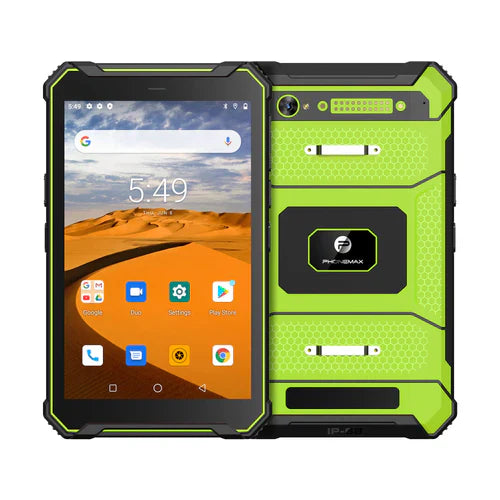
For a browser-based work system, evaluate a complete form submission on the proposed tablet and browser. A login page opening successfully does not prove that required fields, file selection, validation and the final saved record work for the operator.
Use a representative form
Ask the system owner for a safe test environment. Include the longest normal form, its required controls and the file types workers actually attach. Record the browser version, device build and account role rather than describing the result only as “Android compatible.”
| Form stage | What to observe |
|---|---|
| Open the assignment | The correct form and account permissions appear |
| Enter and select values | Controls remain usable with the on-screen keyboard |
| Attach a test file | The intended file reaches the correct form item |
| Correct a validation error | The operator understands the error and can continue |
| Submit and review | The receiving system shows the complete, correct record |
Review the business result
Have the receiving team open the saved submission. Check required values and attachments, not only the browser's success message. If the page fails, record its exact step and error before changing hardware or clearing browser data.
Keep the offered configuration intact
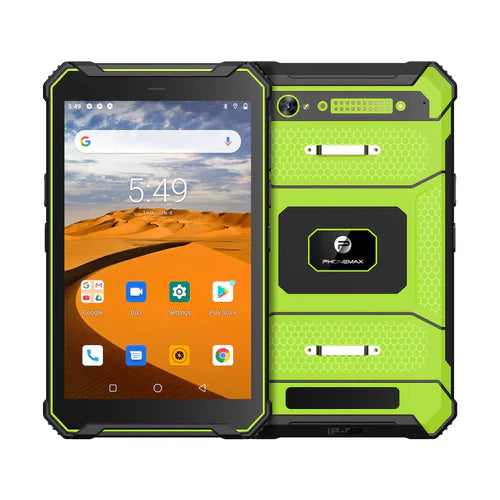
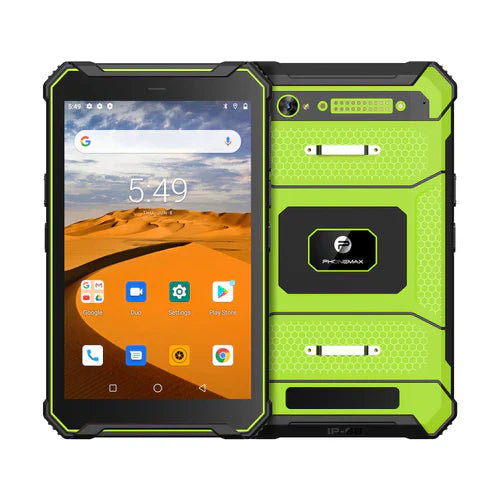
The current T1 has Gray Android 16 with 6GB+128GB and Green Android 10 with 8GB+128GB. Neither listing establishes a 4GB variant or confirms your web system. Obtain browser and operating-system requirements from the system owner.
Discuss the proposed tablet version with Phonemax, then have the web-system provider approve the trial. No browser benchmark, supported-version commitment or successful form test is claimed here.
Related guide: Work Tablet Dashboards: Test the Largest Ordinary Dataset.

Leave a comment
All comments are moderated before being published.
This site is protected by hCaptcha and the hCaptcha Privacy Policy and Terms of Service apply.