
A report exported from a work tablet should remain identifiable after it leaves the application. Agree how the recipient distinguishes the job, revision and output type without relying on the sender's memory or a generic “report.pdf” filename.
Choose the identifying information with the record owner
| Export reference | Question to settle |
|---|---|
| Job identifier | Which stable reference connects the file to the business record? |
| Revision | How will a corrected export be distinguished? |
| Output type | Is this a final report, draft, attachment pack or another deliverable? |
| Recipient context | What must the receiving team see to file it correctly? |
| Privacy | Which identifying details should stay inside the authorized record? |
Rehearse an ordinary correction
Export a harmless test report, make an approved correction and export again. Have the receiving team distinguish the intended current version and link it to the correct job. Check whether the app overwrites a file, creates another copy or asks for a destination; retain the actual observation.
Separate file identity from file content
A useful name does not prove that the exported pages and attachments are complete. Open the output and compare it with the intended record. Have the system owner define how earlier versions are retained or replaced.
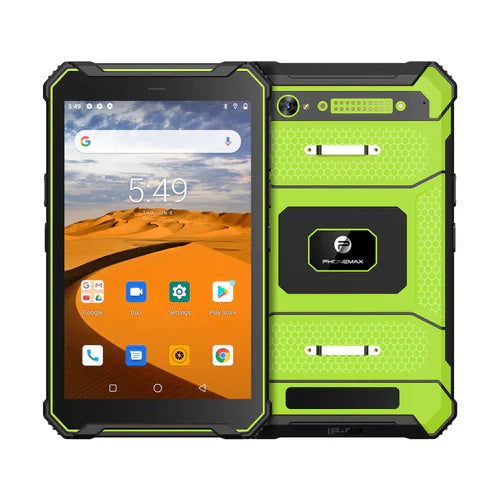
The current T1 configurations include different Android and RAM versions. Record the evaluated build and export application. Neither the family name nor an older Android 12 headline establishes export behavior.
Ask Phonemax about the required device configuration. This guide proposes an export-identification check; it does not establish document-management compliance, file integrity or a particular application's naming capability.
Related guide: Tablet Document Capture: Review Small Text and Complete Pages.


Leave a comment
All comments are moderated before being published.
This site is protected by hCaptcha and the hCaptcha Privacy Policy and Terms of Service apply.