
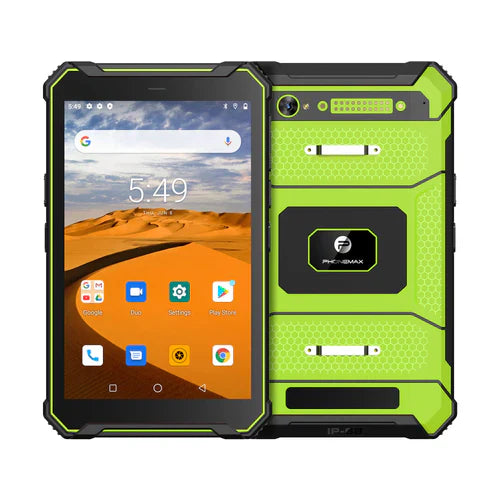
Review the required app screens in the orientation that the proposed mount will actually allow. A screen rotating on a handheld sample does not establish that maps, forms, keyboards and confirmation controls remain usable in the installed arrangement.
List the screens that must work
| Screen or action | What to review |
|---|---|
| Main work view | Required content remains visible in the intended orientation |
| Details or instructions | The operator can reach the needed information |
| Data entry | The keyboard does not prevent completion of required fields |
| Confirmation | The intended action is readable and accessible |
| Permitted orientation change | The app returns to the expected task state |
Keep the trial within the approved installation
Have the installer identify permitted mounting positions and any access restrictions. Use a safely stationary vehicle for manual interaction checks. Do not move a bracket or cable in a working vehicle merely to make a demonstration fit.
Ask the app owner about layout behavior
Record the app version, device build, display settings and orientation used. If a view is fixed or behaves differently after rotation, ask the software provider what it supports. A newer Android version does not by itself settle the application's layout.
The N1 listing asks buyers to confirm the app, mount and power arrangement. It does not approve every orientation or vehicle installation. Review the T1 separately for general field-work requirements.
Discuss the exact device and proposed accessories with Phonemax. This is a usability review, not a verified rotation function, mount-fit result or automotive approval.
Related guide: Vehicle Tablet Audio: Test the Installed Listening Setup.


Leave a comment
All comments are moderated before being published.
This site is protected by hCaptcha and the hCaptcha Privacy Policy and Terms of Service apply.