
Before requesting an Android 12 rugged tablet, establish whether Android 12 is mandatory or simply the last version your team tested. Those are different purchasing requirements. Ask the application owner for the exact supported OS range, app release and reason for any restriction before selecting hardware.
Turn a version request into a decision
| Reason given | Evidence to request | Next decision |
|---|---|---|
| Vendor supports only Android 12 | Written support statement for the deployed app release | Ask whether a supported newer release is available |
| Internal testing stopped at Android 12 | Test record and unresolved failures | Schedule a controlled evaluation on the proposed build |
| Customer contract names Android 12 | The applicable clause and approval owner | Obtain a formal decision before changing the requirement |
Keep current products separate from a legacy request
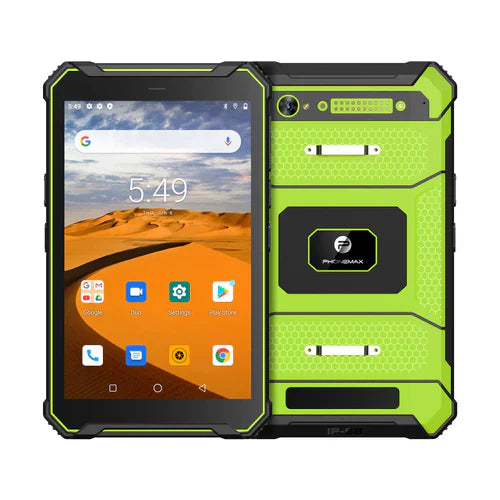
The current Phonemax T1 listing specifies Gray with Android 16, 6GB RAM and 128GB storage, and Green with Android 10, 8GB RAM and 128GB storage. Neither is listed as Android 12. Do not order either version expecting an undocumented Android 12 image or assume that an OS downgrade is available.
If Android 12 remains compulsory, send the application support evidence and intended quantity through OEM/ODM enquiries. A request requires feasibility review; it does not establish availability, licensing or a support lifetime.
What should the approval record say?
Name the accepted device configuration, system build, app release and approving person. Separate a successful pilot from an app vendor's ongoing support commitment. This article is a purchasing method, not evidence that a particular app works on any T1 version.
Use the related app acceptance matrix when planning evaluation, and contact Phonemax with the written requirement.


Leave a comment
All comments are moderated before being published.
This site is protected by hCaptcha and the hCaptcha Privacy Policy and Terms of Service apply.