
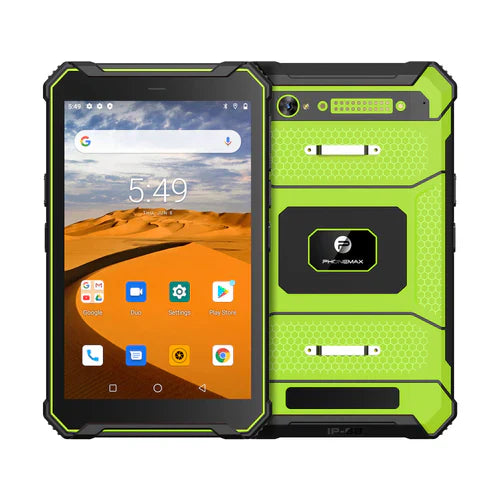
A request for Bluetooth 5.0 should identify the accessory and the functions the work app needs. The current T1 product information used for this guide does not confirm Bluetooth 5.0, so that version should remain an unverified requirement until documented.
Test one complete accessory workflow
Record the accessory model, firmware, required connection method and app version. Ask both suppliers to confirm the intended combination rather than accepting a general statement that each device supports Bluetooth.
- Confirm the exact tablet's Bluetooth specification and the accessory's required functions.
- Pair through the supported setup process and complete a real transaction.
- Check reconnection after sleep, app restart and an approved loss-of-range trial.
- Repeat with the accessories and nearby equipment expected at the work site.
Make the acceptance result reproducible
Keep the pairing steps, failure observations and final settings with the deployment record. If workers share tablets, verify how an accessory is assigned and how the next user starts a shift. The current Phonemax T1 page provides the product starting point; request written confirmation for the required wireless configuration. A successful trial with one accessory should not be extended into a claim that every printer, headset or scanner will work.


Leave a comment
All comments are moderated before being published.
This site is protected by hCaptcha and the hCaptcha Privacy Policy and Terms of Service apply.