
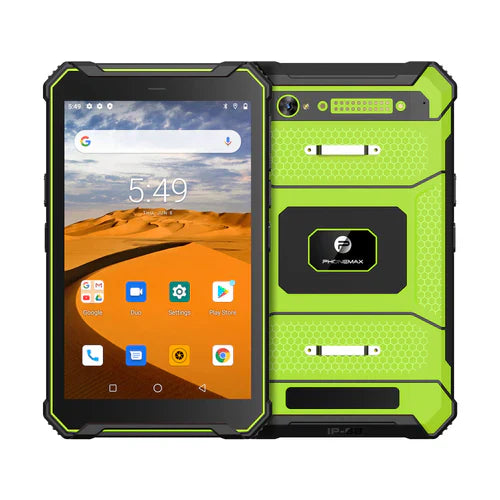
A vehicle-mounted barcode workflow needs a confirmed scanner configuration plus an approved mounting and power arrangement. The current T1 is listed without a Honeywell barcode scanner, so mounting it in a vehicle does not create an integrated scanner configuration.
Evaluate the stationary work task
Describe where the vehicle is safely parked for scanning, which labels the worker handles and how the tablet must be reached. Have the responsible vehicle or equipment specialist approve the mount and power installation for the intended use.
- Confirm whether scanning uses a dedicated integrated engine, an approved accessory or an evaluated camera workflow.
- Check screen visibility, trigger access and cable routing with the approved mounting position.
- Verify that the production app records the correct item and handles interrupted submissions.
- Review shift-start pairing, charging arrangements and accessory storage.
Approve the whole installation
Use the current T1 information and request the correct T1 Pro configuration if a dedicated scanner is required. Confirm mounting hardware and electrical compatibility independently; no vehicle data integration is established by this guide. Retain the approved installation details and a stationary task trial before rollout. Scanning and tablet interaction should take place only under the organization's safe operating procedure, without distracting the vehicle operator.


Leave a comment
All comments are moderated before being published.
This site is protected by hCaptcha and the hCaptcha Privacy Policy and Terms of Service apply.