
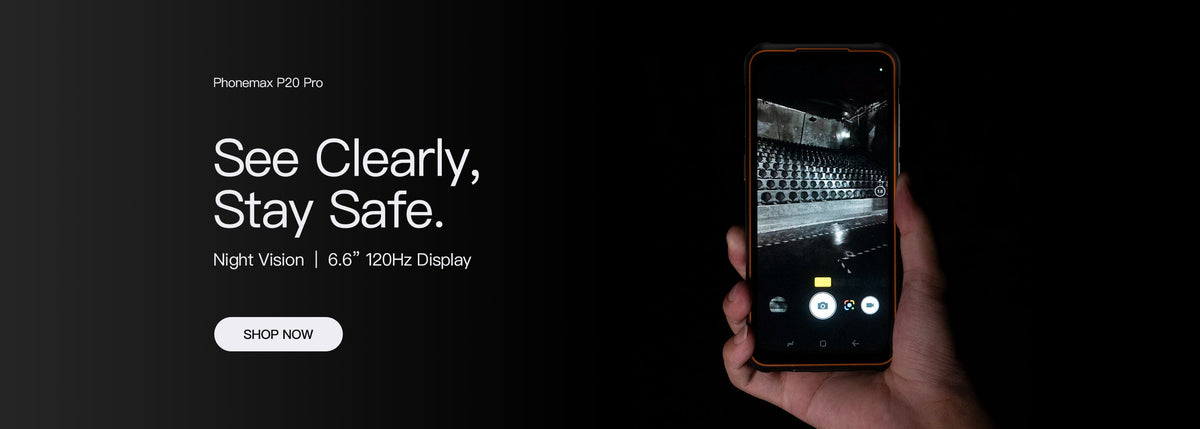
After a rugged phone is repaired, ask what was replaced and what checks support its return to the intended environment. The original product description does not explain the condition of an individual repaired unit. A working display and a closed housing are useful observations, but they are not a new ingress test result.
Keep a repair record tied to the device
| Record | Question to resolve |
|---|---|
| Unit identifier | Which phone was serviced? |
| Reported fault | What symptom prompted the repair? |
| Work performed | Which parts or assemblies were changed? |
| Checks completed | What functions or protection checks were actually performed? |
| Return instructions | Are any conditions or follow-up steps specified? |
Distinguish model evidence from service evidence
A qualification document identifies a tested configuration. A repair record identifies work on a unit. Ask the service provider how the replacement parts and assembly relate to the original configuration, and what conclusions can be drawn from the checks performed.
The IEC 60529 listing describes enclosure protection classification. It does not establish that a particular repair restored a phone to its original condition. Do not infer a new protection result from a generic “tested” note without asking what that test covered.
Review the phone before returning it to work
Check the service report against the reported fault and follow the provider's return instructions. Confirm that the normal work app, controls and approved accessories function as expected. If there is a visible housing gap, closure problem or unexplained behaviour, refer it back instead of exposing it to the original environment.
Do not run an improvised water or dust test to prove the repair. Agree any required protection assessment with the service provider before returning the device to a demanding task.
Make the purchasing requirement explicit
For a fleet, ask before ordering what repair documentation and post-service checks are available, and how the provider will communicate limitations. This article does not promise a Phonemax repair method, turnaround time or retained ingress result.
Contact Phonemax with the model, unit reference and repair history for the relevant support route. Keep the response with the asset record so the next operator has the same information.

Leave a comment
All comments are moderated before being published.
This site is protected by hCaptcha and the hCaptcha Privacy Policy and Terms of Service apply.