
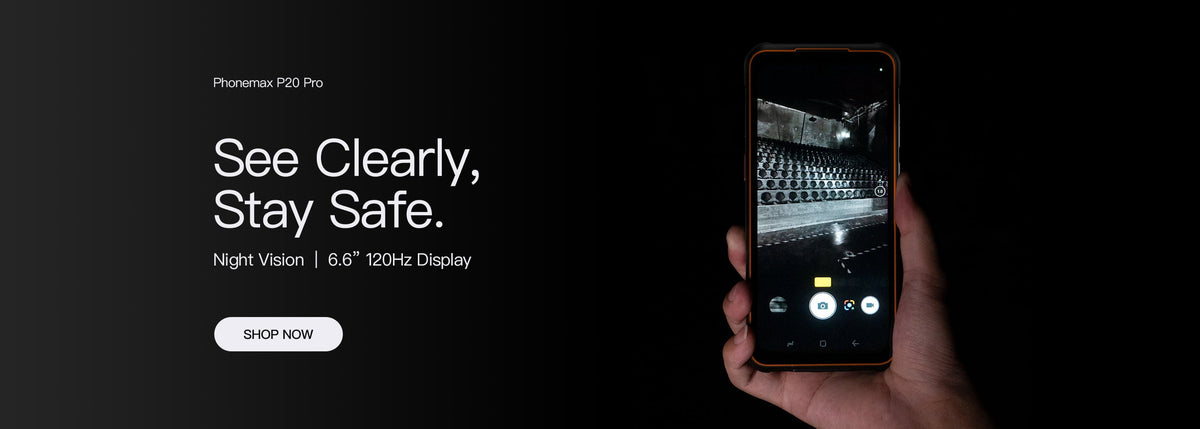
For an outdoor rugged-phone screen, evaluate readability at the intended angle and location rather than relying on diagonal size alone. A larger display does not establish how clearly a user can read a particular instruction in that setup.
Prepare a useful viewing trial
| Trial condition | What to document |
|---|---|
| Content | The actual instruction, label or confirmation |
| Position | Handheld, mounted or on a work surface |
| Light | Observed surroundings and reflections |
| Settings | Brightness, text size and orientation |
| Accessories | The intended case or screen protector |
Check the correct display
The R4-T record lists separate main and rear displays. Its maximum 200cd/m² figure is specified for the rear display; it should not be presented as the main display's brightness.
The main display is listed as 4.3 inches at 540 × 1200. This guide does not assign a 5.5-inch display, a main-screen brightness rating or a sunlight-readability result to the model.
Ask the user to complete a reading task
At a safe stationary position, have the user identify the correct instruction and confirm the next action. Note whether tilting, shading or repeated repositioning is needed. Keep the observations tied to the conditions rather than turning them into a universal outdoor claim.
Repeat with the accessories and text settings intended for deployment. For display terminology, see the size and resolution guide.
Ask Phonemax for the exact display details. No laboratory brightness or outdoor usability test is reported here.

Leave a comment
All comments are moderated before being published.
This site is protected by hCaptcha and the hCaptcha Privacy Policy and Terms of Service apply.