
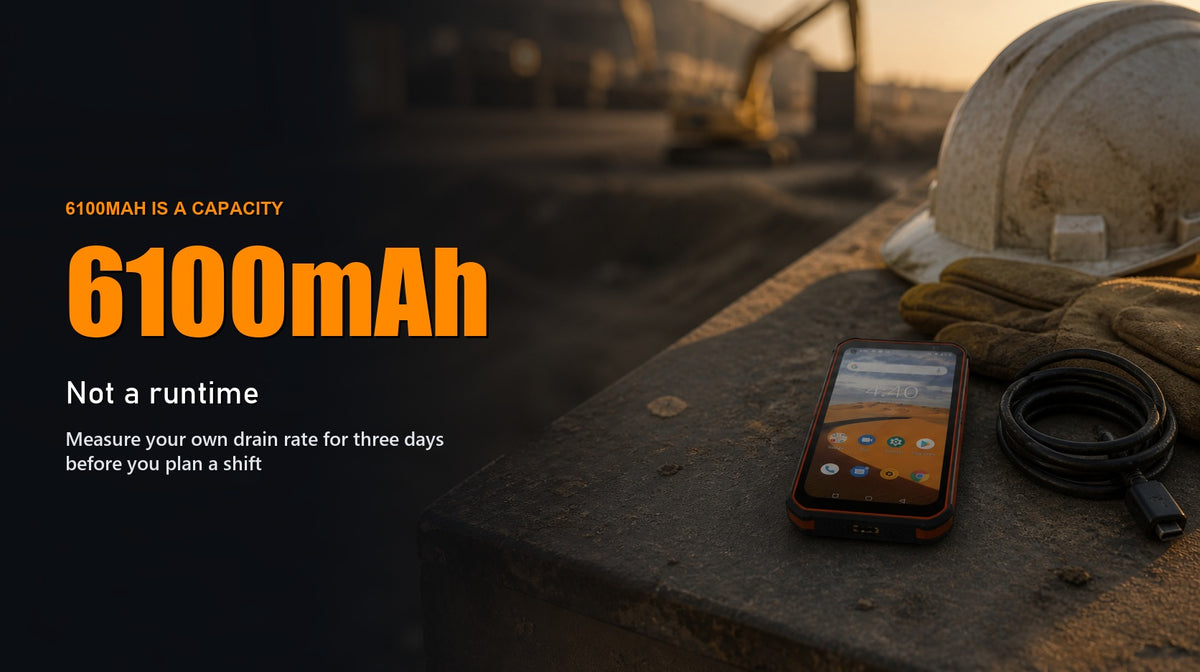
The Phonemax P2 is the 6100mAh conventional rugged-phone option in this comparison, but capacity is not a promise that it will finish every shift. Choose it when its combination of 6.35-inch display, 8GB RAM, 128GB storage and battery capacity fits the job; then measure your own drain and plan from the worst representative day.
First decide whether P2 is the right Phonemax model
| Model | Current listed battery | Choose it when | Choose another model when |
|---|---|---|---|
| P2 | 6100mAh | You want a conventional 6.35-inch rugged phone with 8GB + 128GB and no need for a specialist night camera or built-in work light | Battery capacity alone is being treated as a guaranteed shift result |
| X2 | 5100mAh | A built-in torch is a primary work requirement | You need infrared night imaging or L1+L5 positioning |
| X3 | 5100mAh | Infrared night vision and L1+L5 positioning justify the specialist hardware | Your work is mainly daytime and does not benefit from those features |
| M10 | 10,000mAh | A larger battery, broad published 4G band list and 33W wired/15W wireless charging matter more than compactness | A 384g device or 4G-only platform does not fit the deployment |
These are current first-party specifications, not a runtime ranking. Different screens, radios, software and workloads prevent a responsible “twice the capacity equals twice the runtime” conclusion.
P2 facts that matter to workday planning
- 6100mAh battery: capacity available to manage, not an hours claim.
- 6.35-inch display: useful working area, but screen-on time and brightness remain variables.
- MediaTek Helio P60, 8GB RAM + 128GB storage: the current P2 configuration; no unverified multitasking benchmark is inferred from it.
- Android 10: confirm compatibility with every required work app and security policy before fleet deployment.
- 21MP Sony rear / 8MP front cameras: current listing claims that may matter when photo records are part of the shift.
- IP68 and MIL-STD-810G references: stated test claims, not unlimited protection or blanket military certification.
The current active variant is Gray with 8GB + 128GB at $181 at review time. Verify price, stock and regional network details on the live P2 page.
P2 shift planning worksheet
| Checkpoint | Record | Decision |
|---|---|---|
| Shift start | Battery %, expected route, signal conditions and planned charging access | Start only with the reserve your operating policy requires |
| First quarter | Battery %, screen-heavy tasks and camera/GPS use | Flag an unexpectedly fast early drop |
| Mid-shift | Battery %, network quality and remaining workload | Use a planned charging window if the remaining reserve is insufficient |
| Final quarter | Battery %, route delay and emergency-call requirement | Protect the reserve rather than finishing routine work at 0% |
| Shift end | Battery %, total hours and unusual events | Add the day to the comparison set |
Turn three shifts into a usable planning number
- Measure three representative days. Include a normal day and the most demanding conditions that recur.
- Calculate percentage used per hour. Divide the percentage consumed by elapsed hours; label it as your field observation, not a universal P2 benchmark.
- Choose the worst representative rate. Do not plan from the easiest day.
- Set an end-of-shift reserve. Allow for delays, weak coverage and extra calls.
- Change one variable at a time. Re-test after changing brightness, offline maps, sync behaviour or charging windows.
Diagnose the load without turning this into a generic Android guide
Use four labels in the worksheet: radio for weak or unstable coverage, display for long bright-screen periods, navigation for GPS plus map rendering, and work apps for sync or background activity. The label is only a hypothesis until a controlled change improves the next comparable shift.
If navigation is the main load, use the dedicated all-day GPS battery-drain evaluation. The N1 GPS battery test guide shows how a model-specific navigation test should be documented. For physical deployment items, see What Accessories Make Sense with the Phonemax P2?.
When not to choose P2
- Choose X2 when the integrated torch is the deciding capability.
- Choose X3 when infrared night imaging and L1+L5 positioning are required.
- Evaluate M10 when 10,000mAh, charging options and broad published 4G bands outweigh its 384g weight.
- Do not deploy P2 until Android 10 fits the required app and security lifecycle.
FAQ
Will the Phonemax P2 last a full work shift?
The 6100mAh capacity alone cannot answer that. Measure the exact workload over representative shifts and plan with reserve from the worst repeatable result.
Does P2 have a larger battery than X2 and X3?
Yes. The current listings show 6100mAh for P2 and 5100mAh for X2 and X3, but that does not establish a proportional runtime difference.
When should I choose M10 instead?
Consider M10 when its current 10,000mAh battery, charging options and broad published 4G band list matter more than its larger 384g form factor.
Evidence note
Specifications are based on the current Phonemax product listings. No controlled model-specific P2 runtime test is available here, so estimated hours are not presented as measured fact. Worksheet results belong to the user, workload and conditions recorded.


Αφήστε ένα σχόλιο
Όλα τα σχόλια ελέγχονται πριν δημοσιευθούν.
Αυτή η τοποθεσία προστατεύεται από το hCAPTCHA και ισχύουν η Πολιτική απορρήτου και οι Όροι Παροχής Υπηρεσιών του hCaptcha.