
Last reviewed: August 7, 2026 · Editorial disclosure: This article is published by Phonemax, a rugged-device manufacturer. Phonemax models are used as first-party examples. No article-specific durability or battery laboratory test is presented here.
Quick answer
The most underrated rugged-phone feature is not surviving one dramatic drop. It is remaining usable when conditions are bad: a readable screen, reliable controls, secure grip, dependable charging, usable audio, stable navigation, enough battery and software that continues to support the job.
A phone that survives an impact but becomes difficult to see, control, hear or charge in its intended environment is only partly rugged.
Why this matters
Durability marketing often focuses on events that are easy to show: a drop onto concrete, a water spray or a dust test. Real field work is usually repetitive instead. A driver may navigate for hours. A warehouse worker may interact with the device hundreds of times. A motorcycle mount may expose the phone to vibration day after day.
That makes operational reliability a better everyday question than “Can it survive one impressive test?”
1. Sunlight readability
A structurally strong display can still be a poor outdoor tool. For navigation, construction, agriculture and field inspection, check sustained brightness, contrast, glare, viewing angle and thermal dimming—not only peak brightness or resolution.
If the user has to shade the screen with a hand every time the sun comes out, the phone is creating friction during the job.
2. Physical controls and glove use
Touchscreens are excellent in normal conditions but can become awkward when hands are wet, cold, dirty or gloved. A well-positioned programmable key can launch a camera, PTT app, flashlight, SOS function or navigation shortcut without forcing the user through several screen taps.
This is not a glamorous specification, but a small time saving repeated dozens of times per shift can matter more than a low-value extra sensor.
3. Grip and weight distribution
The best drop is the one that never happens. Texture, width, corner shape, button placement and weight distribution affect how securely a phone can be held.
Rugged design should therefore reduce the chance of an accident as well as improve survival after one.
4. Audio and communication
Machinery, traffic, wind and protective equipment can make normal phone audio difficult to hear. Speaker output, microphone performance, vibration alerts, Bluetooth stability and PTT workflow can all become part of rugged usability.
For a field user, missing an instruction or call can matter more than having an additional camera lens.
5. Charging that works in the real environment
A phone with excellent battery capacity still needs a reliable power path. Dirt, liquid and connector wear can interrupt charging. Google’s Pixel support documentation, for example, explicitly warns that liquid or debris in a USB-C port can disable charging until the connector is safe to use.
For rugged buyers, check port protection, cover design, vehicle charging, docks or pogo pins, cable strain and whether the phone can maintain charge while navigation or hotspot functions are running.
6. Battery margin under sustained use
Battery life depends on workload, not only capacity. Android’s developer documentation identifies GPS, cellular radios, display and other hardware as distinct sources of device power use, and notes that high-accuracy location can significantly increase battery drain.
For field use, the meaningful test is whether the phone can finish the actual shift with the required screen brightness, navigation, network and app workload.
7. Software longevity
This may be the least visible rugged feature. Hardware can survive for years while required apps, security policies or device-management tools move on.
Google’s Android Enterprise Recommended requirements illustrate why software support is part of enterprise device evaluation: participating manufacturers must publish security-support information and OS-upgrade commitments.
A physically intact phone that can no longer securely run the required workflow has reached the end of its useful rugged life.
The Field Readiness Checklist
The following is a Phonemax editorial checklist, not an industry standard. Use it to test a phone against the actual workflow.
| Field question | What to test |
|---|---|
| Can I see it? | Sunlight, glare, viewing angle, sustained brightness |
| Can I control it? | Gloves, wet hands, physical keys, one-handed use |
| Can I hold it? | Grip, width, weight distribution, mount security |
| Can I hear and be heard? | Speaker, microphone, Bluetooth, PTT, alerts |
| Can I keep it powered? | Battery under real load, charging ports, vehicle power, docks |
| Can I navigate? | GNSS, compass, offline maps, mount, continuous power |
| Can I maintain it? | Updates, repair path, accessories, replacement parts |
Different jobs define “rugged” differently
Motorcycle user: navigation, vibration, sunlight, charging and gloves may dominate.
Warehouse user: repeated handling, Wi-Fi, battery, scanning and physical controls may matter most.
Maintenance technician: camera documentation, gloves, dust and specialist sensors may matter.
Traveler: network bands, GPS, water protection, battery and manageable weight may be the real priorities.
Phonemax examples of different usability priorities
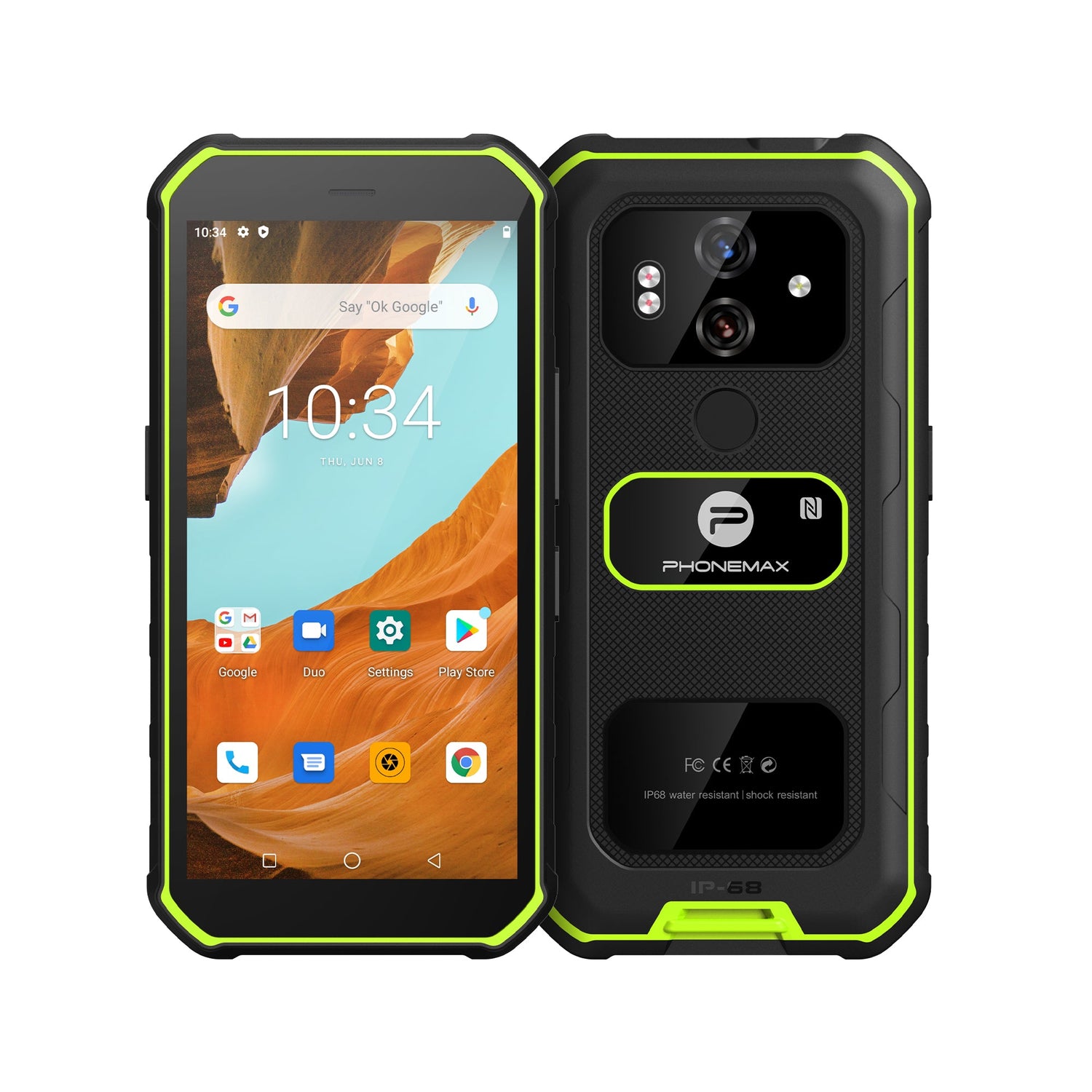
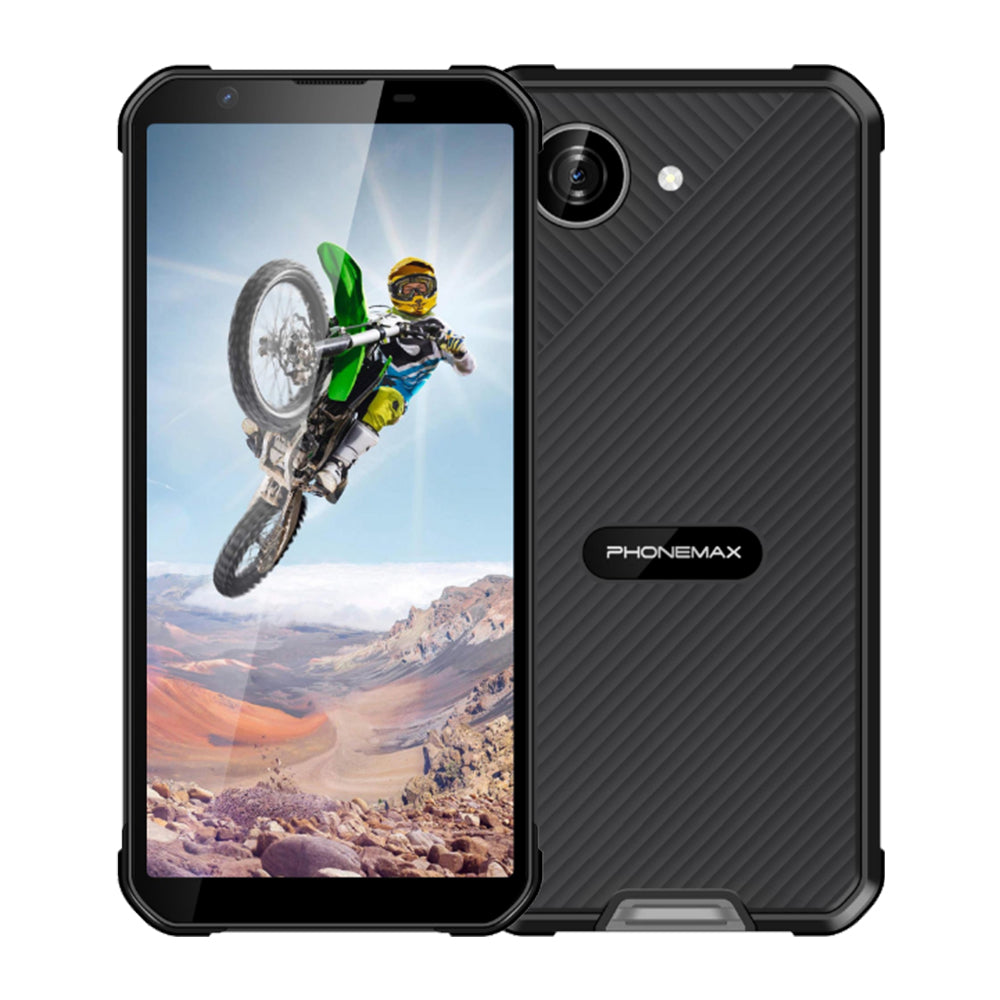
Our Phonemax X5 is currently listed around a 5.3-inch, 238 g compact design, illustrating the value of balancing ruggedness with everyday carry.
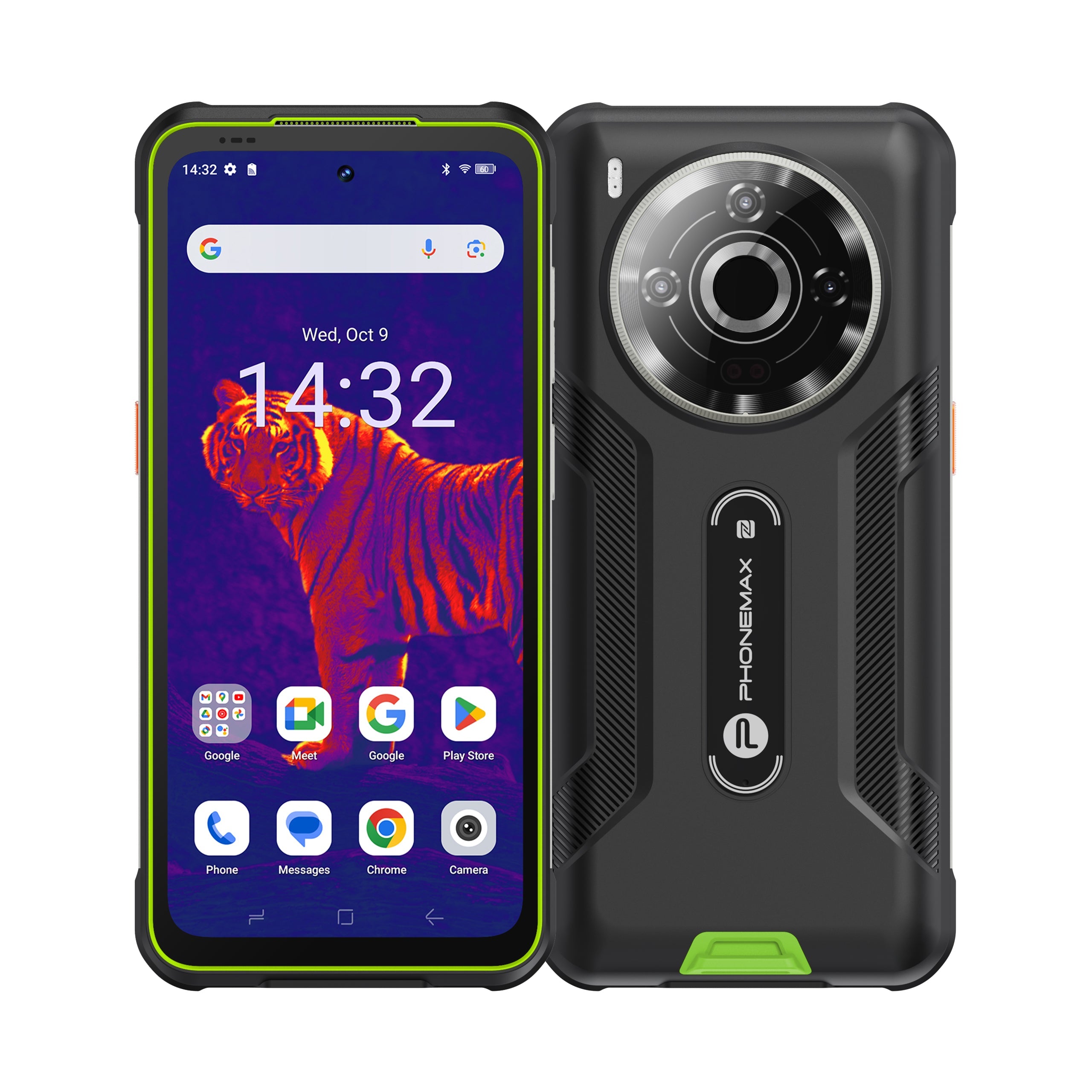
The Phonemax X3 illustrates a different priority: navigation and low-light documentation. These are our own products, so they should be treated as catalog examples rather than independent recommendations.
Why manufacturers should care
A balanced rugged phone may be more useful than a device that maximizes every number. Reducing unnecessary weight, improving a programmable button, publishing an update policy or making charging more dependable can create more real value than adding a feature users rarely need.
The best design starts with the workflow and then chooses the specifications.
Limitations
“Usability” depends on the person and environment. A bright display or large button that works well for one user may not fit another. For business deployment, test a sample device in representative shifts before buying at scale.
Bottom line
Drop resistance matters, but the most underrated form of ruggedness is continued usability under difficult conditions. A rugged phone earns its name when the environment becomes harder and the device remains easy to see, control, hear, charge, navigate with and maintain.
FAQ
Is drop resistance still important?
Yes. It is simply one dimension of ruggedness rather than the whole definition.
What is the most useful rugged feature outdoors?
Usually a combination of readable display, battery, navigation, grip and weather protection rather than one universal feature.
Why are physical buttons useful?
They can provide faster, more reliable access to important functions when a touchscreen is inconvenient because of gloves, movement, moisture or dirt.
Does software support count as durability?
For long-term ownership, yes. Useful device life depends on both physical survival and secure software compatibility.
Sources and verification
- Google Pixel Help — liquid or debris in USB-C ports
- Android Developers — device power rails including display, GPS and cellular
- Android Developers — location accuracy and battery use
- Android Enterprise Recommended requirements
Next step: test the phone against the seven Field Readiness questions instead of choosing it by the longest specification list.

Leave a comment
All comments are moderated before being published.
This site is protected by hCaptcha and the hCaptcha Privacy Policy and Terms of Service apply.