
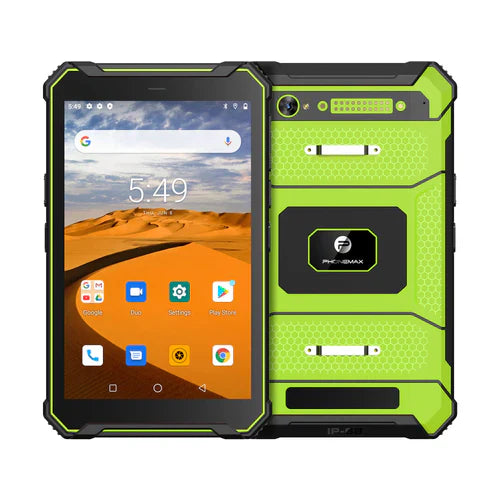
Before reissuing a work tablet, have IT account for pending work, previous access and the next user's setup. Reassignment should leave a clear record of what was preserved, what access was removed and which checks were completed.
Start with ownership and pending work
Identify whether the device is company-owned or personally owned, who administers it and which work accounts or management system apply. Ask the application owner how to reconcile unsent records before any data-removal action. Do not assume that a visible sign-out removes every credential or local work file.
| Reissue stage | Decision for the responsible team |
|---|---|
| Recover the assignment | Which jobs or files still need an authorized owner? |
| Close previous access | Which accounts, sessions, SIMs or management records need attention? |
| Apply the approved procedure | Which supported actions are appropriate for this ownership and deployment? |
| Confirm completion | What evidence demonstrates the intended action finished? |
| Provision the next user | Does the correct account open the intended work environment? |
A sent command is not always a completed action
Google's Android Management API documentation distinguishes deprovisioning and wipe actions by ownership and notes that a wipe associated with device deletion is not guaranteed if the device remains offline. This concerns that management system; it does not confirm that a particular tablet is enrolled in or compatible with it.
Attach reissue history to the right unit
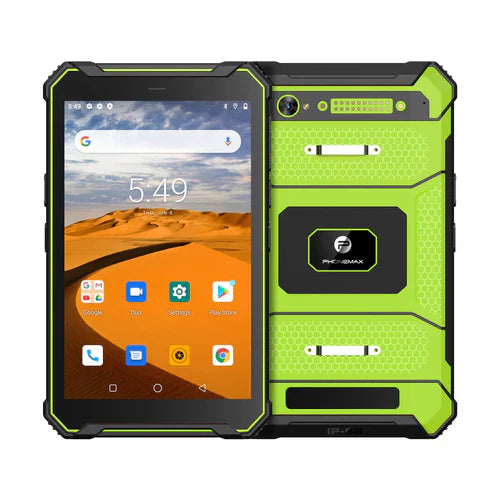
For a T1 deployment, retain the physical asset reference and actual supplied software version. Do not replace that record with the next worker's name or assume that changing an app account updates the hardware inventory.
Ask Phonemax about the supplied device configuration, while your authorized IT provider controls reissue actions. This guide does not authorize a reset, guarantee erasure or establish enterprise-management compatibility.
Related guide: Tablet Fleet Asset Records: Link Each Unit to Its Configuration.

Commenta
Nota che i commenti devono essere approvati prima di essere pubblicati.
Questo sito è protetto da hCaptcha e applica le Norme sulla privacy e i Termini di servizio di hCaptcha.