
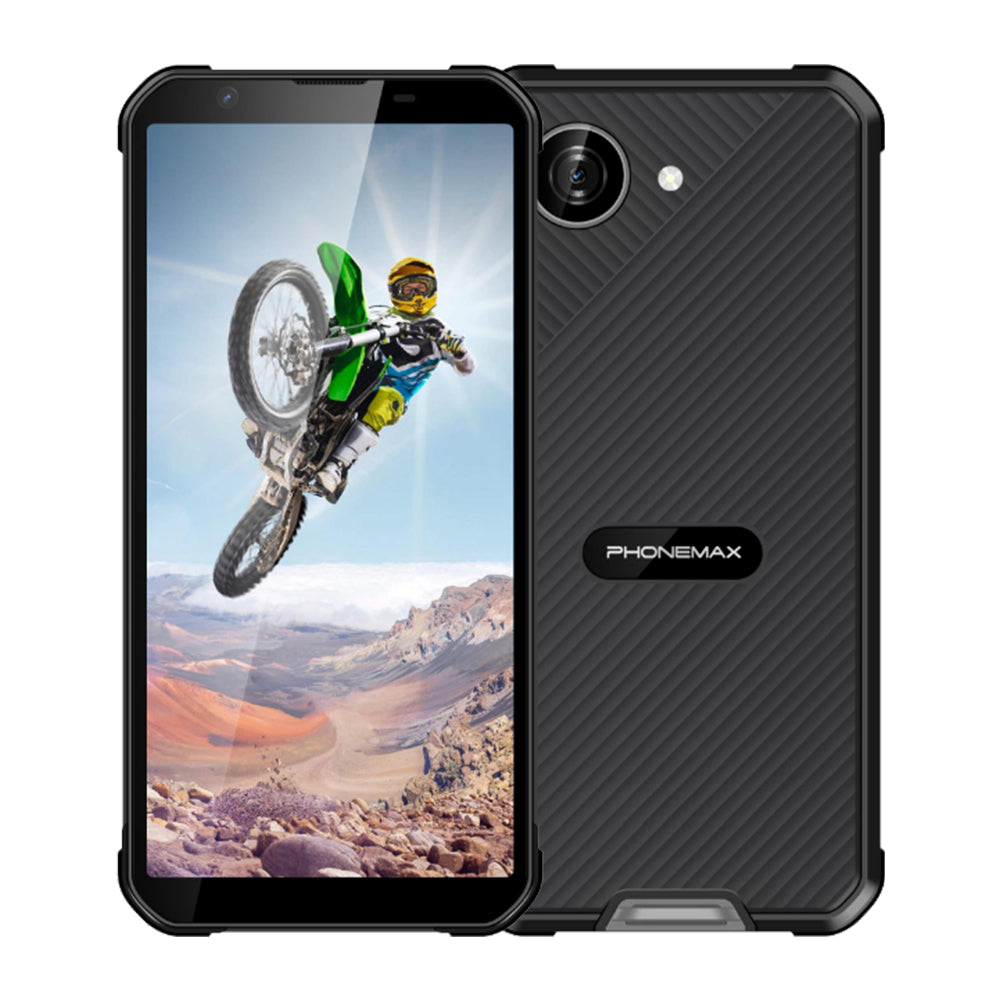
Technicians often need to inspect a wiring diagram or manual while standing beside equipment. A 6.5-inch FHD rugged-phone request should be evaluated with those documents rather than a generic demonstration image.
Choose difficult pages
Use a dense diagram, a parts table and a page with small notes. Open them in the application intended for the job. Check whether users can locate references, zoom accurately and return to the relevant section without repeatedly losing position.
Test the working context
Review the pages in representative lighting and with the normal case and gloves. Include offline access if the work area lacks service. Confirm that the correct manual revision remains available after the application restarts. Record navigation errors and missing document access separately from screen readability.
Select on documented facts and task performance
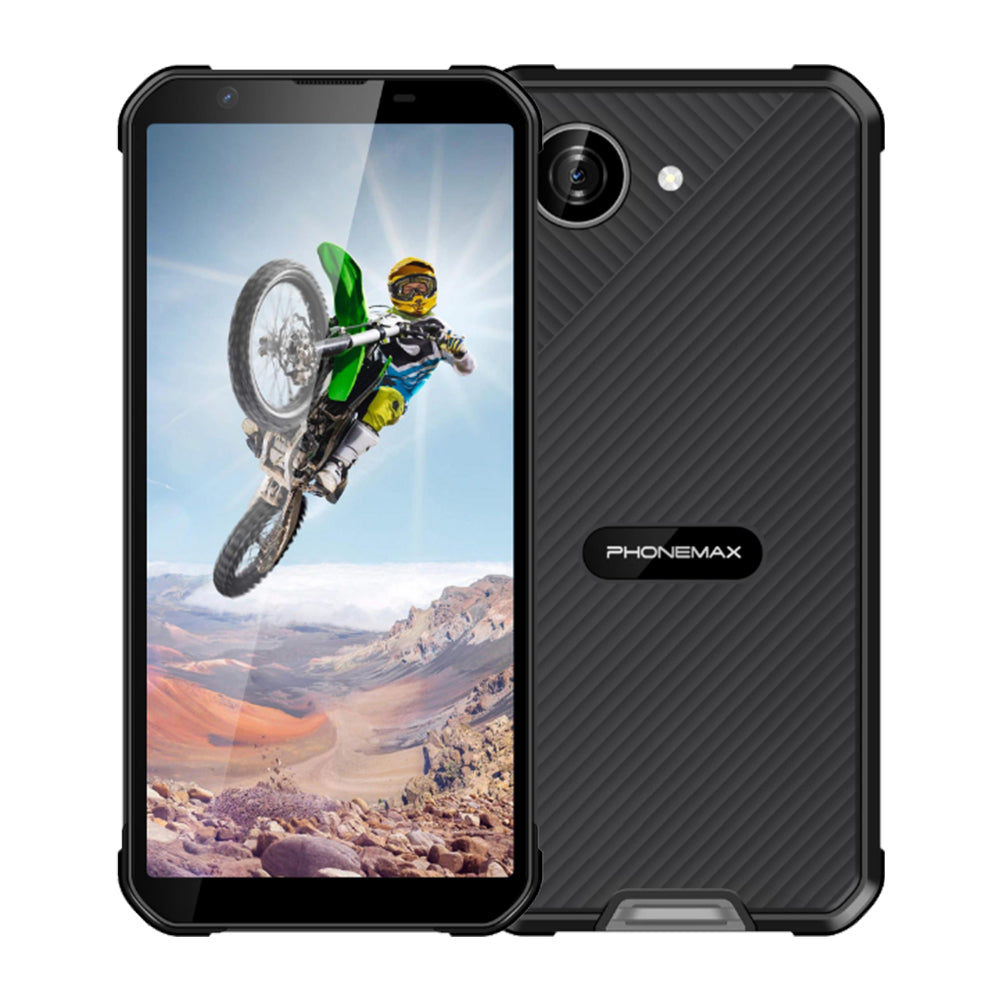
The current X5 display is 5.3 inches and may require more zooming than a larger screen; the actual result should come from the document trial. It is not a verified 6.5-inch FHD model. If the larger size is mandatory, obtain a matching sample. Retain the accepted manuals and application settings so replacement devices can be evaluated on the same information-retrieval task.
Check the current X5 configuration before treating it as a comparison model.


Commenta
Nota che i commenti devono essere approvati prima di essere pubblicati.
Questo sito è protetto da hCaptcha e applica le Norme sulla privacy e i Termini di servizio di hCaptcha.