
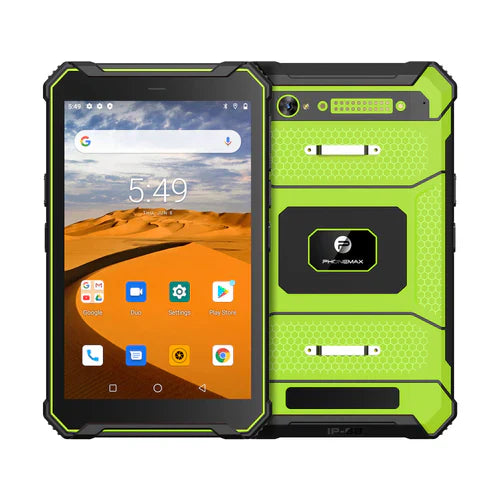
If a vehicle workflow needs spoken instructions, evaluate the intended audio path in the complete approved setup. Hearing a sound from a tablet on a desk does not establish that the right instruction reaches the operator through the installed arrangement.
Define the required listening task
| Audio requirement | Question to resolve |
|---|---|
| Source application | Which approved app produces the instruction? |
| Output path | Which supported speaker or accessory should receive it? |
| Operator position | Can the intended recipient understand the test instruction? |
| Other app audio | What should happen when another permitted app requests sound? |
| Unavailable output | How should the operator recognize and handle the missing instruction? |
Include an approved interruption
Android's audio-focus guidance describes how applications handle competing audio use. It is platform background, not a guarantee that a navigation app, accessory and device build behave correctly together.
Ask the app provider and installer to define a safe trial. Perform manual setup and interaction checks while the vehicle is safely stationary. Record the actual output path, app version and observed behavior rather than assuming that increasing volume solves every problem.
Keep product purpose separate from audio approval
The N1 is positioned for navigation and roadbooks. That description does not confirm a particular vehicle-audio connection, listening level or uninterrupted spoken guidance.
Send Phonemax the proposed device and accessory requirements. The responsible fleet, app and installation teams should approve the use case. No audio-performance measurement, accessory compatibility or safety-critical alert capability is claimed here.
Related guide: Vehicle Tablet Apps: Check Rotation in the Proposed Mount.


Commenta
Nota che i commenti devono essere approvati prima di essere pubblicati.
Questo sito è protetto da hCaptcha e applica le Norme sulla privacy e i Termini di servizio di hCaptcha.