
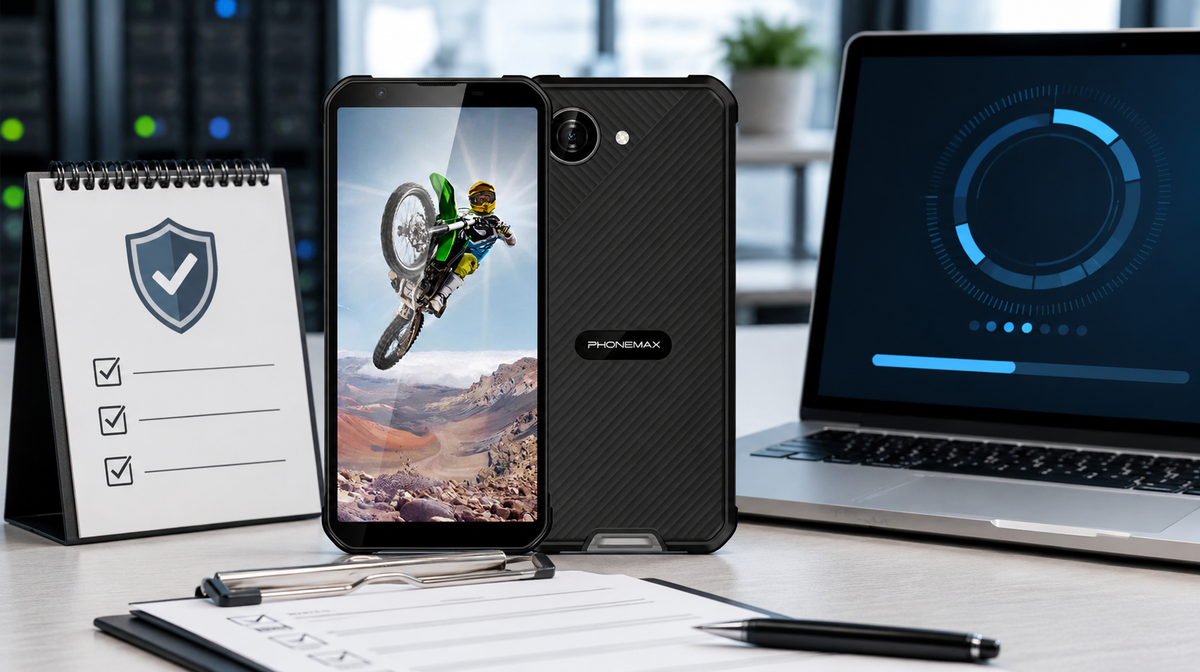
Do not approve a rugged Android phone from the OS version alone. Record the exact build’s Android security patch level, confirm who supplies updates, obtain the promised frequency and support end date, test updates with required apps, and define what happens when support stops. Missing written commitments are a lifecycle risk, not a minor documentation gap.
What the patch level tells you
Android Security Bulletins describe fixes and associated patch levels. A device claiming a given patch level should include the applicable issues for that level and earlier bulletins. AOSP also notes that updates may arrive from the OEM or carrier. Therefore, “Android 16” does not disclose the installed patch level or future support policy.
| Procurement field | Evidence to collect | Stop condition |
|---|---|---|
| Current build | Screenshot of OS, build and patch level | Demo unit or variant differs |
| Update owner | Named OEM/carrier responsibility | No accountable party |
| Cadence | Written monthly, quarterly or event-driven policy | “Updates when available” only |
| Support end | Date or minimum support period | No lifecycle statement |
| Delivery | OTA, signed package and recovery process | No documented rollback/recovery |
| App validation | Pilot results for critical apps and MDM | Update breaks required workflow |
A repeatable acceptance check
- Open Settings and record Android version, build number, security patch level and Google Play system update.
- Check for updates on the intended carrier and network.
- Enroll a pilot device in the required management system.
- Install the normal work-app set, apply the update and rerun login, camera, NFC, offline and VPN tests.
- Measure time from release to fleet approval and document rollback or replacement action.
- Schedule a quarterly review until the support end date.
Phonemax X5 evidence boundary
The current X5 product page lists Android 16. It does not publish the current security patch level, update cadence, number of Android upgrades or end-of-support date. Buyers should not infer those commitments from the OS version. Request written lifecycle information and inspect the exact production variant.
For a broader supplier assessment, use the existing guide to firmware update policies. For fleets, an unsupported device may still function while creating escalating security, compatibility and compliance risk.
Frequently asked questions
Is a new Android version the same as a recent security patch?
No. OS version and security patch level are separate fields. Check both on the exact device build.
Who sends Android phone updates?
Depending on the device, updates may come from the manufacturer or carrier. Procurement should name the accountable party and delivery method.
Can Google Play system updates replace OEM updates?
No. They can update some components, but they do not replace all manufacturer firmware and security maintenance.
What if no support period is published?
Treat it as an unresolved procurement risk. Request written terms or set a shorter replacement horizon and compensating controls.
Sources and verification links
Editorial method
Prepared by the Phonemax Editorial Team on 22 August 2026. We checked the current product listing, separated published specifications from field-test requirements, and linked primary sources beside the claims they support. To request a correction, contact Phonemax through the official website.


Commenta
Nota che i commenti devono essere approvati prima di essere pubblicati.
Questo sito è protetto da hCaptcha e applica le Norme sulla privacy e i Termini di servizio di hCaptcha.