
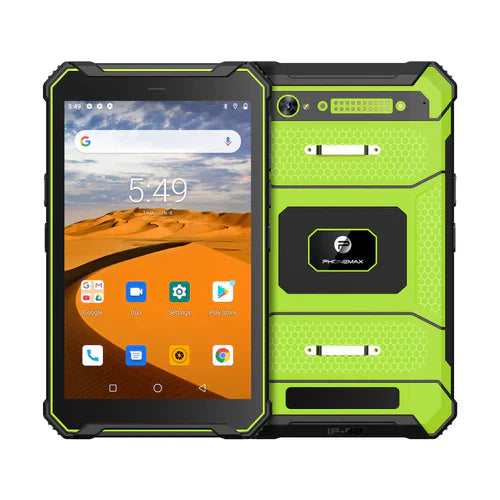
List the actual barcode formats and representative labels before choosing a tablet scanning workflow. “1D/2D support” is not a complete acceptance requirement when the application must recognize particular symbols and extract specific data.
Build a format register
| Record | Example of the information needed |
|---|---|
| Format | The label owner's confirmed symbology |
| Payload | Expected raw text or bytes, using harmless samples |
| Presentation | Printed label or approved screen display |
| Application result | The record and fields that should receive the value |
Include a format that should be rejected, so the test checks selectivity as well as recognition. Ask the software owner whether the app enables only the required formats or attempts a broader set.
Google's ML Kit documentation describes supported format configuration for that camera-based library. It is one software implementation, not evidence that a Phonemax tablet contains a dedicated scanner or that your application uses ML Kit.
Evaluate the complete path
With the proposed hardware and app, read each sample, compare the decoded value and reopen the saved record. Keep unsupported and untested formats explicitly marked. A successful read of one code type is not approval of all formats.
The current T1 listing states that its listed configuration is without a Honeywell barcode scanner. Confirm the required scanner hardware or separately evaluate a camera/accessory solution. No format compatibility has been tested here.
Use the existing scanner acceptance checklist for the project framework. Send Phonemax the format register and sample requirements.


Commenta
Nota che i commenti devono essere approvati prima di essere pubblicati.
Questo sito è protetto da hCaptcha e applica le Norme sulla privacy e i Termini di servizio di hCaptcha.