
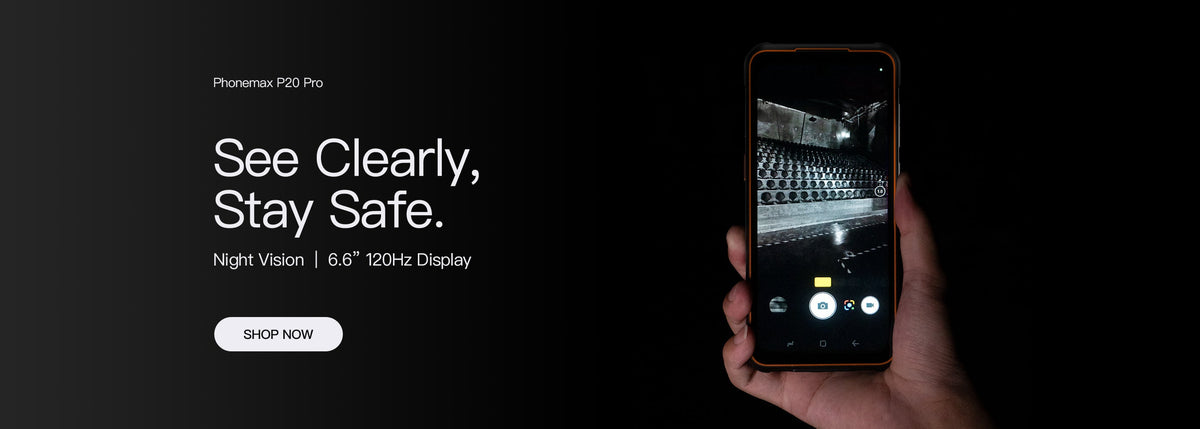
For an Android work phone, record the installed build and update status separately from the model's advertised operating-system version. After an approved update, recheck the work sequence that matters to the user.
Keep a useful software record
| Record item | Why to retain it |
|---|---|
| Model and variant | Identify the supplied unit |
| Android version and build | Describe the installed software |
| Security-update status | Record the field actually shown |
| Other update status | Keep distinct fields separate where available |
| Work-app version | Connect a result to the app evaluated |
Google's Android update guidance distinguishes Android version, security-update status and Google Play system status. Menu availability and the installed configuration still need to be checked on the device.
Do not turn a version into a support promise
The current R4-T specification lists Android 14. That does not establish the patch date of every shipped unit, a future upgrade or a fixed update schedule.
Ask the supplier about the offered build and available support. Keep any response specific to that model rather than transferring a promise from another product.
Retest before broad rollout
Follow the organization's approved update process. On an evaluation unit, check login, the main transaction, attachments and receiver confirmation. Record any changed permission or control before applying the change more widely.
Contact Phonemax with the model, build and reproducible issue. This guide does not promise security support duration, an Android upgrade, downgrade availability or app compatibility after an update.

Commenta
Nota che i commenti devono essere approvati prima di essere pubblicati.
Questo sito è protetto da hCaptcha e applica le Norme sulla privacy e i Termini di servizio di hCaptcha.