
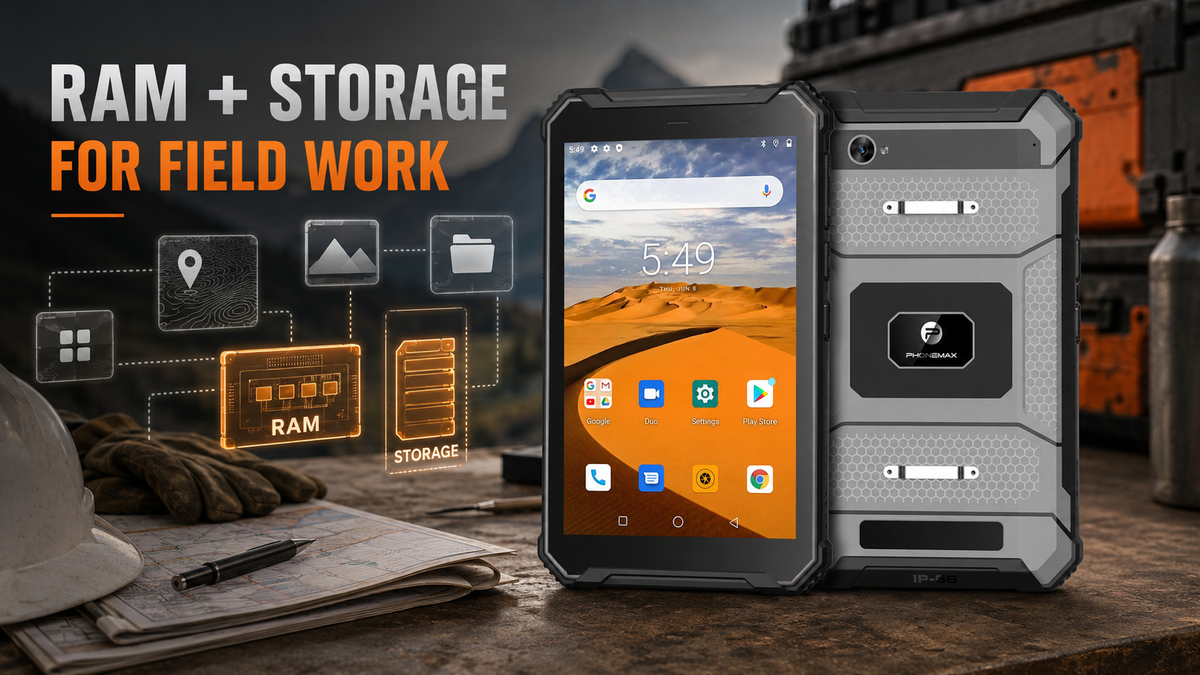
For field teams, RAM and storage should be sized around the actual workload rather than a single “best” number. RAM affects how comfortably apps can remain active and switch between tasks, while storage determines how much space is available for applications, offline maps, photos, videos, documents and cached work data.
Start with the workflow
A warehouse checklist app, a GIS workflow and a vehicle-based inspection system can place very different demands on the same tablet. Before comparing hardware, list the apps that must run, the files that must stay offline, how often the device syncs, and whether workers capture large quantities of photos or video.
The Phonemax T1 currently lists Android 16, 6GB RAM and 128GB storage. That configuration can be evaluated against a real deployment plan rather than being described generically as “large memory.”
RAM: think about concurrency
RAM matters most when workers move repeatedly among multiple applications. A field user might have a work-order app, messaging, browser, camera, mapping tool and document viewer open during the same shift. More RAM can reduce pressure on the system to close background processes, but software quality and processor capability still matter.
As a useful external benchmark—not a claim that a particular Phonemax model is Android Enterprise Recommended—Google's current Android Enterprise Recommended requirements for rugged Android 16 devices specify 3GB RAM as required and 4GB recommended. The same page shows that requirements vary by device class and Android release. Procurement teams can use those figures as context, while still testing their own application stack.
Storage: count the data that must live on-device
Storage planning should include more than the advertised capacity of installed apps. Budget space for operating-system updates, app updates, offline map packages, work-order attachments, photographs, video, PDFs, cached data and a safety margin so the device is not operated continually near full capacity.
Google Maps, for example, allows areas to be downloaded for offline use on Android phones and tablets. Google also notes that offline functionality is not identical to online navigation: transit, cycling and walking directions are unavailable offline, and driving mode does not provide traffic information or alternative routes while offline. That makes both storage planning and workflow planning necessary.
A simple sizing method
| Step | Question | Action |
|---|---|---|
| 1 | Which apps are mandatory? | Install the production versions and measure their actual footprint. |
| 2 | How much data must remain offline? | Measure maps, forms, manuals and media for the largest expected territory or job. |
| 3 | How much content is created per shift? | Estimate photo and video growth over the longest period between syncs. |
| 4 | How many apps must stay active? | Test real task switching, not only synthetic specifications. |
| 5 | What reserve is needed? | Leave working headroom for updates, caches and unexpected files. |
Do not confuse memory specifications with deployment readiness
A tablet can have sufficient RAM and storage yet still fail a field deployment because of poor app compatibility, an unsuitable mount, weak connectivity in the target area, an incorrect scanner configuration or insufficient device-management support. Hardware memory is one checkpoint in a broader acceptance test.
This is particularly important for the T1: the currently listed 6GB+128GB variants are described as being without a Honeywell barcode scanner. A buyer who needs dedicated scanning should confirm the correct configuration rather than assuming that every T1 listing includes the scanner.
When is 128GB useful?
128GB is most valuable when a deployment deliberately keeps substantial content on-device: large offline map regions, many image records, training media, inspection documents or multiple enterprise apps. A light-duty workflow may never use that capacity. The right question is whether the extra local space reduces operational friction and sync dependence for the intended job.
FAQ
Is 6GB RAM enough for a rugged Android tablet?
It can be sufficient for many field workflows, but the correct answer depends on the number and behavior of the apps used simultaneously. Pilot the actual application set.
Does 128GB storage guarantee enough space for offline maps?
No fixed storage size guarantees enough capacity. Map size varies by area and application, and work photos, video, app data and updates share the same storage.
Is Android Enterprise Recommended a certification for the T1?
This article uses Google's published requirements as an external benchmark only. It does not claim that the T1 is Android Enterprise Recommended.
Sources
Publisher disclosure: This article is published by Phonemax. The Phonemax T1 specifications referenced here—including Android 16, 6GB RAM, 128GB storage and the currently listed configuration without a Honeywell barcode scanner—are first-party product information from Phonemax. Google’s Android Enterprise Recommended requirements are used only as an independent benchmark for rugged-device memory expectations, while Google Maps documentation independently supports the discussion of offline-map storage and navigation limitations. Neither Google source certifies, endorses or independently validates the Phonemax T1.


Commenta
Nota che i commenti devono essere approvati prima di essere pubblicati.
Questo sito è protetto da hCaptcha e applica le Norme sulla privacy e i Termini di servizio di hCaptcha.