
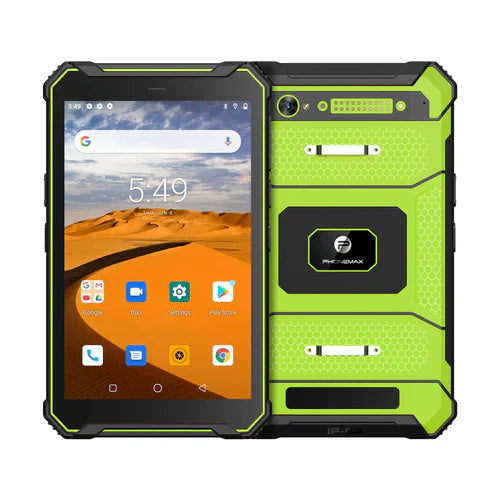
A programmable physical-button requirement must identify the exact key, supported action and software integration. The current T1 information reviewed here does not document programmable-button support, so this guide does not claim that the listed configuration supplies it.
Write a button-action map
For each requested key, specify whether it opens an app, records a user input or invokes another supported action. Include short and long presses only where the supplier documents those behaviors.
- Confirm configuration access and whether remapping requires supplier software or an app integration.
- Define behavior when the app is closed, the screen is locked or a user lacks permission.
- Evaluate accidental presses, repeated presses and recovery from an interrupted action.
- Check whether the assignment survives restart and the approved software-update process.
Keep automation authority explicit
If a key could initiate an equipment command, have the responsible controls specialist approve the complete system. A tablet shortcut does not establish a safety-rated control or replace the machine's required safeguards. Evaluate user permissions and confirmation steps according to the actual process.
Request a supported configuration
Start with the current T1 specification and ask for a documented proposal if physical keys are essential. Record the approved mapping, hardware and app versions. This article provides a requirements checklist, not a verified industrial-automation integration.

Laat een reactie achter
Alle reacties worden gemodereerd voordat ze worden gepubliceerd.
Deze site wordt beschermd door hCaptcha en het privacybeleid en de servicevoorwaarden van hCaptcha zijn van toepassing.