
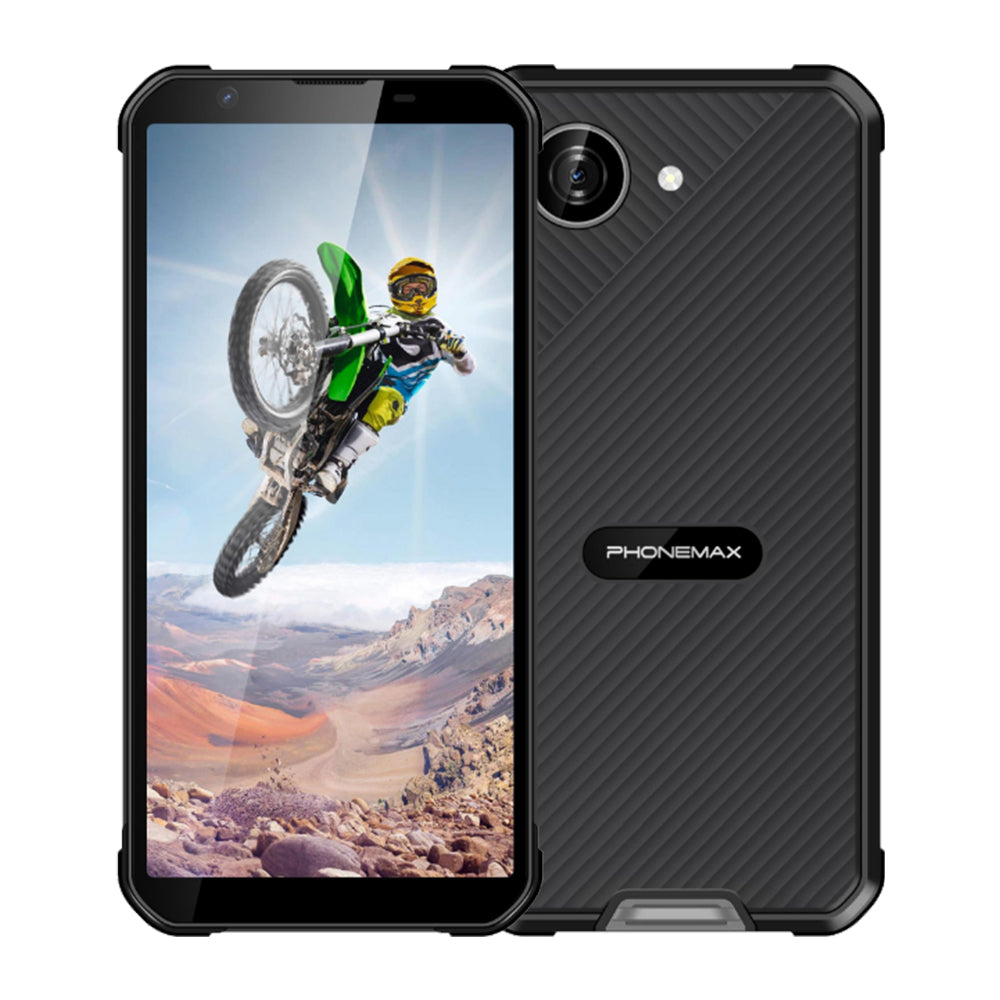
An ODM project specifying a 6.5-inch display needs a clear screen requirement and a usable application layout. The diagonal is a starting point; resolution, scaling and touch behavior determine whether workers can complete the task.
Prototype the important screens
Provide examples of the longest form, the busiest dashboard and any signature or map view. Test them at the text scaling intended for deployment. Identify fields that become hidden behind the keyboard and controls that need precise touches. Include error states and long translated labels so the design is not approved only on a clean demonstration screen.
Specify the display and touch assembly
Request the diagonal, active area, exact resolution and proposed protective glass. Define glove and wet-touch requirements where applicable, then test those conditions on the finished sample. Do not assume rugged construction alone guarantees reliable touch input in every condition.
Document the approved ODM configuration
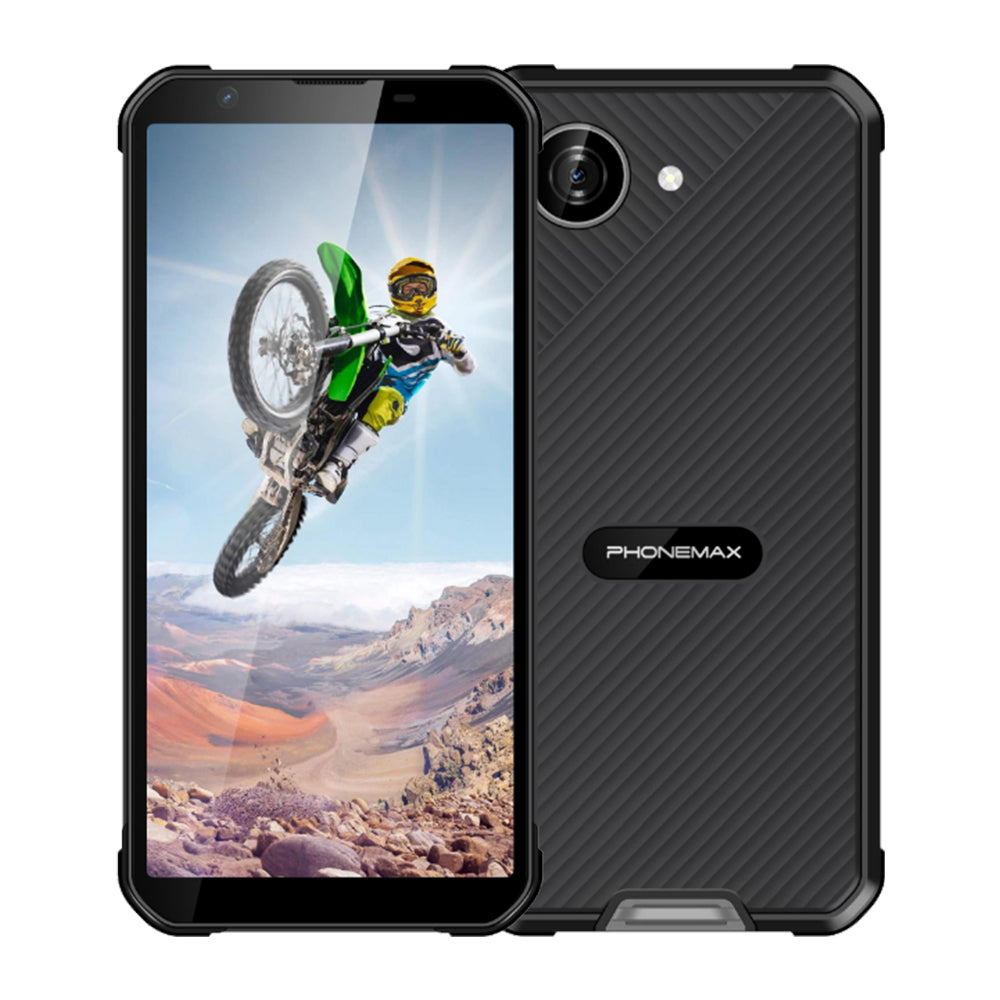
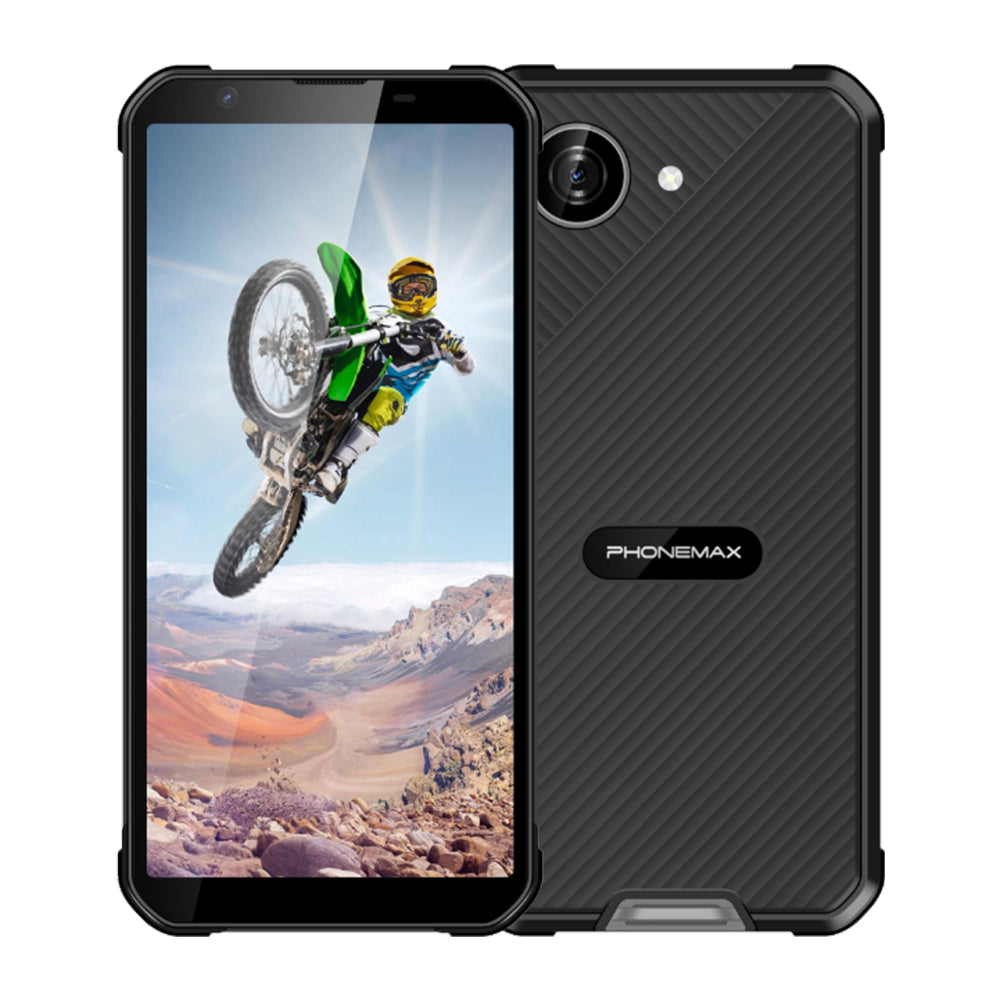
The current Phonemax X5 has a 5.3-inch display and cannot be presented as the requested 6.5-inch model. If the supplier proposes that compact alternative, record the changed requirement and retest the interface. For a new or different model, identify the panel and hardware revision in the sample approval. Agree on which substitutions require another usability assessment. Complete the trial with the application, case and screen protector that will be deployed so approval reflects the finished system.
Review the current Phonemax product information when documenting the offered model.

Laat een reactie achter
Alle reacties worden gemodereerd voordat ze worden gepubliceerd.
Deze site wordt beschermd door hCaptcha en het privacybeleid en de servicevoorwaarden van hCaptcha zijn van toepassing.