
For a USB-C® work tablet, specify each required function separately: charging, data transfer, accessory operation and any external display. A matching connector shape does not verify the complete workflow.
Turn a port request into a functional checklist
| Requirement | Evidence to request |
|---|---|
| Charge during a shift | Approved charger, cable and supported power arrangement |
| Transfer files to a computer | Supported data mode and a representative file-transfer check |
| Use a wired peripheral | Host/accessory support, app requirements and exact peripheral model |
| Connect an external display | Explicit confirmation of display-output support and the proposed adapter |
The USB-IF terminology guidance distinguishes the Type-C connector from data-performance and USB Power Delivery claims. Treat those as separate specifications in the enquiry; do not infer a transfer speed or charging protocol from the port name.
Evaluate the full connection chain
Record the tablet revision, software, cable, adapter, power supply and peripheral. In an approved sample setup, check the required task, disconnect and reconnect, and verify that the app returns to a usable state. If the project requires charging and a peripheral at the same time, assess that combined arrangement explicitly. Success with each item separately does not document the combined result.
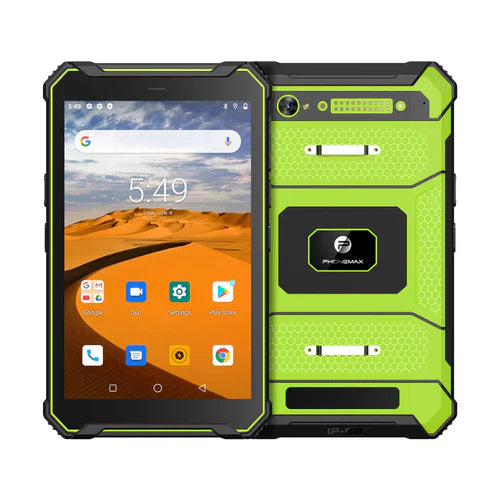
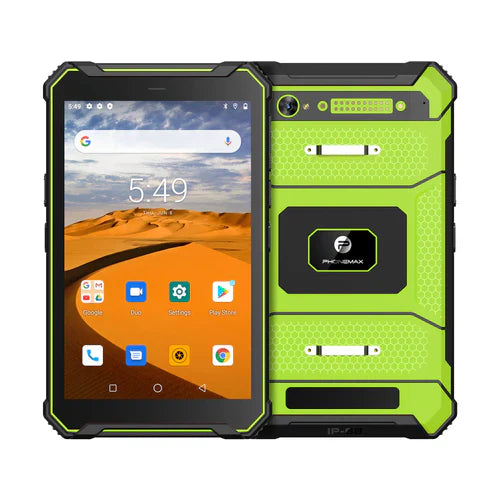
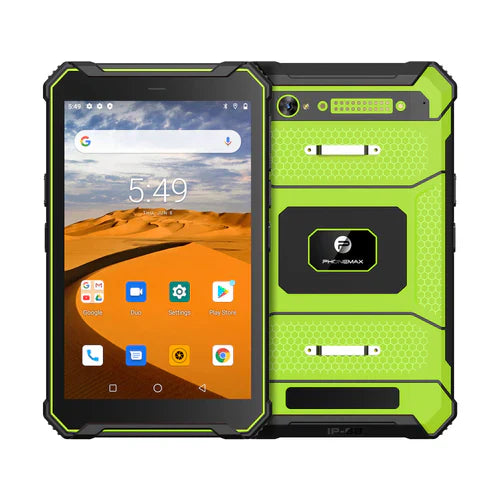
The current T1 description lists 18W charging. That figure alone does not establish USB Power Delivery, a USB data rate, video output or compatibility with a particular dock. No dock, display adapter or peripheral has been tested for this article.
For shared wireless equipment, see the accessory assignment guide. Send Phonemax the exact wired-device and power requirements before selecting a configuration.
USB Type-C® and USB-C® are registered trademarks of USB Implementers Forum.

Laat een reactie achter
Alle reacties worden gemodereerd voordat ze worden gepubliceerd.
Deze site wordt beschermd door hCaptcha en het privacybeleid en de servicevoorwaarden van hCaptcha zijn van toepassing.