
For document capture, inspect whether the resulting file preserves the information the reviewer needs. A high camera-resolution number does not establish that small text, page edges, tables and multi-page order survive the actual capture and export workflow.
Prepare a harmless representative document
Use an approved test page with the kinds of text and layout found in ordinary work. Include a multi-page example if the job needs one. Have the receiving team identify what must be legible before comparing samples.
| Capture check | What to review in the output |
|---|---|
| Page completeness | All required page areas and identifiers are present |
| Text | The intended reviewer can read the required small content |
| Tables or boxes | Rows, columns and associated values remain understandable |
| Page sequence | The correct number and order of pages are retained |
| Delivery | The reviewer opens the intended exported file |
Separate image capture from text recognition
If the job requires searchable or extracted text, ask the application provider to define and evaluate that separate function. A readable photograph does not prove correct automated text recognition, and an export label does not prove every page was captured.
Identify the actual camera and software
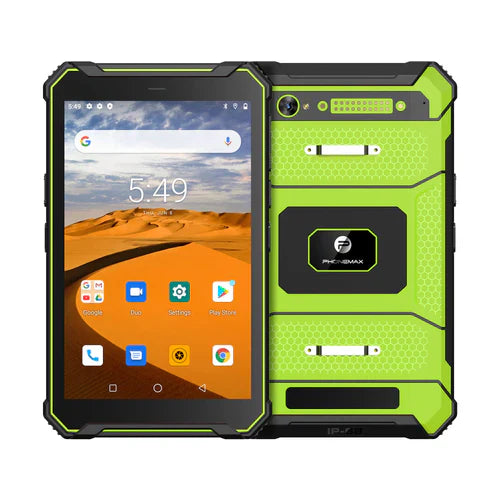
The N1 listing identifies a 32MP rear camera. That does not establish document-scanning performance or a particular capture app. Compare the T1 for general field-work requirements and confirm the selected configuration.
Discuss the device requirement with Phonemax and have the capture-app provider approve the workflow. No scanning benchmark, autofocus capability, OCR accuracy or document-preservation result is verified here.
Related guide: Tablet Report Exports: Keep File Names Traceable.


Lasă un comentariu
Toate comentariile sunt moderate înainte de a fi publicate.
Acest site este protejat de hCaptcha și hCaptcha. Se aplică Politica de confidențialitate și Condițiile de furnizare a serviciului.