
Before rolling out a data-entry tablet, check whether the chosen keyboard changes identifiers that must remain exact. Auto-correction, capitalization and keyboard layout can be helpful for prose while creating errors in part codes, equipment names or mixed letter-and-number references.
Use a harmless reference set
| Sample category | What to inspect |
|---|---|
| Code with a leading zero | Zero remains after saving and reopening |
| Mixed case reference | Required letter case is preserved |
| Hyphenated equipment name | Punctuation and spacing remain exact |
| Code resembling a common word | Keyboard suggestions do not silently replace it |
Check entry and storage separately
Type each sample with the intended keyboard and language. Inspect the value before saving, then reopen the stored record or export it through the approved workflow. A correct value on screen followed by a changed saved value points beyond keyboard behavior. Record app release, keyboard version, language, field name and the original versus saved string.
Android's input-method guidance explains how applications specify expected input types and keyboard behavior. Final behavior still needs evaluation with the supplied app and keyboard. Do not disable useful settings across the whole fleet without reviewing other entry tasks.
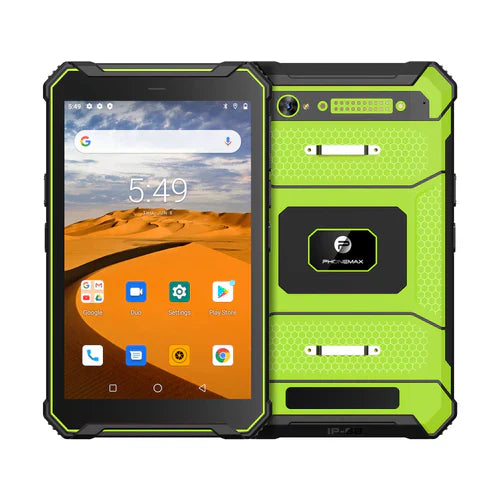
The Phonemax T1 is listed as Gray 6GB/128GB/Android 16 or Green 8GB/128GB/Android 10. Neither specification guarantees correct code entry in a third-party application. This is a proposed test, not a measured error rate.
Pair this check with application acceptance planning. Send Phonemax the intended software and input requirements for a project discussion.


Lasă un comentariu
Toate comentariile sunt moderate înainte de a fi publicate.
Acest site este protejat de hCaptcha și hCaptcha. Se aplică Politica de confidențialitate și Condițiile de furnizare a serviciului.