
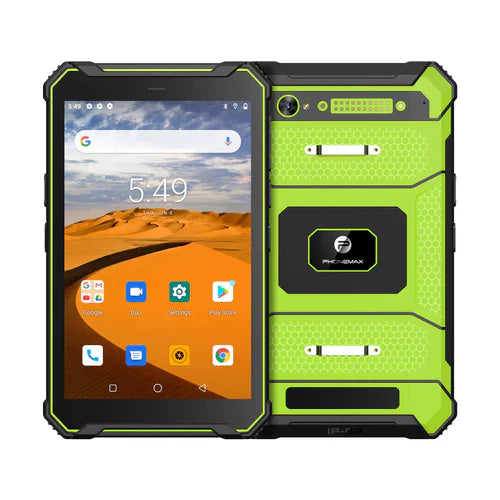
If a rugged tablet project specifies USB Type-C, define which tasks the port must perform and request documentation for the exact device. The current T1 information reviewed here does not establish the connector or its supported modes, so this article is a procurement checklist rather than a product capability claim.
Describe each connection separately
List charging, file transfer and every required peripheral as distinct acceptance items. If a dock, hub, external display or power accessory is involved, record its model and ask the supplier to confirm the complete combination.
- Confirm the connector, supported data functions and approved charging equipment.
- Ask whether the proposed peripheral requires a particular host mode, driver or app.
- Request explicit confirmation for display output or simultaneous charging and accessory use when needed.
- Evaluate the approved cables and accessories through the actual work task.
Retain the tested combination
Record device variant, software, accessory model and cable details with the result. Include the supplier's instructions for port covers and use in the intended environment. The current Phonemax T1 page lists its core configuration and charging specification, but those details do not establish every port function. Keep unconfirmed connection requirements open until the supplier documents them and the agreed workflow passes.


Lasă un comentariu
Toate comentariile sunt moderate înainte de a fi publicate.
Acest site este protejat de hCaptcha și hCaptcha. Se aplică Politica de confidențialitate și Condițiile de furnizare a serviciului.