
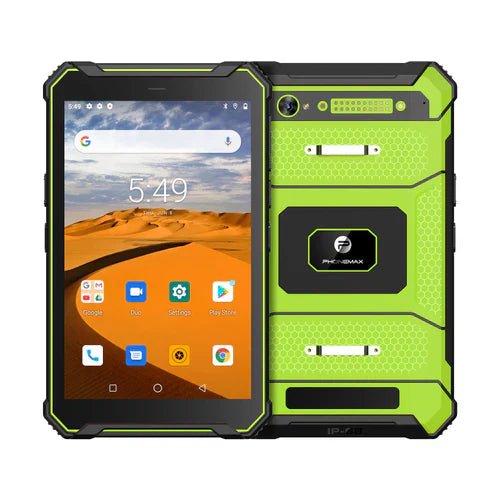
A CAN-data tablet project needs a defined interface, message interpretation and authorized use case. “CAN bus supported” should not be used as a substitute for documenting how a particular machine's information will reach the tablet application.
Separate the integration layers
| Layer | Information to request |
|---|---|
| Equipment network | Manufacturer-approved access route and applicable protocol |
| Interface or gateway | Exact hardware, tablet connection and supported software interface |
| Message mapping | Authorized definitions, units, scaling and source identifiers |
| Application | Displayed information, freshness handling and permitted operations |
CAN in Automation's overview describes distinct higher-layer approaches, including CANopen and J1939-based profiles. A lower-layer CAN reference alone therefore does not describe the complete application data contract.
Use an approved evaluation environment
Have the equipment owner and qualified integrator specify the access and test plan. Start with a simulator or approved test feed where possible, compare known messages with displayed and saved values, and keep any write/control capability outside an information-display trial. Do not tap or alter an operational vehicle network without the responsible authorization and installation review.
The N1 listing does not declare a native CAN interface, gateway bundle or compatibility with your vehicle protocol. Its navigation positioning is not an integration approval.
No CAN hardware or vehicle-network test is reported here. Use the stale-data guide for display requirements. Contact Phonemax with the authorized interface specification.


Lasă un comentariu
Toate comentariile sunt moderate înainte de a fi publicate.
Acest site este protejat de hCaptcha și hCaptcha. Se aplică Politica de confidențialitate și Condițiile de furnizare a serviciului.