
For a photo-reporting job, judge the image received in the final work record, not only the preview on the phone. Capture, selection, upload and viewing are separate steps; a mistake at any one can leave the report incomplete.
Define the evidence the task needs
Write down what must be legible or recognizable: a reference label, a component position or an overview of the work area. Use a representative non-sensitive subject during evaluation. Avoid choosing a camera solely by its megapixel number.
| Step | Acceptance question |
|---|---|
| Capture | Does the relevant detail appear clearly in the saved image? |
| Select | Can the user identify the correct image among similar shots? |
| Attach | Is it linked to the intended job or reference? |
| Submit | Does the app confirm completion rather than just selection? |
| Receive | Can the recipient open the correct image and read the needed detail? |
Use the right camera fact
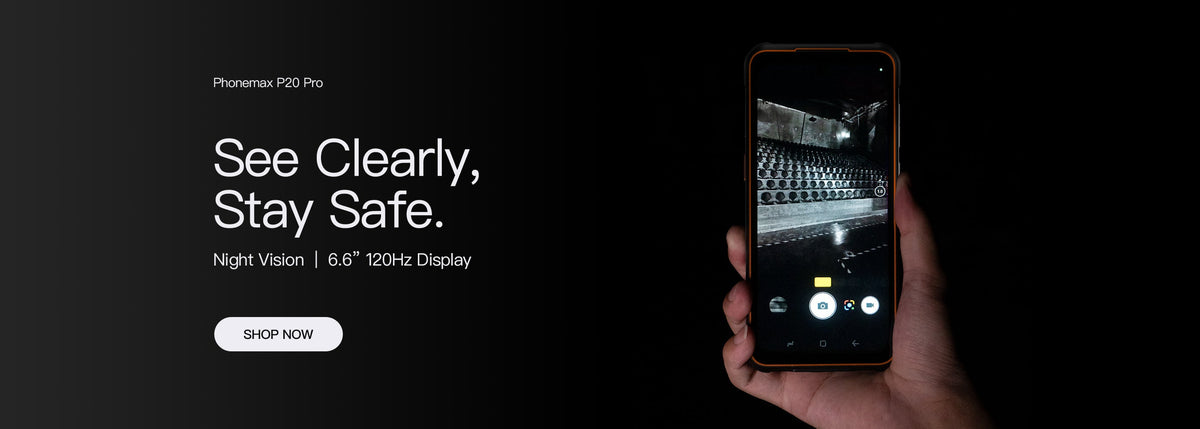
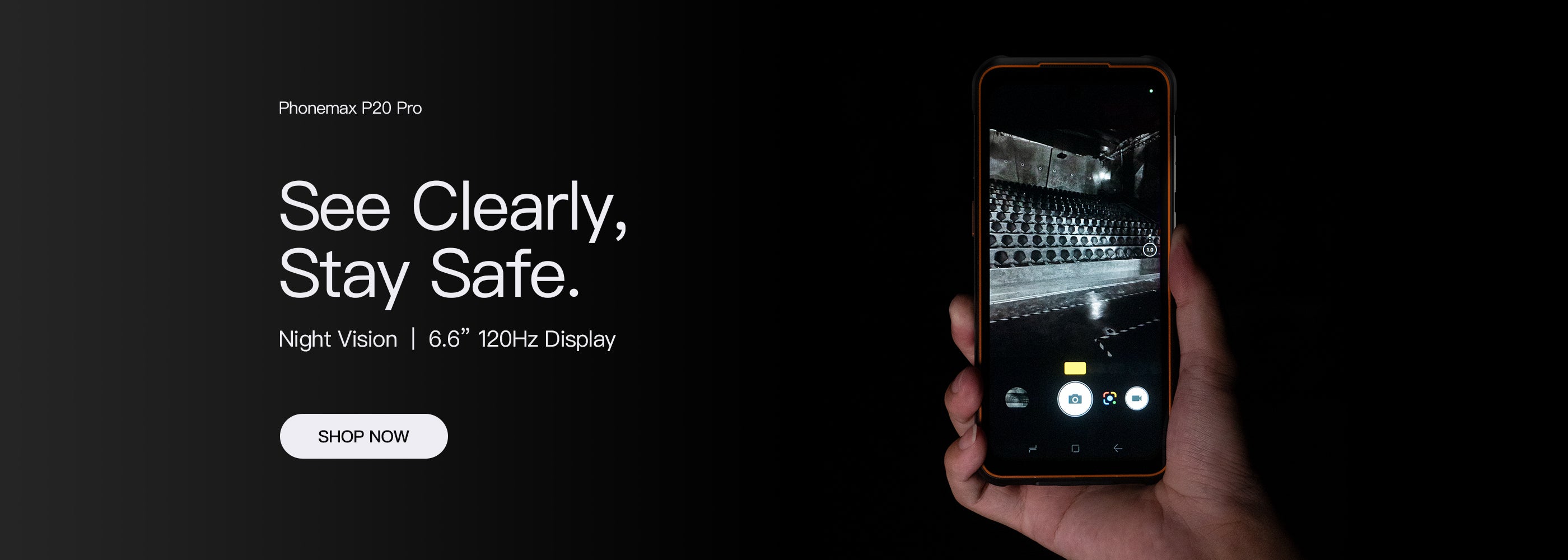
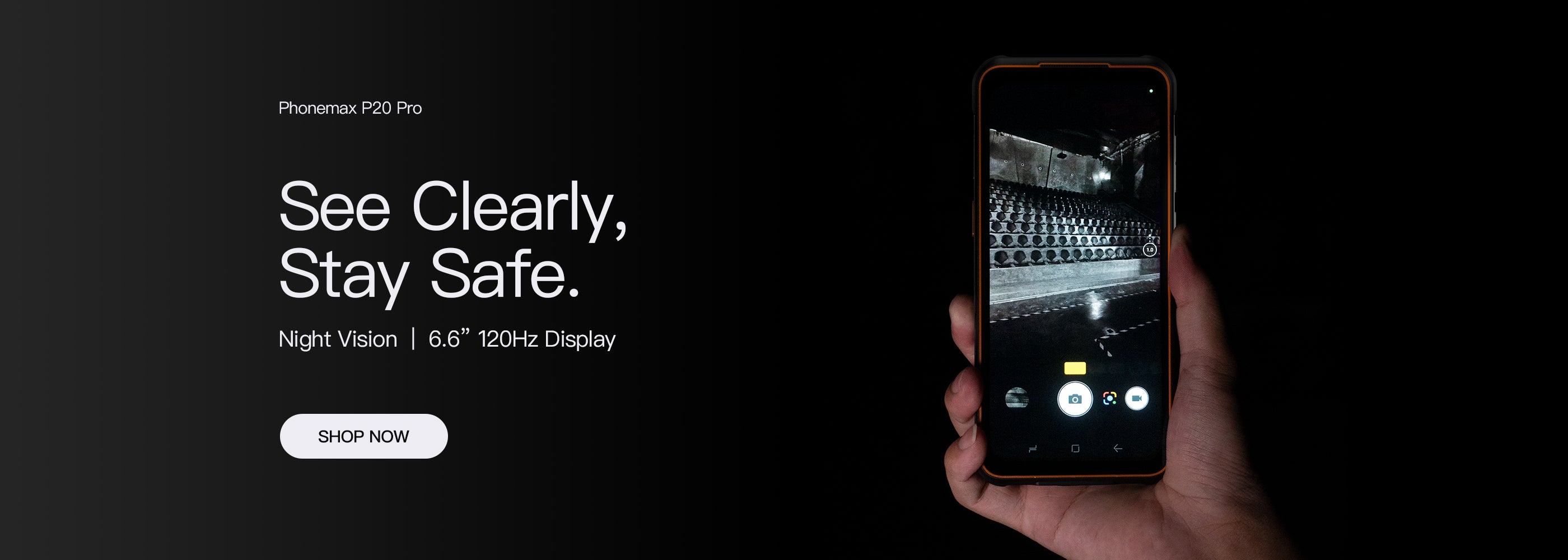
The current R4-T specification lists a 64MP autofocus main camera, a 20MP night vision camera and a 13MP fixed-focus front camera. These are different camera roles; this guide does not establish image quality, recognition distance or suitability for a particular inspection.
Include correction and interrupted submission
Evaluate replacing a wrong attachment and checking a submission after a connection interruption. Record how the particular app shows pending, failed and completed work. Do not assume a local image proves successful delivery.
Use the intended receiver to check the final record. If the service changes the image, decide whether the required detail remains usable rather than comparing only the original files.
Share the photo workflow with Phonemax when evaluating a compact model. Application upload behaviour and the final evidence quality require their own trial.

Lasă un comentariu
Toate comentariile sunt moderate înainte de a fi publicate.
Acest site este protejat de hCaptcha și hCaptcha. Se aplică Politica de confidențialitate și Condițiile de furnizare a serviciului.