
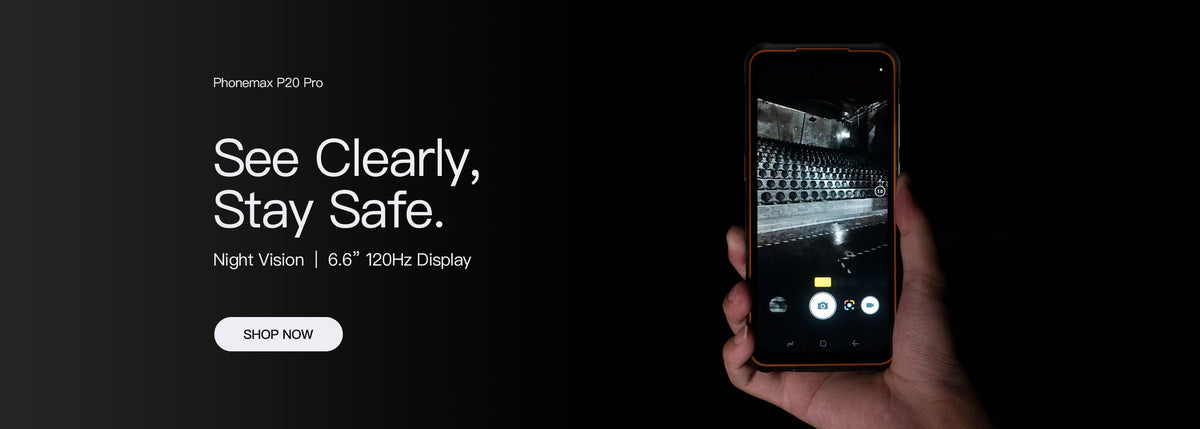
For work-document access, evaluate whether the user can find the right instruction and return to the task. A 6.3-inch search phrase does not establish document compatibility, readable tables or a reliable link to the current revision.
Use a representative document
| Document feature | Check on the offered setup |
|---|---|
| Revision | Can the user identify the current approved version? |
| Search | Can the required term or reference be found? |
| Table or drawing | Can the relevant detail be read without losing its context? |
| Cross-reference | Can the user return after following a link? |
| Connection loss | Is the required file available under the proposed offline arrangement? |
Separate phone specifications from viewer behaviour
The current P20 record identifies a 5G rugged smartphone. It does not establish support for every document viewer, protected file or document-management service.
Confirm the intended app and file type. Include the sign-in process and any permission prompt in the evaluation. A document opening once is not the same as a complete instruction-retrieval workflow.
Test leaving and resuming
Find a numbered step, switch to the work app and return to the document. Observe whether the page, search or zoom position remains useful. Keep results tied to the app version and settings actually used.
Ask the document owner how current revisions will be distributed. Do not approve a locally saved file as a permanent reference without a plan for replacing obsolete copies.
Share the document workflow with Phonemax when evaluating a model. No 6.3-inch display assignment, file-format certification or offline-access result is established by this guide.

Lasă un comentariu
Toate comentariile sunt moderate înainte de a fi publicate.
Acest site este protejat de hCaptcha și hCaptcha. Se aplică Politica de confidențialitate și Condițiile de furnizare a serviciului.