
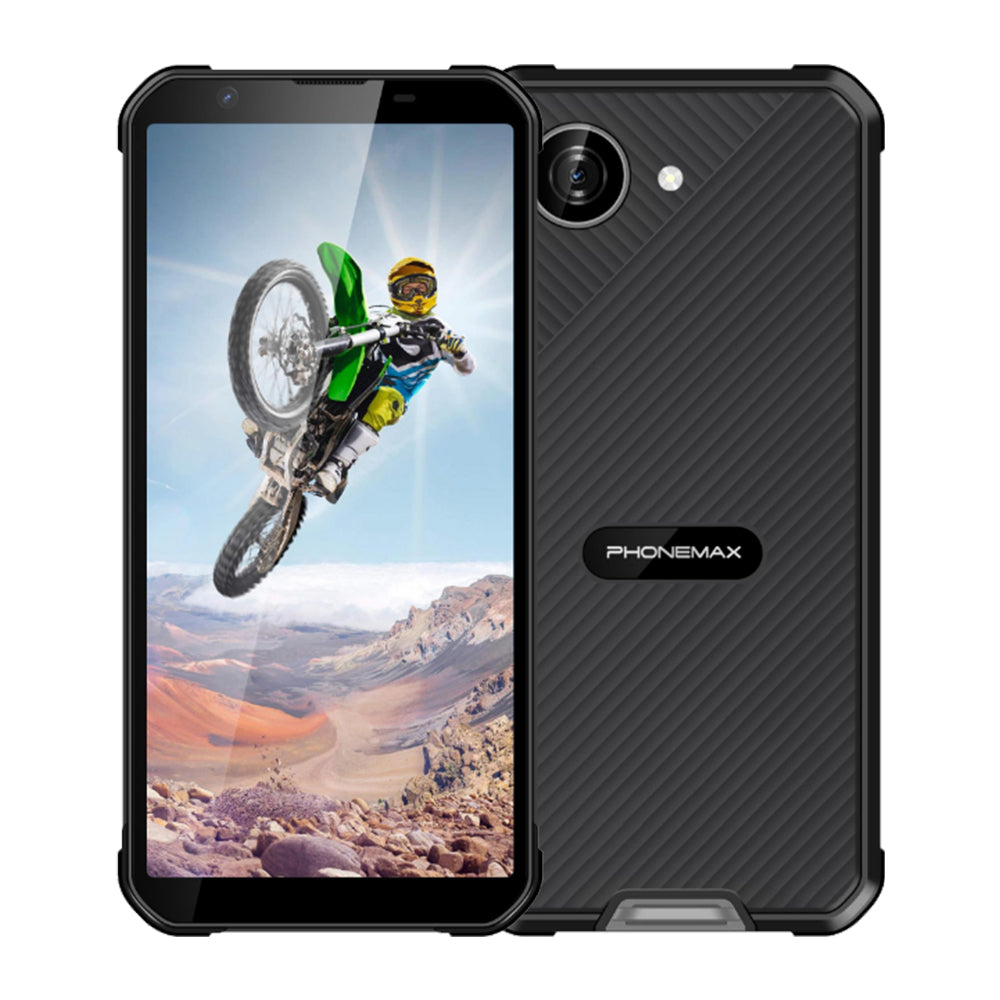
A larger screen request often starts with a readability problem. When evaluating a 6.3-inch rugged smartphone, determine whether staff can read and complete the form at the text size they actually need.
Test realistic content
Use a work order with long names, addresses, mandatory fields and an error message. Increase system text size to the level preferred by the workers. Check whether the application respects that setting and whether labels overlap buttons. Include a report with more content than the demonstration screen.
Check entry and review
Have staff enter values, correct a mistake and review the completed record. Record scrolling, missed controls and fields hidden behind the keyboard. Repeat in both orientations if the application supports them. Keep the protective case fitted so the test includes access near the screen edges.
Choose size by task result
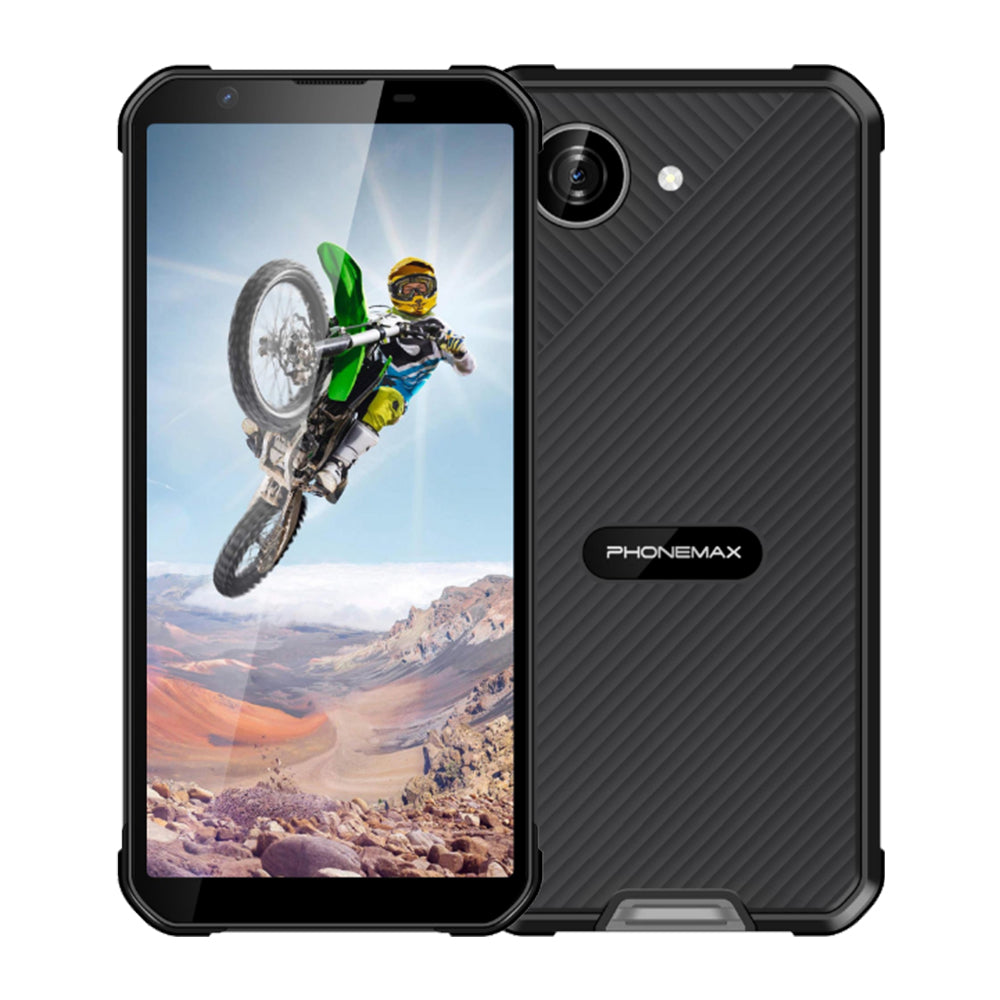
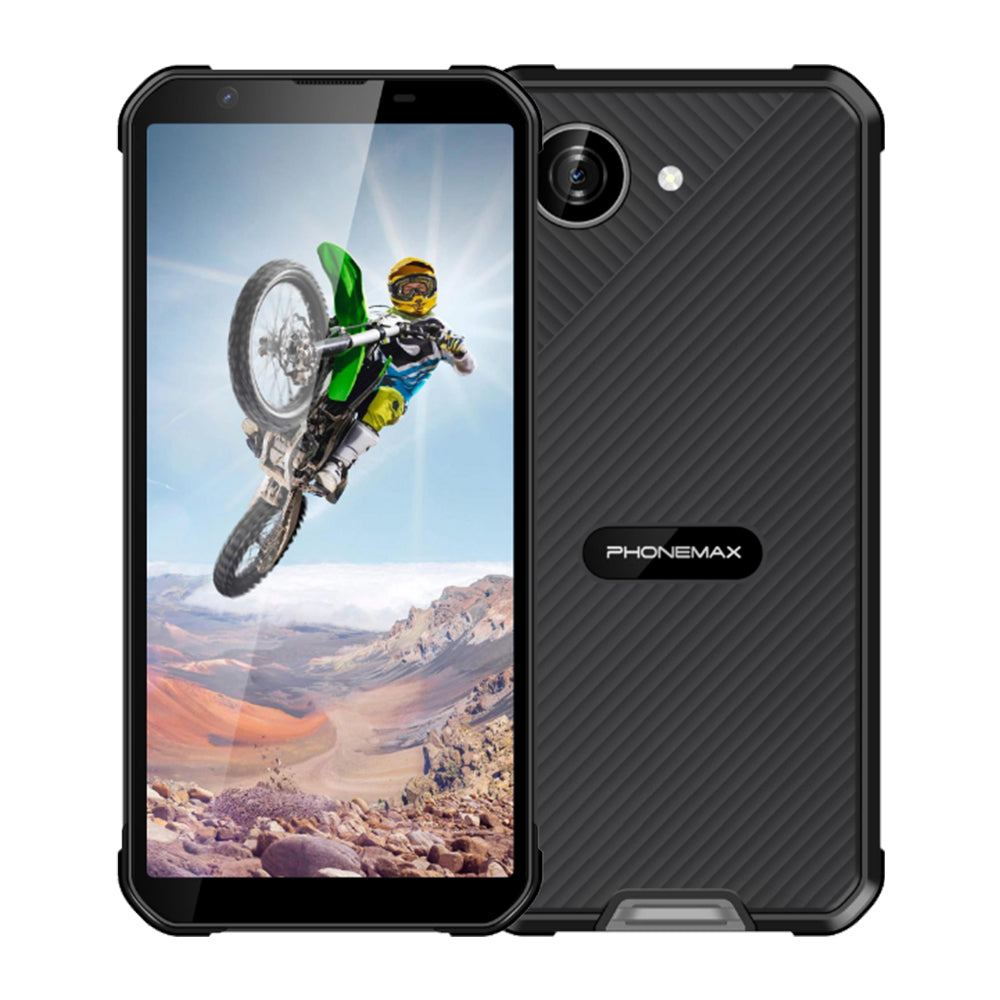
X5 is listed with a 5.3-inch display, not the requested 6.3 inches. Assess it only as an explicitly smaller alternative. If the application remains awkward at the needed text size, ask for a matching larger-screen sample or adjust the interface. Retain the successful text settings and application version in the deployment instructions so later updates can be checked against the same layout.
See the current Phonemax X5 specification when assessing a compact alternative.

Leave a comment
All comments are moderated before being published.
This site is protected by hCaptcha and the hCaptcha Privacy Policy and Terms of Service apply.