
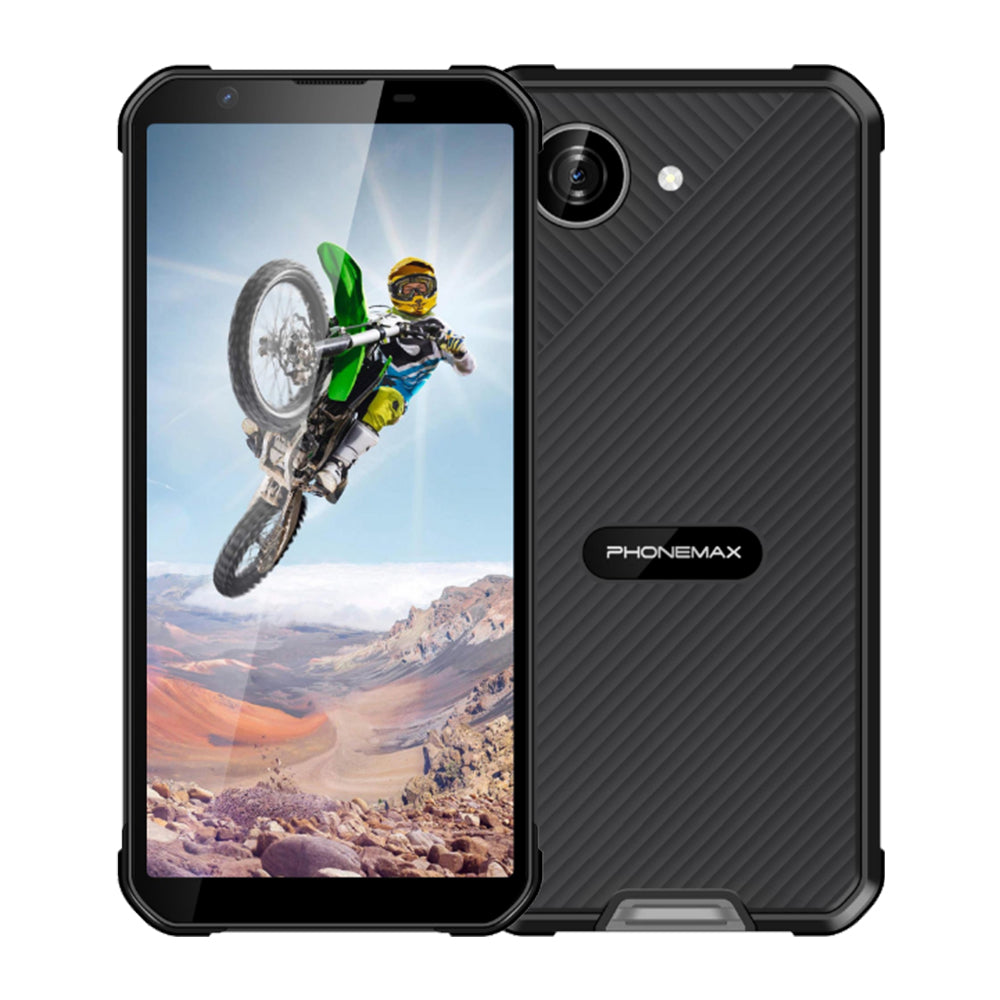
A 5.7-inch display request paired with Bluetooth support needs an accessory trial, not just two catalogue labels. Verify that the proposed phone works with the devices and application used by the team.
List the accessory chain
Record the headset, scanner or other peripheral model and its firmware. Identify whether the application needs a specific connection method or permission. Pair the accessory with the actual phone sample and perform the required task.
Test interruptions
Restart both devices, move briefly out of range and return, then check reconnection. Switch between the accessory and normal phone use. Record lost input, delayed audio or repeated pairing steps. Include the intended display layout because incoming data must remain readable during the workflow.
Verify screen and connectivity independently
The current X5 listing describes a 5.3-inch display and Bluetooth 5.2. That does not make it a documented 5.7-inch phone or establish compatibility with every peripheral. Use it as a compact candidate only if the size exception is accepted. For a matching larger device, obtain its exact screen specification and repeat the same accessory test. Retain the accepted hardware and software versions for future checks.
Review the current Phonemax X5 product information for the configuration being compared.

Lämna en kommentar
Alla kommentarer modereras innan de publiceras.
Denna webbplats är skyddad av hCaptcha och hCaptchas integritetspolicy . Användarvillkor gäller.