
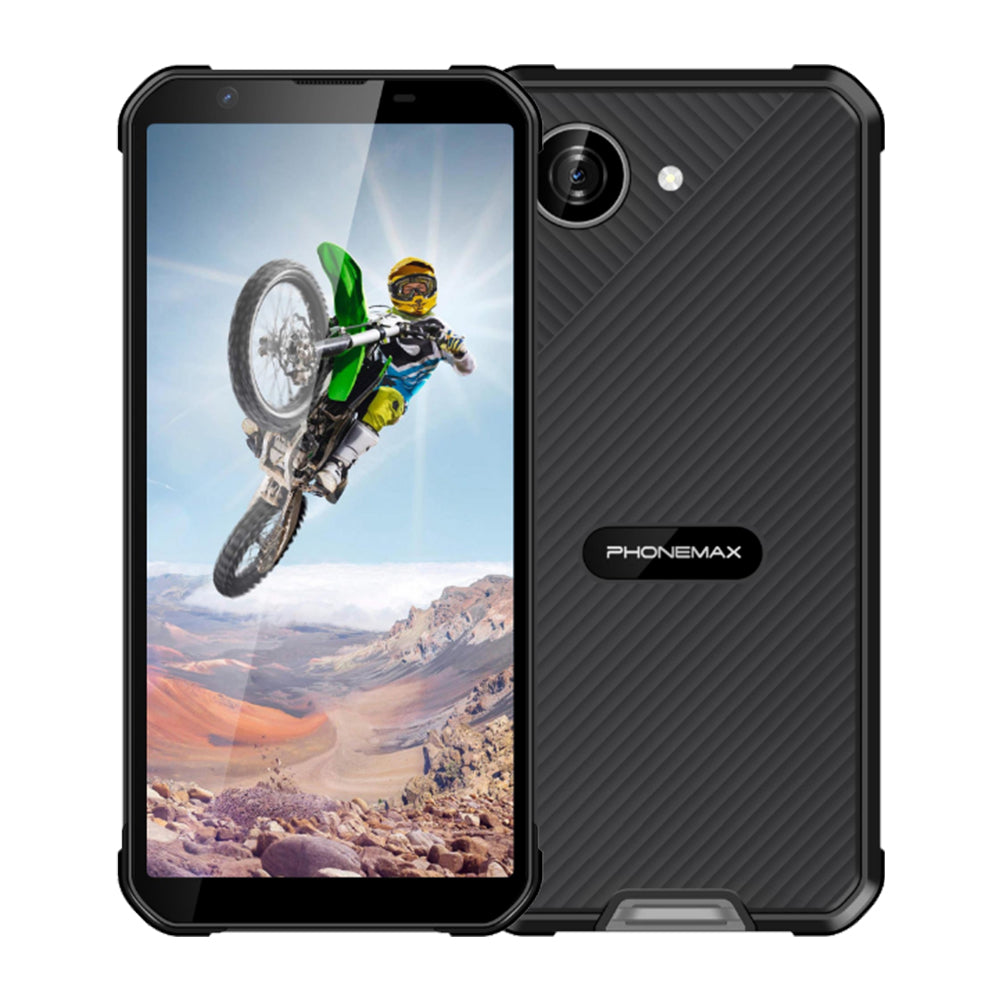
Teams using several languages need more than a display-size figure. A 6.5-inch rugged Android phone should present the actual translated forms without losing labels, instructions or confirmation messages.
Build a language test set
Choose the languages used by staff and include long place names, accented characters and the keyboard needed for entry. Open the same assignment in each language. Check that translated labels remain associated with the correct fields and that help text is visible.
Follow a complete transaction
Enter a record, trigger a validation error, correct it and confirm submission. Review the result in the office system to catch character or formatting problems that are not obvious on the phone. Test larger text settings as well as the default. Record the application and language settings for every sample.
Select a documented display
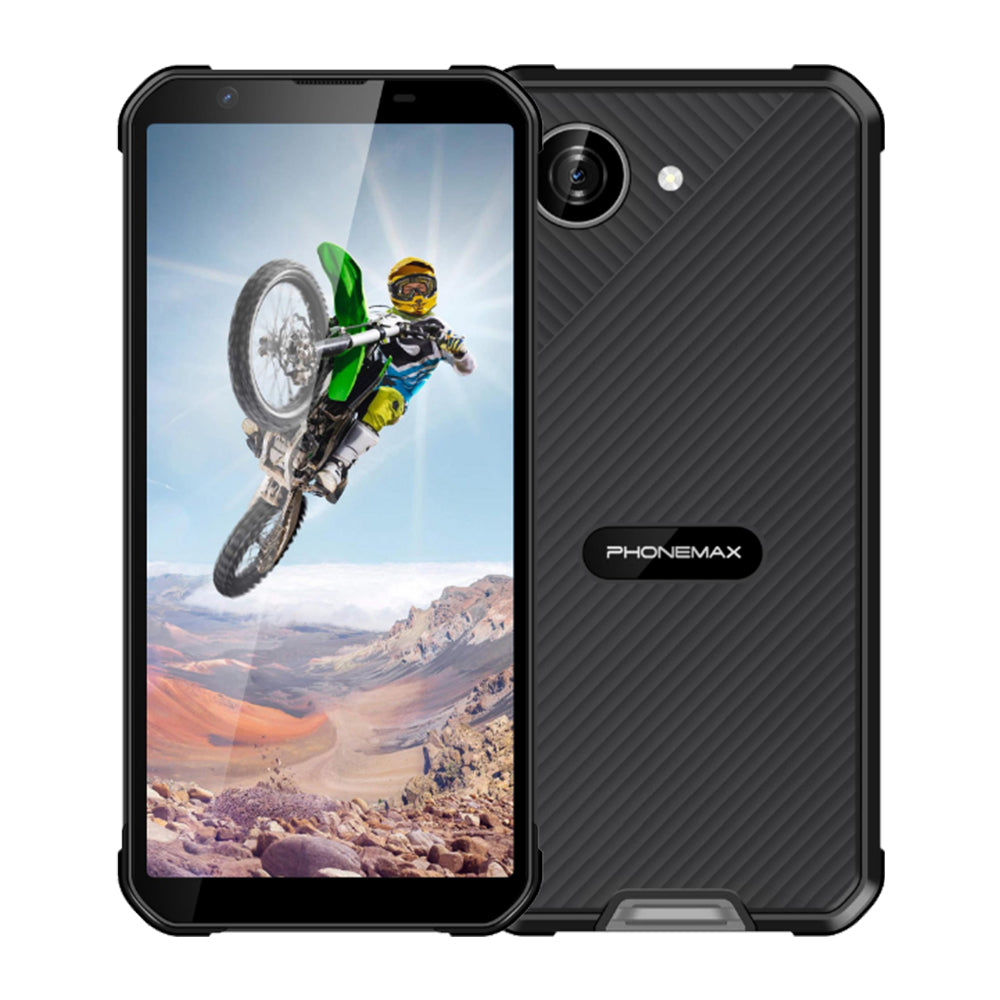
X5 is currently listed at 5.3 inches, so it cannot establish availability of a 6.5-inch configuration. A compact comparison may be useful, but it should be approved on its own layout results. Ask the supplier for the exact diagonal and resolution of any larger device offered. Retain the accepted multilingual examples for regression checks when either translations or application screens change.
Review the X5 product details for the documented compact configuration.


Lämna en kommentar
Alla kommentarer modereras innan de publiceras.
Denna webbplats är skyddad av hCaptcha och hCaptchas integritetspolicy . Användarvillkor gäller.