
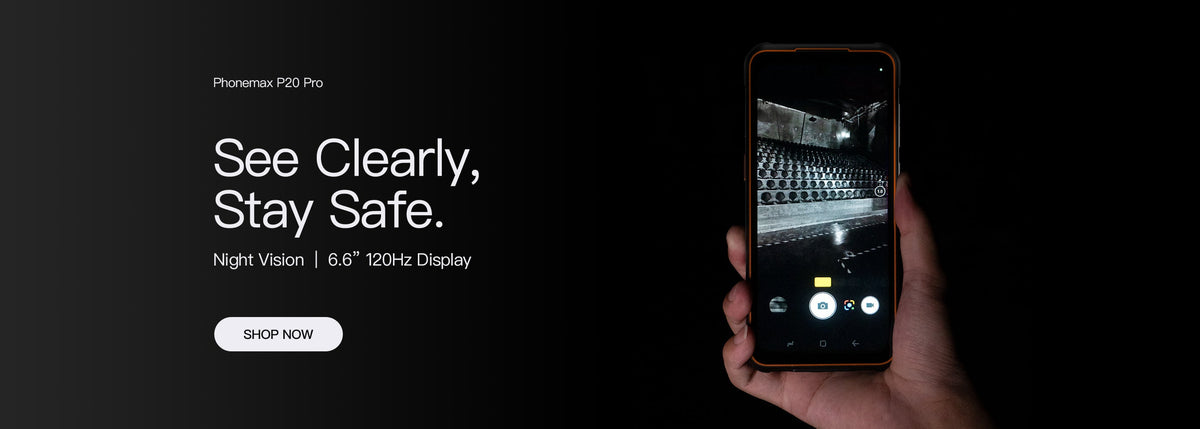
“Android 12” and “2.0 GHz octa-core” describe only part of a scanning device. A purchasing decision also depends on the scan engine, software support, network configuration and the way workers use the device.
Confirm the exact configuration
Ask for the model number, operating-system build, processor identification and scan-module specification in writing. Check whether the scanner is integrated, attached as an accessory or implemented with a camera. These approaches differ in ergonomics, barcode performance and application integration; a processor clock speed alone does not predict scanning speed.
Test the real workflow
Install the inventory or logistics app used by the team. Try damaged, small and poorly lit codes at typical working distances. Verify how scan data enters the app, what happens offline, and whether the keyboard and camera permissions fit company policy. Test gloves, charging docks and any required cases with the same sample device.
Plan support before rollout
Ask about security-update availability, replacement parts and the process for configuring multiple units. Confirm bands and carrier acceptance in the destination country. Use a measured pilot result, not a generic “rugged scanner” description, to decide whether a particular Phonemax configuration meets the job.


Lämna en kommentar
Alla kommentarer modereras innan de publiceras.
Denna webbplats är skyddad av hCaptcha och hCaptchas integritetspolicy . Användarvillkor gäller.