
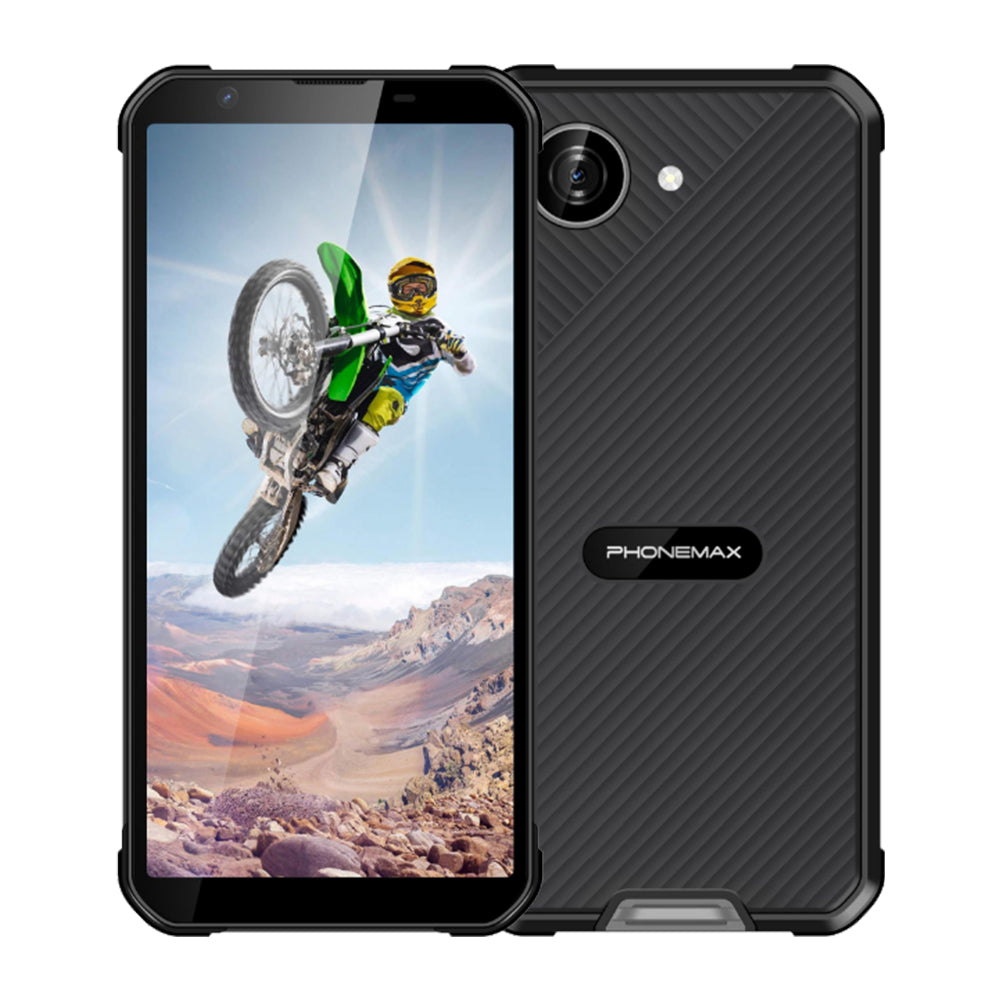
A 6.58-inch FHD screen request often aims to make maps easier to use. Check both visible information and touch accuracy in the navigation application used by the field team.
Prepare a representative map
Include dense labels, closely spaced locations and a route with several stops. Confirm that the required map data is available under the team's normal connection conditions. Use the planned text scaling and screen orientation.
Test finding and selecting
Ask workers to identify the next location, select a nearby point and reopen the route after an interruption. Record mistaken selections, repeated zooming and labels that become difficult to read. Try the case and gloves intended for deployment. Check that larger physical screen space actually improves the task instead of merely showing the same layout at a different scale.
Approve the right hardware
The current X5 display is 5.3 inches, not 6.58 inches. It can be a compact comparison if the buyer allows one, but its map results cannot establish the offered larger model's behavior. Obtain that model's diagonal and exact pixel resolution and run the same map exercise. Keep the application version and accepted map examples for future checks after software changes.
Check the current X5 configuration before treating it as a comparison model.

Leave a comment
All comments are moderated before being published.
This site is protected by hCaptcha and the hCaptcha Privacy Policy and Terms of Service apply.