
Specify what the tablet must read or do with an NFC tag before treating “NFC supported” as a complete requirement. Opening an equipment record, using an access credential and making a payment are different projects with different application and service requirements.
Define the transaction
| Intended use | Information to provide |
|---|---|
| Equipment tag opens a work record | Tag technology, data format, sample payload and approved app |
| Existing access system | System vendor, credential requirements and authorized integration route |
| Payment-related use | Payment provider's specific device, software and approval requirements |
Android's NFC basics explains NDEF messages and dispatching tag data to interested applications, with separate guidance for non-NDEF data. Reading one sample tag does not establish support for every card technology or service.
Evaluate the complete record action
For an equipment-tag project, use a non-sensitive sample and the intended application. Record the tag type, payload, app release and device build. Confirm that the expected equipment ID opens under the correct account. Test an unrecognized sample and define a clear response rather than allowing a confusing or unintended destination. Have the system owner approve the use of any existing credentials.
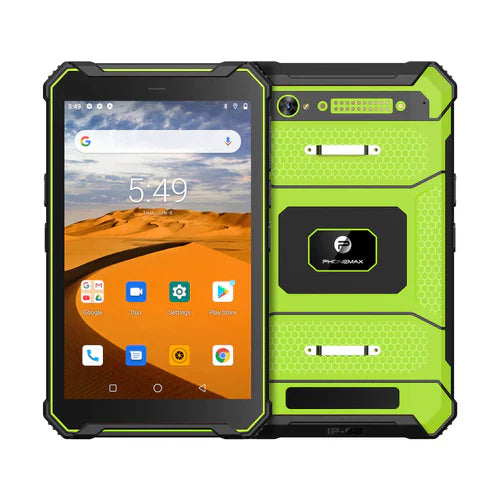
The N1 listing includes NFC, Android 16 and 6GB/128GB storage. It does not verify your tag type, access-control integration or payment-service approval. No NFC interoperability test is reported in this article.
For links carried in tags, pair the check with the work-link destination guide. Contact Phonemax with tag and application documentation before selecting a configuration.


Leave a comment
All comments are moderated before being published.
This site is protected by hCaptcha and the hCaptcha Privacy Policy and Terms of Service apply.