
If workers must read a barcode from another screen, include that exact presentation in acceptance testing. A successful read from a printed label does not establish performance with the intended display, code size or application.
Use a controlled presentation matrix
| Variable | What to record |
|---|---|
| Source display | Device, app and approved brightness setting |
| Code | Format, displayed size and known sample value |
| Capture arrangement | Reader configuration, distance and ordinary working angle |
| Result | Correct decoded value and final application action |
Evaluate the ordinary lighting and handling conditions without inventing a guaranteed reading distance. For a time-limited code, use an authorized test service and record whether it was still valid; distinguish an unreadable symbol from a readable but expired value.
Google's camera-scanning documentation explains that input-image focus and barcode pixel detail affect that library's detection. This does not verify a dedicated scanning engine or the application on your proposed tablet.
Confirm the actual hardware path
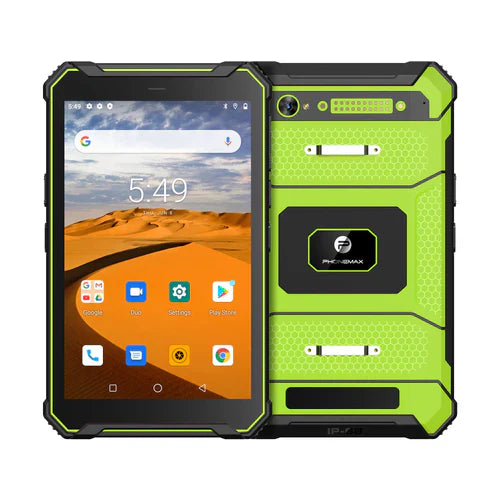
The current T1 page says the listed configuration does not include a Honeywell barcode scanner. Ask for the exact scanner hardware if needed, or evaluate the intended camera/accessory workflow. An old “integrated 2D scanner” article URL is not evidence of that configuration.
No screen-reading or time-limited-code test is reported here. Use the format register to keep sample conditions clear. Contact Phonemax with your display and code requirements.


Leave a comment
All comments are moderated before being published.
This site is protected by hCaptcha and the hCaptcha Privacy Policy and Terms of Service apply.