
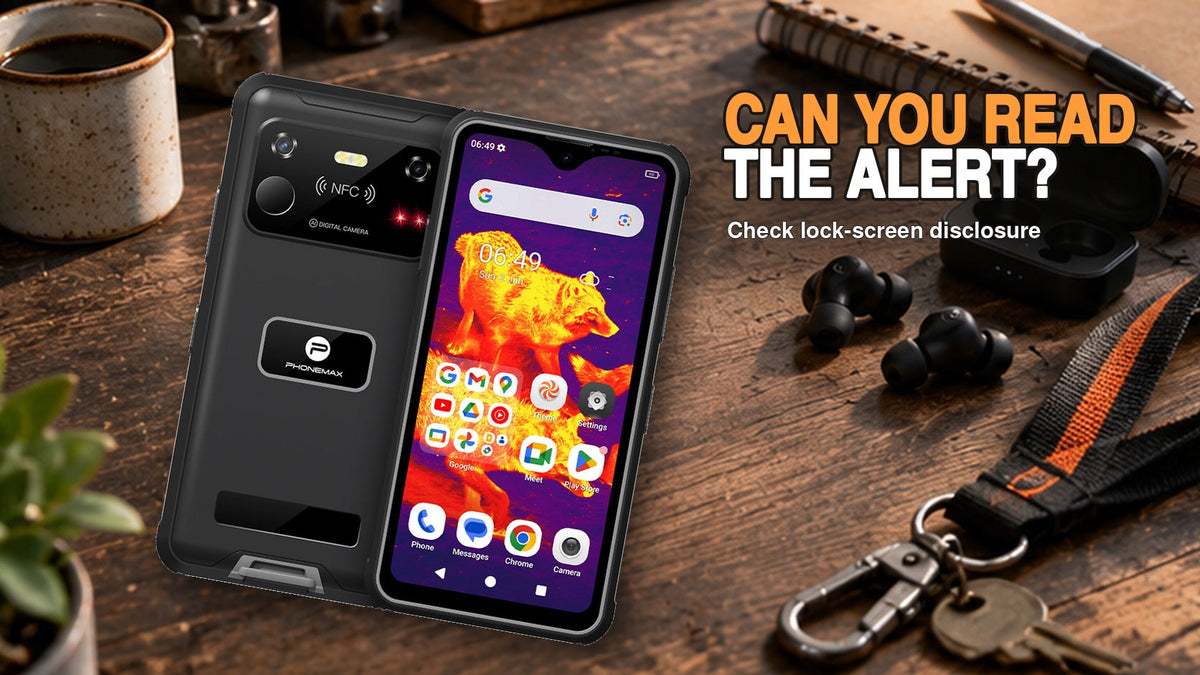
On the R4 GT, check which message details the intended user can read on the locked screen and which are visible to someone nearby. The 4.3-inch screen and the app's display behavior affect how much text fits. Organization policy should determine what can be shown while locked.
Send two harmless test alerts
Use an approved app and send a dummy message with a recognizable source and code. Lock the phone and check whether it shows the source, message text or only a generic indicator. Check an alert with a longer source name as well. Note whether the worker can recognize which alert requires attention without exposing sensitive text.
Check silent and ordinary shift settings
Test with the alert settings that will actually be used. Verify that the worker can open the right notification after unlocking and that privacy settings remain in effect. If a preview is unreadable or reveals too much, change only the approved display setting and repeat the same two alerts.
Log what the locked screen exposes
Record the handset build, app version, screen-lock state and quiet-mode setting. Use columns for app name, sender, message text and whether the on-duty user can recognize the alert. Compare the same dummy message under the approved settings. Keep the configuration that meets the site’s privacy rules and still lets the user act on the alert.
| Check | Pass condition | If it fails |
|---|---|---|
| Locked in the usual shift mode | Only the details allowed by site policy are visible and the user can recognize an actionable alert. | Record exactly which field was hidden or exposed. |
| After unlocking | The user locates and opens the intended alert from the same test message. | Record whether the problem is the lock-screen preview or the app’s alert behavior. |
Privacy and alert visibility record
Build and app: ___ · State: ___ · App name visible: ___ · Sender visible: ___ · Message text visible: ___ · User recognizes the alert: ___

Leave a comment
All comments are moderated before being published.
This site is protected by hCaptcha and the hCaptcha Privacy Policy and Terms of Service apply.