
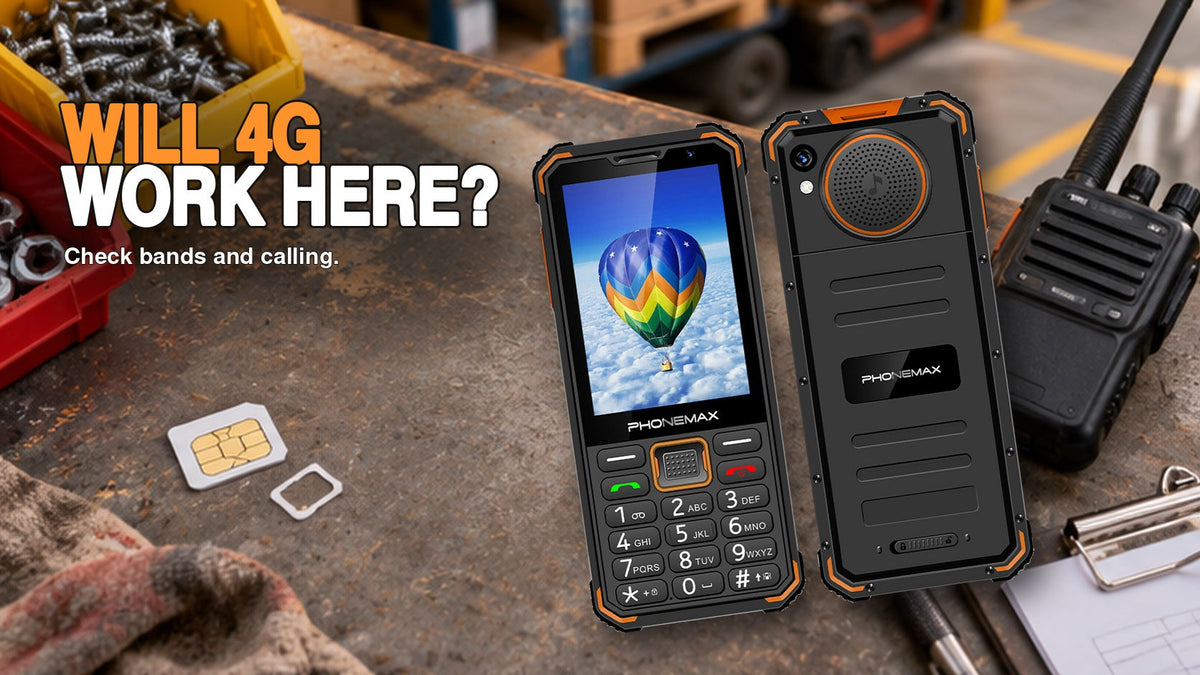
The F4 T is a 4G keypad-and-touchscreen phone offered in regional network versions. If you want one handset for work and personal numbers, confirm both SIMs with their operators and check the defaults for calls, texts and data before relying on the setup.
Assign calls and data before enabling the second line
With one SIM already in a normal call, call the other number and note ringing, voicemail or unreachability. Run this separately from the data and SMS check.
The F4 T product listing describes regional versions and dual-SIM hardware. This does not establish two simultaneous calls or every combination of voice and data activity.
Give the lines meaningful names
Where the supplied software allows it, use labels such as “Work” and “Personal” or the two operator names. Avoid relying entirely on SIM position: a label that makes sense to the user is easier to check before dialing.
Keep a private record of each number, operator and account owner. Do not put SIM credentials or account recovery codes in a shared setup sheet.
Choose defaults deliberately
| Activity | Decision | Acceptance check |
|---|---|---|
| Outgoing calls | Default line or a prompt, where available | Recipient sees the intended number |
| SMS | Line used for a new message | A consenting recipient confirms the sender |
| Mobile data | Account permitted to use data | Operator usage record matches the chosen account |
| Incoming calls | How the receiving line is shown | User identifies which number was called |
Check both idle and active use
Call each number while the phone is idle. Then, using ordinary numbers, observe what happens when one line is already on a call. Record whether the other caller hears ringing, voicemail or another outcome. Repeat only where the plan permits and the parties consent.
Also try receiving an ordinary SMS while using the chosen data line. Record what actually occurs. Do not infer these outcomes from the phrase “dual SIM,” because network service and the supplied configuration matter.
Prevent surprises when travelling
Review roaming permissions and charges for each account. Disabling data roaming is not the same as cancelling every possible roaming charge. Use the operator's current terms for calls, messages and data.
Before ordering several units, ask Phonemax for the exact regional version and supported SIM arrangement. Give the carrier and the simultaneous-use task you need evaluated. Retain the results as a configuration-specific record.
Approve each SIM function separately
On a sample F4 T, send a text from each line and have the recipient confirm the displayed sender. Switch off Wi-Fi and open a harmless page on the intended data line. Call the other line while a normal call is active and record the result. Keep the results with the exact operators and software build.
Related guidance: F4 T 4G Feature Phone: Battery and Regional Guide | Phonemax.
By Phonemax. Updated November 18, 2026.

Leave a comment
All comments are moderated before being published.
This site is protected by hCaptcha and the hCaptcha Privacy Policy and Terms of Service apply.