
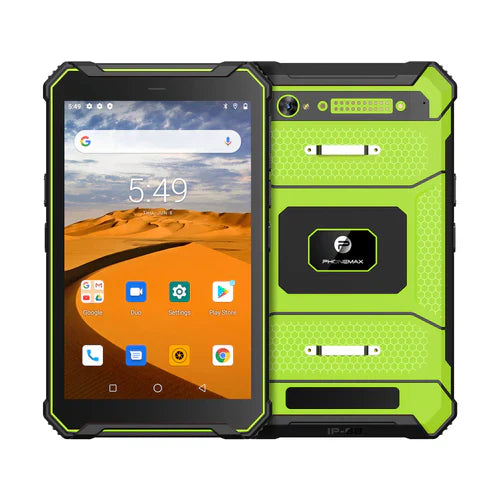
For gloved map work, assess whether workers can reach the intended view and select the correct asset without losing context. A successful tap on a large button does not document pinch, pan or close-together map markers.
Use a representative map task
| Map action | Failure to record |
|---|---|
| Zoom to an asset | Overshoot, no response or an unintended gesture |
| Pan to the next location | Accidental selection of another asset |
| Open an overlapping marker | Wrong record or repeated attempts |
| Return to the job view | Lost selection or an unclear current asset |
| Confirm an entry | Submission against the wrong map item |
Use a test job, the approved gloves and the final screen protector. Keep the map version, app settings and tablet configuration in the record. Ask intended workers to perform the complete sequence so the observations include how they recover from a wrong selection.
Review app controls when gestures are difficult
If the app offers approved zoom buttons, an asset search or another accessible route to the same view, compare those options during the trial. Keep the chosen workflow documented. Do not assume an alternative exists in every app, or change required workplace protection to make the screen respond.
Define acceptable accuracy and effort with the task owner before the assessment. A map image that looks clear can still have selection controls that are unsuitable for the intended glove and workflow.
The current T1 product information does not establish compatibility with your glove, map app or gesture set. These are proposed usability checks, not completed glove-touch results. Use the broader field-test checklist and send Phonemax the proposed setup before ordering.


Leave a comment
All comments are moderated before being published.
This site is protected by hCaptcha and the hCaptcha Privacy Policy and Terms of Service apply.