
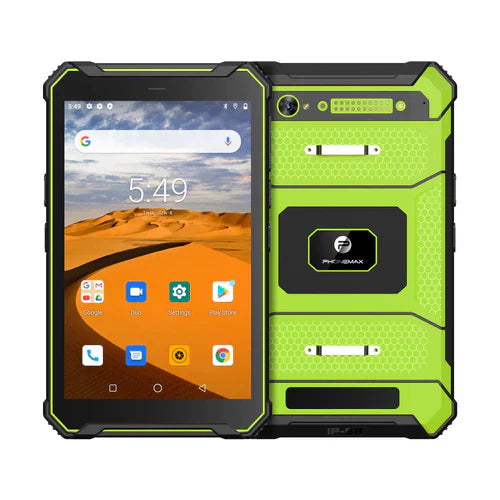
If a stylus is proposed for gloved tablet work, confirm the exact pen, tablet and application together. Basic pointing, handwriting, pressure response and palm handling are separate requirements; none should be inferred from the word stylus.
Describe the input job
| Input requirement | Question to resolve |
|---|---|
| Tap a control | Does the approved pen operate the required app controls? |
| Write or annotate | Does the app save the intended marks correctly? |
| Pressure or tilt | Are those features explicitly supported by the hardware and app? |
| Hand rests near the screen | How does the actual pairing handle unintended contact? |
| Use while wearing required gloves | Can the worker grip, store and retrieve the pen as required? |
The Android stylus guidance describes app support and advanced input features on devices that support them. It is not a compatibility statement for a specific Phonemax tablet or pen. Request the applicable device and accessory documentation before a sample assessment.
Verify the saved result
In an approved test setup, complete a representative annotation or form and reopen it in the receiving workflow. Check that required marks, fields and attachments remain associated with the right job. Include how the worker changes between pen input and other approved controls.
A successful signature stroke does not establish pressure support, a universal palm-rejection feature or legal validity of a signature. Record only the functions actually documented and assessed.
The current T1 listing does not identify a verified active-stylus pairing or these advanced pen features. No pen or glove trial is reported here. Use the signature-save and export checklist and send Phonemax the exact input requirements before choosing an accessory.


Napsat komentář
Všechny komentáře jsou před zveřejněním moderovány.
Tento web je chráněn službou hCaptcha a vztahují se na něj Zásady ochrany osobních údajů a Podmínky služby společnosti hCaptcha.