
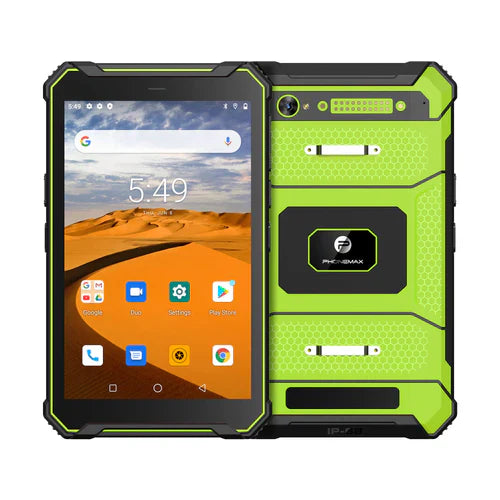
4G connectivity does not by itself establish a working remote-access service. The tablet, network, application, account permissions and the task being performed must work together. This page does not promise remote control or unattended access for every Phonemax tablet.
Define the required session
Separate viewing a screen, transferring a file, providing attended support and controlling the device. Ask the application supplier which functions are supported on the actual Android version and device configuration.
Use the offered T1 version
The current T1 listing distinguishes Gray 6GB+128GB Android 16 from Green 8GB+128GB Android 10. Do not assume the same remote-support behavior across these versions without checking the actual software.
Test a complete approved workflow
- Set up the intended account and permissions using the organization's process.
- Start a session over the planned mobile connection.
- Complete the real support or file-transfer task.
- Disconnect and check what the user must do to resume.
- Confirm that ending access removes the session as intended.
Document responsibility
Decide who may initiate sessions, who approves access and how records are retained. Do not treat a successful demonstration as a general security or availability guarantee.
The shared-tablet deployment guide covers broader operating responsibilities. This article focuses on remote-session acceptance.
Source
current T1 configurations. No original remote-access or network-performance test is presented.

Hinterlasse einen Kommentar
Alle Kommentare werden vor der Veröffentlichung geprüft.
Diese Website ist durch hCaptcha geschützt und es gelten die allgemeinen Geschäftsbedingungen und Datenschutzbestimmungen von hCaptcha.