
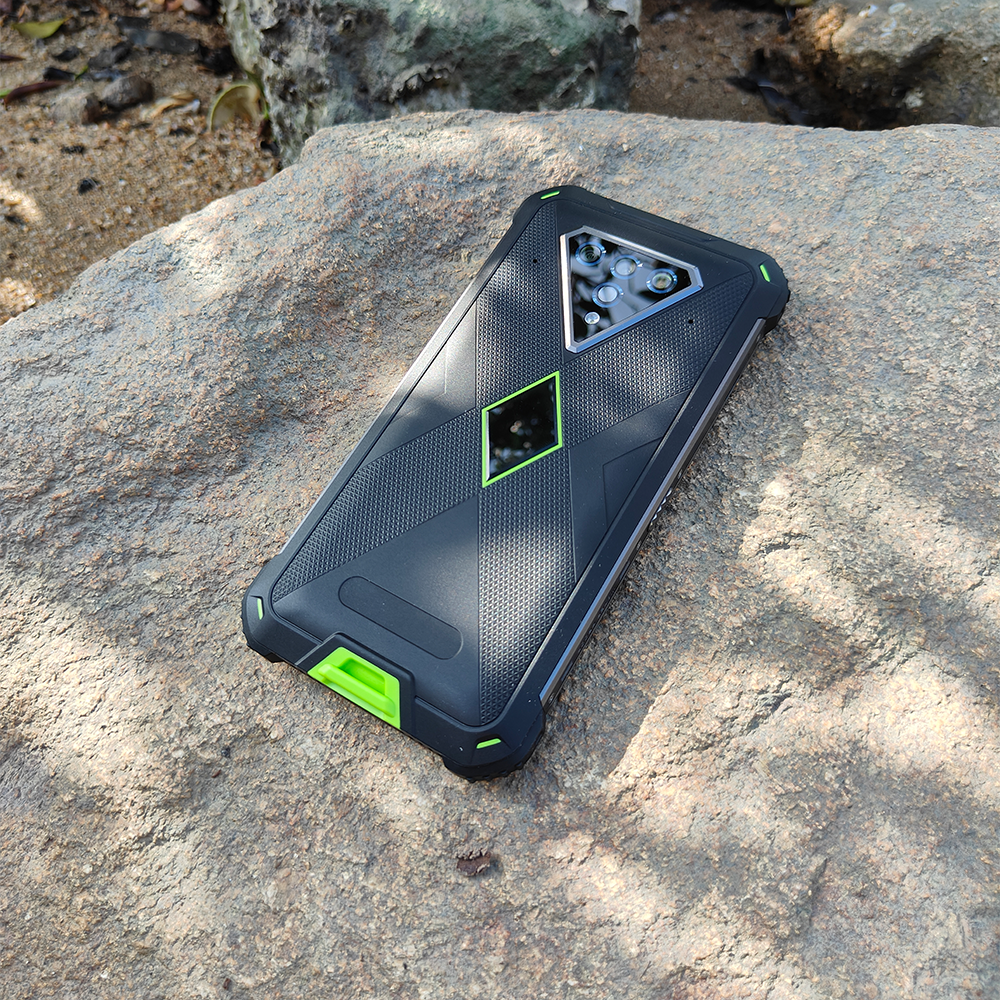
Rugged does not mean maintenance-free. Dust, moisture, repeated charging, impacts and heat can still affect a phone over time. The safest maintenance routine is conservative: keep the enclosure clean, protect ports and seals, avoid harsh cleaning methods unless the manufacturer allows them, and re-check the device after physical damage or repair.
1. Clean the exterior without attacking seals or coatings
Start with the cleaning method specified for the exact model. For routine dust and fingerprints, a soft non-abrasive cloth is the safest baseline. Do not assume strong solvents, disinfectants, high-pressure water or abrasive tools are suitable merely because the phone has an IP rating.
2. Inspect charging ports, covers and seals
Ports and covers are frequent contact points. Look for visible debris, deformation, looseness or damage before charging or exposing the device to wet conditions. If the phone uses a port cover, close it exactly as required by the product documentation.
3. Dry the phone before charging
Water resistance and safe charging are different questions. After wet or dirty use, allow the charging area to dry and make sure the connector is clean before applying power. Do not force a cable into a contaminated port.
4. Avoid unnecessary heat
Google’s Android battery guidance recommends keeping phones cool because excessive heat can accelerate battery drain and damage the battery. Do not leave the phone charging in direct sun, a hot vehicle or another environment where heat builds up unnecessarily.
5. Reassess protection after a hard impact or repair
An IP rating describes tested enclosure protection under defined conditions. If a phone has suffered a severe drop, cracked enclosure, damaged cover or repair, do not assume the original ingress protection is unchanged. Inspect the device and follow the manufacturer’s service guidance.
Maintenance should match the model
Phonemax rugged phones use different enclosures, batteries, ports and feature sets. Browse the current rugged phone collection for model-specific product information, and use the documentation for your exact device rather than a generic brand-wide assumption.
FAQ
Should I wash an IP68 phone under a tap?
Do not assume that every model allows the same cleaning method. Check the exact manufacturer instructions and stated water-resistance conditions.
Can I use compressed air or a sharp tool to clean a charging port?
Avoid improvised methods that could damage contacts or seals. Use only cleaning methods approved for the device.
Does a rugged phone still need careful handling?
Yes. Rugged design can reduce risk under stated conditions, but no phone is indestructible.
Sources
- Android Help — Get the most life from your Android device’s battery
- IEC 60529 — Degrees of protection provided by enclosures (IP Code)
Publisher disclosure: This article is published by Phonemax. Cleaning, charging and enclosure requirements vary by model; the current model documentation takes priority over general maintenance advice.


Hinterlasse einen Kommentar
Alle Kommentare werden vor der Veröffentlichung geprüft.
Diese Website ist durch hCaptcha geschützt und es gelten die allgemeinen Geschäftsbedingungen und Datenschutzbestimmungen von hCaptcha.