
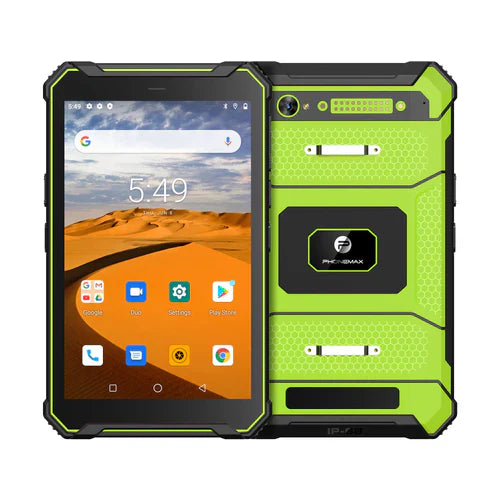
If workers must read a barcode from another screen, include that exact presentation in acceptance testing. A successful read from a printed label does not establish performance with the intended display, code size or application.
Use a controlled presentation matrix
| Variable | What to record |
|---|---|
| Source display | Device, app and approved brightness setting |
| Code | Format, displayed size and known sample value |
| Capture arrangement | Reader configuration, distance and ordinary working angle |
| Result | Correct decoded value and final application action |
Evaluate the ordinary lighting and handling conditions without inventing a guaranteed reading distance. For a time-limited code, use an authorized test service and record whether it was still valid; distinguish an unreadable symbol from a readable but expired value.
Google's camera-scanning documentation explains that input-image focus and barcode pixel detail affect that library's detection. This does not verify a dedicated scanning engine or the application on your proposed tablet.
Confirm the actual hardware path
The current T1 page says the listed configuration does not include a Honeywell barcode scanner. Ask for the exact scanner hardware if needed, or evaluate the intended camera/accessory workflow. An old “integrated 2D scanner” article URL is not evidence of that configuration.
No screen-reading or time-limited-code test is reported here. Use the format register to keep sample conditions clear. Contact Phonemax with your display and code requirements.


Hinterlasse einen Kommentar
Alle Kommentare werden vor der Veröffentlichung geprüft.
Diese Website ist durch hCaptcha geschützt und es gelten die allgemeinen Geschäftsbedingungen und Datenschutzbestimmungen von hCaptcha.