
Include the first useful accessory result after the tablet wakes in an application acceptance test. A connection icon after sleep does not show whether the app resumed the correct data stream or reused an old displayed value.
Define the wake-up case
- Record the tablet build, app release, accessory firmware and agreed power settings.
- Use a harmless sample transaction and confirm that its result has been saved.
- Let the tablet enter the normal approved sleep state, then wake it through the intended operator action.
- Produce a new identifiable sample result and compare its source, value and saved record.
| Observation | Decision needed |
|---|---|
| App says connected but value is old | How will freshness and recovery be made clear? |
| Operator must reconnect | What supported steps belong in the work instruction? |
| Result arrives twice | How does the app distinguish replay from a new operation? |
Ask the app and accessory vendors to diagnose failures before changing fleet-wide power settings. Do not disable organizational controls or assume an undocumented “always connected” mode.
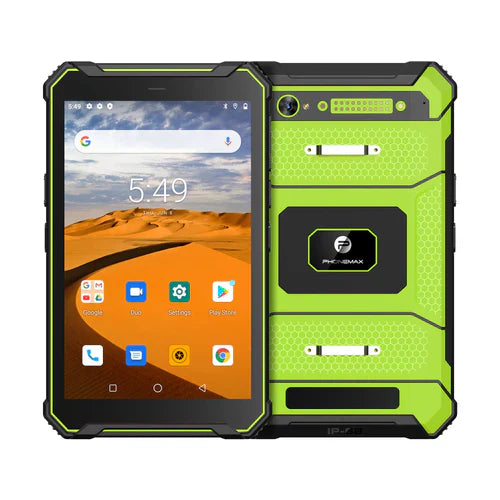
The T1 listing specifies Gray Android 16/6GB/128GB and Green Android 10/8GB/128GB. Neither listing verifies the post-sleep behavior of your application or accessory. No wake-up timing or recovery result is measured here.
Use the interface brief to identify the tested connection, and contact Phonemax with the exact configuration.


Hinterlasse einen Kommentar
Alle Kommentare werden vor der Veröffentlichung geprüft.
Diese Website ist durch hCaptcha geschützt und es gelten die allgemeinen Geschäftsbedingungen und Datenschutzbestimmungen von hCaptcha.