
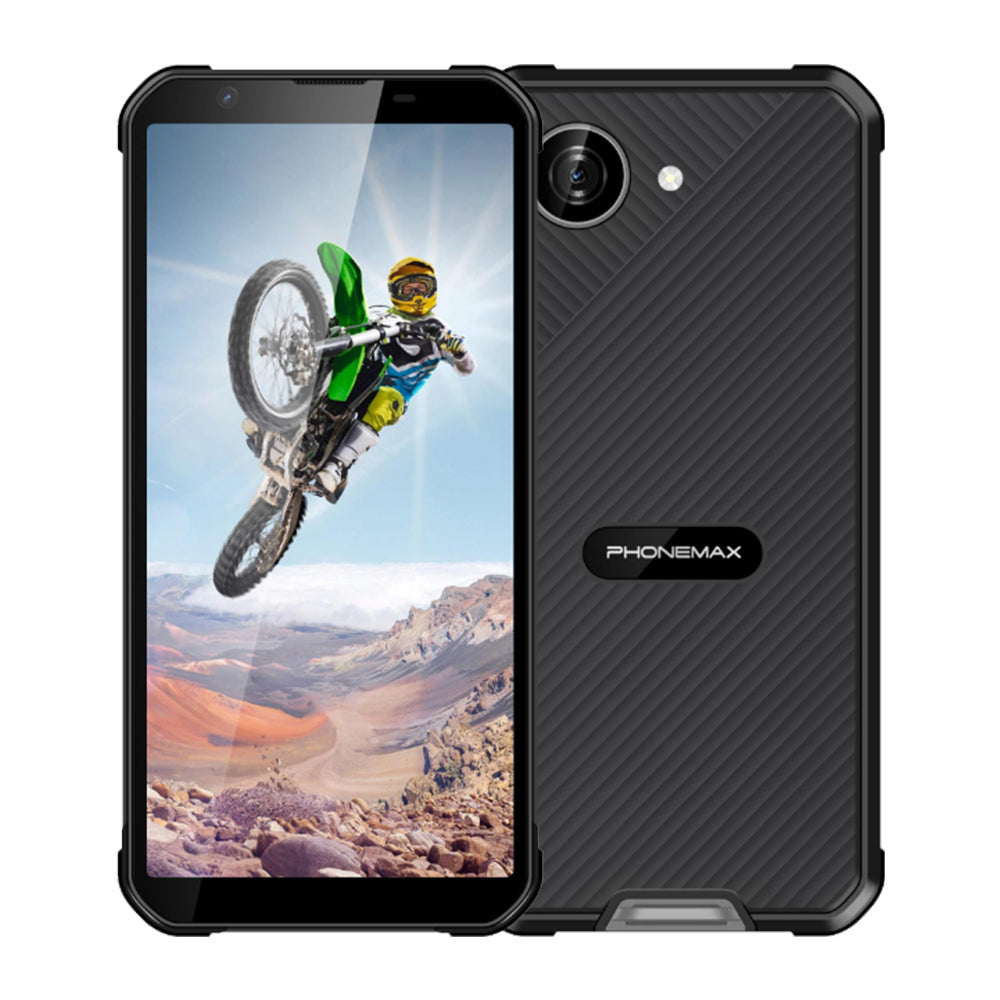
A smartphone used for winter field records must preserve work when its screen locks, signal drops or the user returns indoors. A cold-performance claim should include the application task, not only whether the handset switches on.
Use a realistic record
Create a work order with photos, location and notes. Test saving locally, locking and unlocking, switching to a call, and submitting after a network interruption. Record the app version, permissions and management policy so the test can be repeated.
Check the environmental transition
Ask the manufacturer for supported operating and charging limits and moisture-handling instructions. Within those limits, evaluate the workflow before, during and after outdoor exposure. Log app errors separately from hardware restarts and input problems.
Verify synchronization
Check that a queued record appears once on the server, images are complete and timestamps are sensible. Confirm the procedure for a partially submitted task. A phone that recovers after a restart may still leave a business record incomplete.
X5 baseline
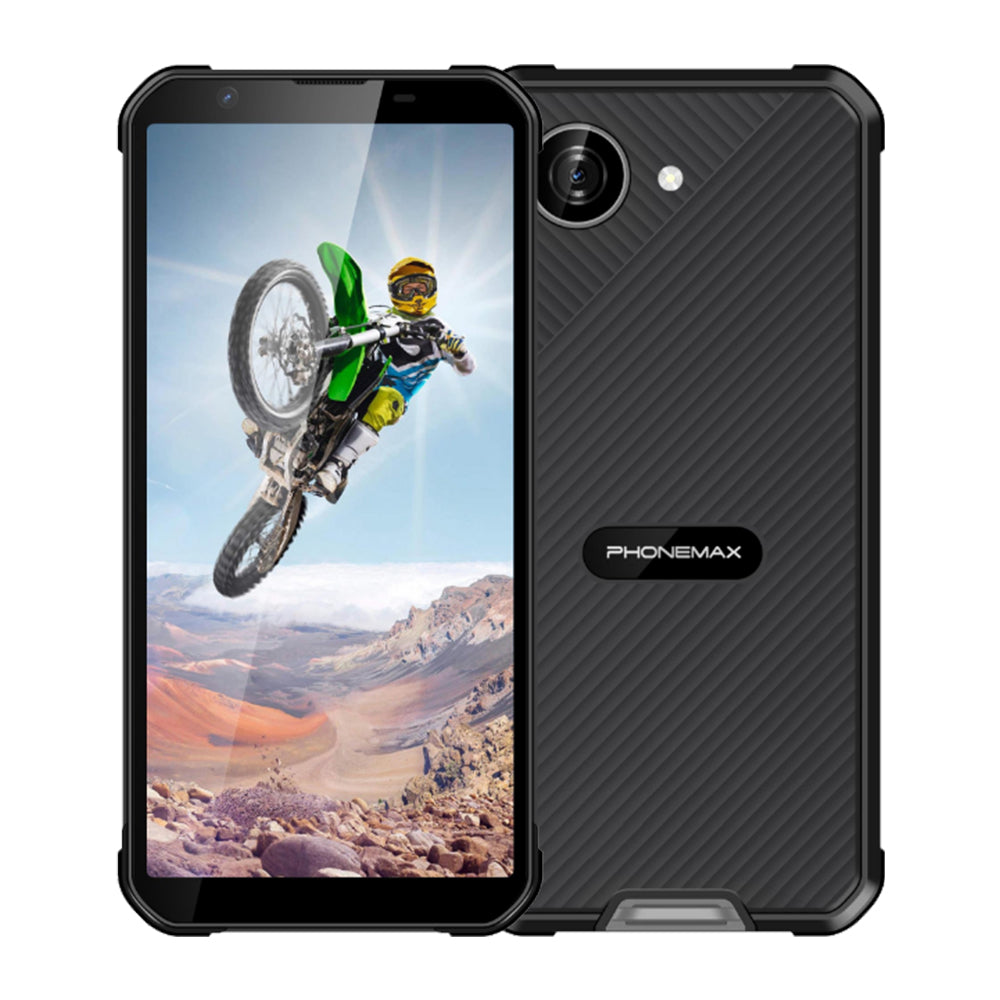
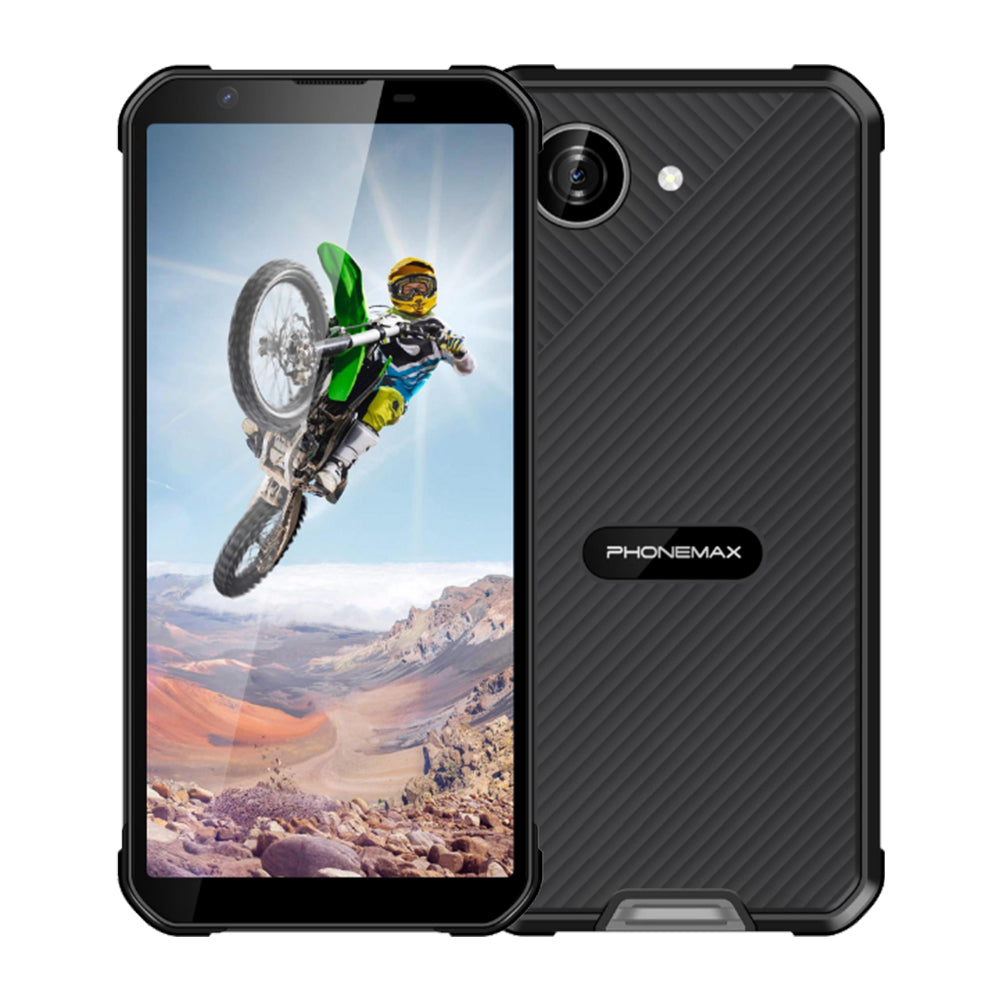
The X5 is listed with Android 16. App availability depends on software, region and provider; its current page also does not establish −20°C operation. Install the actual app on the intended variant and obtain environmental evidence before treating a successful warm-room demonstration as a cold-field approval.

השארת תגובה
כל התגובות מבוקרות לפני פרסומן.
This site is protected by hCaptcha and the hCaptcha Privacy Policy and Terms of Service apply.