
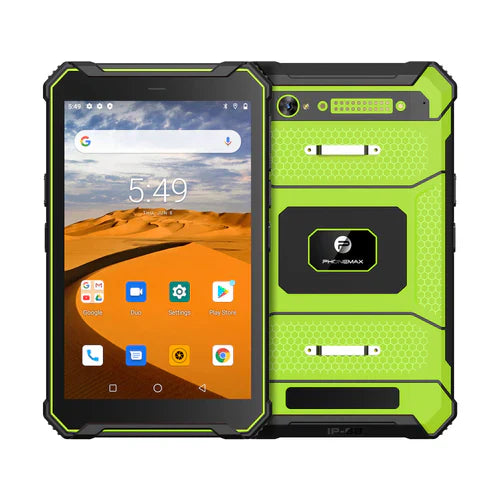
A useful tablet support request identifies the device, the failed task and the shortest repeatable sequence that shows the problem. “The 4G tablet does not work” leaves the network, application, account and hardware questions unresolved. Send a structured record so the right team can investigate.
Describe one incident clearly
| Support field | Useful detail |
|---|---|
| Device | Model, selected variant and software build |
| Application | Name, version and the screen or task involved |
| Expected result | What should happen after the action? |
| Observed result | Exact message, missing output or incorrect record |
| Reproduction | Numbered steps using safe test data |
| Conditions | Time, location, connection type and relevant accessory |
| Frequency | Once, intermittent, or repeatable in a stated number of attempts |
Make the evidence usable
Capture the relevant error and timestamp. Remove passwords, customer details and unrelated personal information from screenshots. If support needs a device identifier or diagnostic log, use the requested private support route rather than posting it publicly. Keep a copy of the original incident description so later changes can be traced.
Do not erase the symptom before documenting it
Record what has already been tried and the result of each step. Ask the responsible support or IT team before resets, software replacement or actions that could remove work data. A temporary recovery after restarting should be recorded as an observation; it does not by itself identify the cause.
Name the actual supplied version
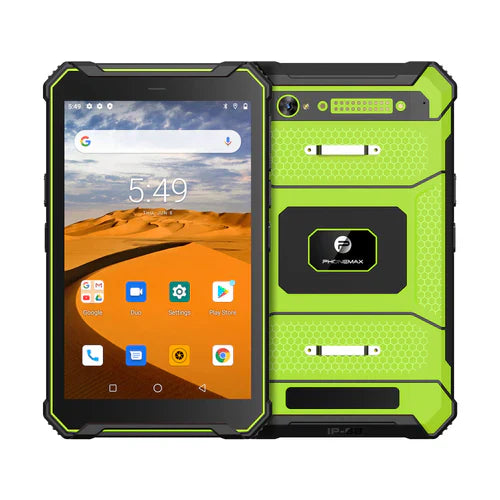
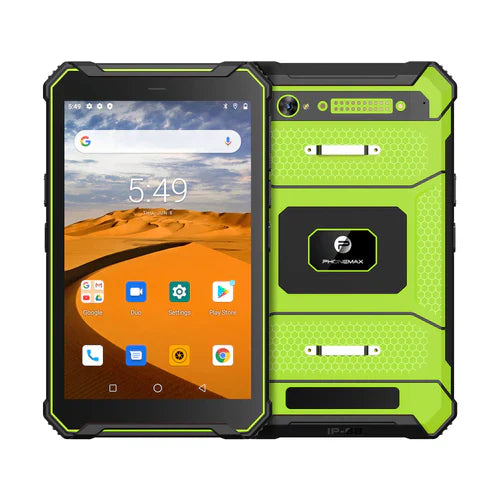
The T1 listing distinguishes Gray 6GB+128GB with Android 16 from Green 8GB+128GB with Android 10. A report labelled only “T1 Android” omits a material configuration difference.
Contact Phonemax with the incident record and involve the app provider where appropriate. This is a reporting method, not a diagnosis, repair approval, response-time promise or confirmation of warranty coverage for an incident.
Related guide: 4G Tablet Setup: Separate SIM, Network and App Failures.

השארת תגובה
כל התגובות מבוקרות לפני פרסומן.
This site is protected by hCaptcha and the hCaptcha Privacy Policy and Terms of Service apply.