
A file attachment workflow should survive an operator cancelling the picker, replacing the wrong document and reopening the saved record. Testing only the first successful upload can miss the mistakes that occur during ordinary field work.
Run three deliberate cases
| Case | Action | Expected evidence to define |
|---|---|---|
| Cancel | Open attachment selection, then leave without choosing | Existing form entries and attachments remain intact |
| Replace | Select a harmless incorrect sample, then replace it | Correct file name and preview appear before submission |
| Reopen | Save the job, close it and open it again | The intended attachment opens from the saved record |
Check where the file actually comes from
Use the same local folder or approved document provider that operators will use. A cloud file visible in a picker is not proof that its contents are already available without a connection. Record file type, size, provider and account. If the workflow depends on offline use, repeat with an approved local test file and clearly document the result.
Android's Storage Access Framework documentation explains user selection through document providers. Actual handling after selection belongs to the application and needs verification.
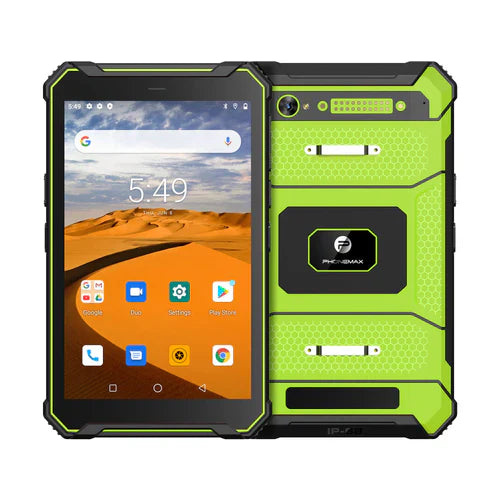
The T1 product page lists 128GB storage for both current colors, with different RAM and Android versions. Storage capacity alone does not establish attachment support, upload limits or cloud access.
This is an acceptance procedure, not a completed T1 upload test. See the offline download completion guide for a related preparation check. Contact Phonemax with the app, provider and sample file requirements.


השארת תגובה
כל התגובות מבוקרות לפני פרסומן.
This site is protected by hCaptcha and the hCaptcha Privacy Policy and Terms of Service apply.