
Before buying tablets for a paid work application, confirm how licenses are assigned, activated and moved to a replacement unit. An app that installs successfully may still require a separate entitlement before an operator can complete the job.
Ask the software vendor four questions
| Topic | Decision to document |
|---|---|
| License unit | Is entitlement assigned to a user, device, site or another defined scope? |
| Activation | Which account, connection and administrator action are required? |
| Replacement | What is the approved release and reassignment procedure? |
| Ongoing access | Which renewal or periodic checks apply under the agreement? |
Rehearse the approved onboarding
Use vendor-provided test entitlements or an authorized pilot license. Complete activation on the exact proposed tablet build and confirm one permitted task. If replacement-unit readiness matters, ask the vendor for an approved demonstration of that process. Keep license keys and account secrets out of shared support records.
Do not assume an OS upgrade, a spare tablet or an OEM customization includes third-party licenses. Resolve the supported Android range separately from commercial licensing, and retain the vendor's written terms.
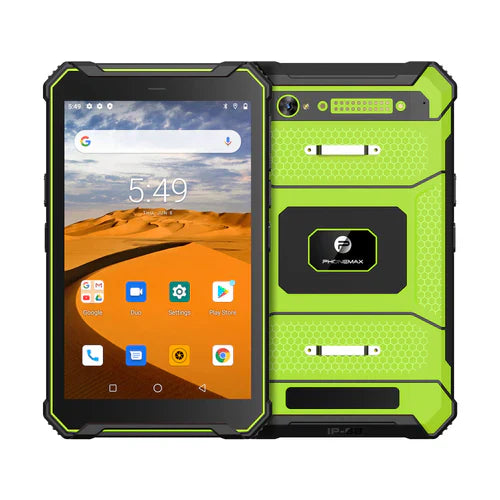
The current T1 has Gray Android 16/6GB/128GB and Green Android 10/8GB/128GB versions; it is not listed as Android 12. These product facts do not establish an application's license, supported build or transfer rights.
This is a procurement checklist, not an interpretation of a specific license agreement. No activation trial is reported. Pair it with the legacy-OS requirement guide. Send Phonemax the software requirements.


השארת תגובה
כל התגובות מבוקרות לפני פרסומן.
This site is protected by hCaptcha and the hCaptcha Privacy Policy and Terms of Service apply.