
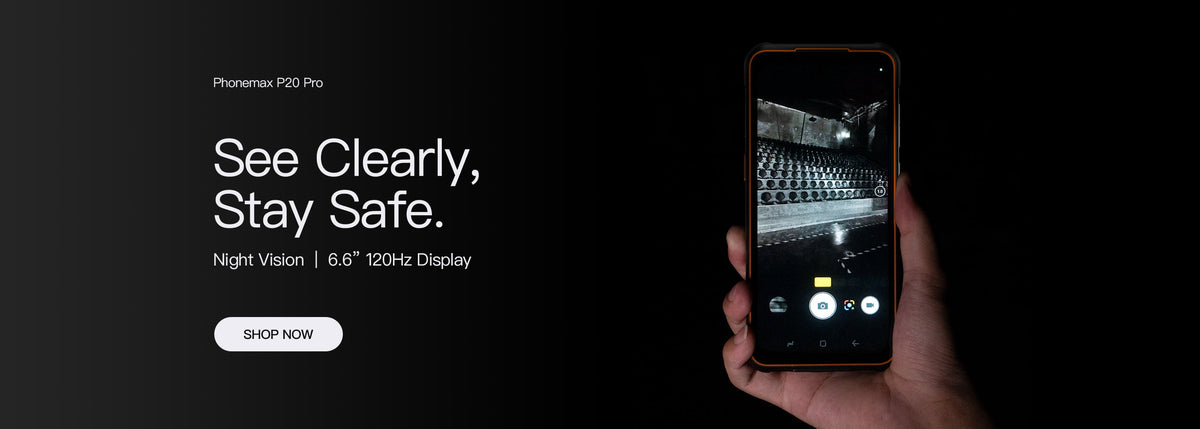
For remote video support, evaluate what the remote participant can see and hear during the actual task. A large local display does not establish that the transmitted view shows the detail needed to give useful instructions.
Plan a representative support session
| Session step | What to observe |
|---|---|
| Join | Account, invitation and permission steps |
| Show the subject | Framing and readable detail in the remote view |
| Change camera | Whether the proposed app exposes the required view |
| Hear instructions | Audio clarity in the intended arrangement |
| Resume after interruption | Rejoining and returning to the subject |
Do not infer app behaviour from camera hardware
The current R4-T specification lists a 64MP autofocus main camera, 20MP night-vision camera and 13MP fixed-focus front camera. This does not establish which cameras a particular video app can access or the quality of its transmitted image.
Use a non-sensitive example and ask the remote participant to identify the required detail. A clear preview on the handset alone is not the acceptance result.
Keep the setup in the record
Record the app version, connection, camera selection and any headset or mount. Include a normal support instruction and verify that the user can follow it without losing the useful view.
If still images are part of the process, use the photo-report checklist for final delivery.
Discuss the proposed workflow with Phonemax. No video-service compatibility, network quality or current 6.5-inch configuration is established here.

השארת תגובה
כל התגובות מבוקרות לפני פרסומן.
This site is protected by hCaptcha and the hCaptcha Privacy Policy and Terms of Service apply.