
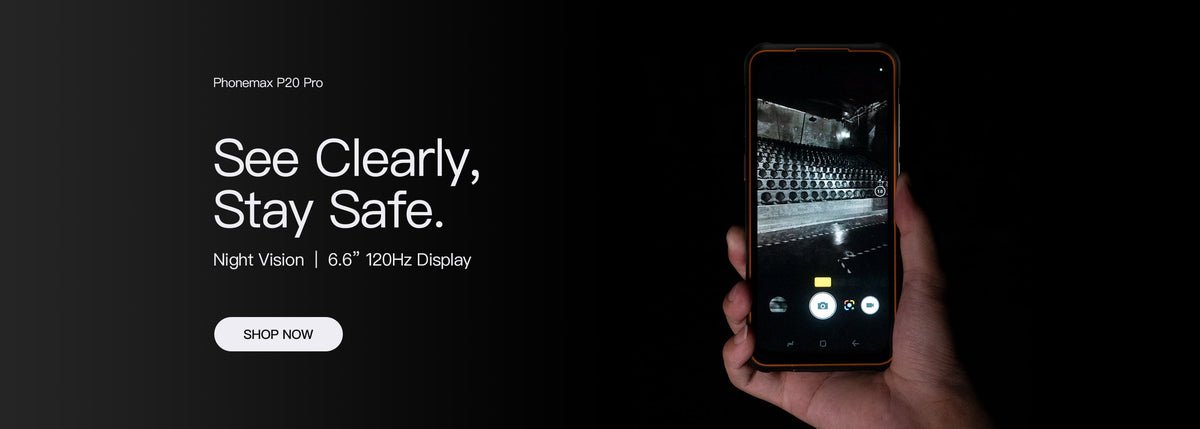
Before ordering Android rugged phones for a managed fleet, verify the exact enrollment method on the offered hardware and software. An Android version or 5G label does not prove compatibility with the organization's management service.
Let IT define the deployment
| Deployment item | What IT should specify |
|---|---|
| Ownership and use | The intended device-management arrangement |
| Management service | The named provider and supported enrollment method |
| Applications | Required installation and account setup |
| Policy | The restrictions and access behaviour to verify |
| Recovery | The approved support and re-enrollment process |
Google's Android Management provisioning documentation describes different enrollment paths depending on ownership and management intent. It is a platform reference, not confirmation that a specific Phonemax variant supports every path.
Evaluate the complete first setup
Use an IT-approved evaluation unit and test account. Verify enrollment, delivery of the intended policy and access to the required app. Keep enrollment credentials private and record the software build used.
The current P20 record identifies a 5G rugged smartphone. It does not establish a named EMM integration, enrollment program or fleet certification.
Check an operational outcome
Ask the IT owner to confirm that the enrolled unit appears in the expected management record and behaves as required. A successful scan of a QR code alone is not the final result.
Ask Phonemax about the exact variant and IT requirements. This guide establishes no enterprise enrollment compatibility, Google service certification or verified 6.58-inch display configuration.

השארת תגובה
כל התגובות מבוקרות לפני פרסומן.
This site is protected by hCaptcha and the hCaptcha Privacy Policy and Terms of Service apply.