
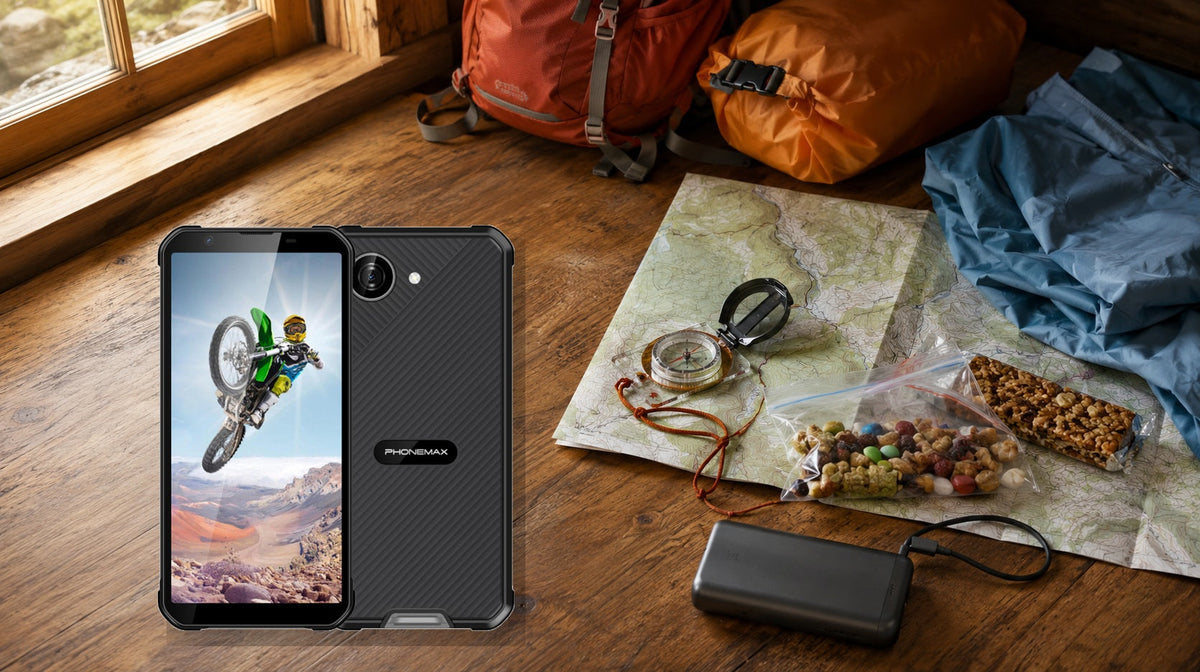
Before using a rugged phone on a multi-day hike, download and verify offline maps, test battery drain in airplane mode, inspect seals and cables, protect the device from temperature extremes, confirm emergency contacts and carry independent navigation and communication backups. Rugged construction reduces some risks, but it does not create cell coverage or unlimited power.
For the closest comparison, see Which Rugged Phone Features Matter Most for Plumbers?.
Build the plan around failure points
The highest-risk assumption is that one phone can be map, camera, guidebook, wallet, light and emergency communicator for several days without a failure. Each additional role increases the consequence of a dead battery, broken screen or lost handset.
The U.S. National Park Service’s Ten Essentials guidance recommends navigation tools, a physical map backup and an extra phone battery. Its hiking safety guidance also warns that cellular coverage may be absent and that searching for signal can drain a battery quickly. Those are system requirements, not optional accessories.
Seven-day-before workflow
Route and data
Download the full route, surrounding escape routes and destination information for offline use. Put the phone in airplane mode and open every map layer, waypoint and emergency document. A file visible while online may not actually be stored locally.
Power budget
Run a representative three-hour hike with the intended brightness, GPS logging interval, camera use and temperature. Record starting and ending battery percentage. Estimate daily use from measured consumption, then add at least a 30% reserve for cold, detours, poor signal and battery aging.
Hardware inspection
Check the screen, port cover, case edges and lanyard points. Confirm that the charging cable fits through the protective setup. A loose cover, cracked seal or frayed cable should be resolved before departure.
Communication plan
Share route, camps and return time with a responsible person. If the area lacks dependable cellular coverage, carry a suitable satellite communicator or personal locator beacon and know how to use it. A rugged phone is not a satellite device unless the exact model and service explicitly support that function.
Trailhead reproducible check
At the trailhead, switch off mobile data, enable airplane mode, then re-enable only the positioning functions required by your mapping app. Open the offline map, confirm current position, locate the first two waypoints and start a short track. Lock the screen for five minutes, reopen the app and verify that the route and position persist. Make one test emergency-contact action using the planned communications method without sending a false alert.
Risk-node decision table
| Risk node | Pass condition | Stop/turnaround condition |
|---|---|---|
| Offline navigation | Route and surrounding map open with no data | Map tiles or waypoints missing |
| Daily battery budget | Measured use plus reserve fits power plan | Forecast ends below emergency reserve |
| Weather | Device limits and storage plan fit forecast | Temperature/exposure beyond documentation |
| Communication | Coverage or backup device verified | Phone is only plan in a no-service area |
| Carry security | Lanyard/pocket survives movement test | Phone can fall during scramble/water crossing |
| Charging | Cable and power bank work in full setup | Intermittent connection or wet port |
Phonemax X5 as a compact hiking candidate
Phonemax publishes this guide. The current X5 page lists a 5.3-inch display, approximately 238 g weight, Android 16, 5000mAh battery and IP68/IP69K. Compact dimensions can reduce pocket bulk and make one-handed checks easier. Actual runtime still varies with network conditions, brightness, apps, camera use and temperature, as the page states.
The public page does not promise a specific number of GPS hours, a cold-weather runtime, satellite messaging or a multi-day hiking endurance result. Use the measured power-budget method instead of converting 5000mAh into an unsupported number of trail days.
Conditions that change the recommendation
For a short, well-marked route with reliable coverage and frequent charging, a rugged phone may be more device than necessary. For remote routes, water crossings or winter travel, its physical protection may help, but redundancy becomes more—not less—important. Salt water, repeated immersion, impact damage and worn seals can exceed or reduce protection.
Two related checks are Do Delivery Drivers Really Need Rugged Phones? and What Should Agricultural Equipment Operators Look for in a Rugged Phone?.
FAQ
Should I leave cellular service on during the hike?
Only where it serves a planned need. In weak coverage, repeated signal searching can accelerate drain; test airplane-mode workflows beforehand.
Is a 5000mAh phone enough for three days?
There is no universal answer. Measure your own GPS, brightness, camera and temperature workload, then add reserve.
Can a rugged phone replace a paper map?
No. Batteries die, devices are lost and screens break. Carry and understand an independent navigation backup.
Should I charge the phone in rain?
Keep the port and connector dry and follow manufacturer instructions. Do not rely on an ingress rating to justify wet charging.
Sources:
Next step: Complete the offline and power checks at home, then repeat the short navigation check at the trailhead.

השארת תגובה
כל התגובות מבוקרות לפני פרסומן.
This site is protected by hCaptcha and the hCaptcha Privacy Policy and Terms of Service apply.